Arrivals / Approaches / Landing 6-5
COOL FEATURE (FMS900W ONLY)
FMS Preview A FMS Preview mode is
available on the Map-FPL tab of the FMS page. As
soon as changes start to be made to the FMS flight
plan while on that tab, the map will revert to North-
Up and stop displaying terrain. At that point, real-
time overlays of the edited procedure, hold pattern,
waypoint or airway are presented on the map.
There may be a few second delay when drawing the
edited route as the system determines the optimum
map range for display. This feature provides a
graphical preview of the edited route before it’s
officially part of the flight plan to aid in flight
planning. It can be used on the ground or in-flight
and is additionally identified by an annunciation on
the map part of the tab, “FMS Preview - <type field
being edited>”.
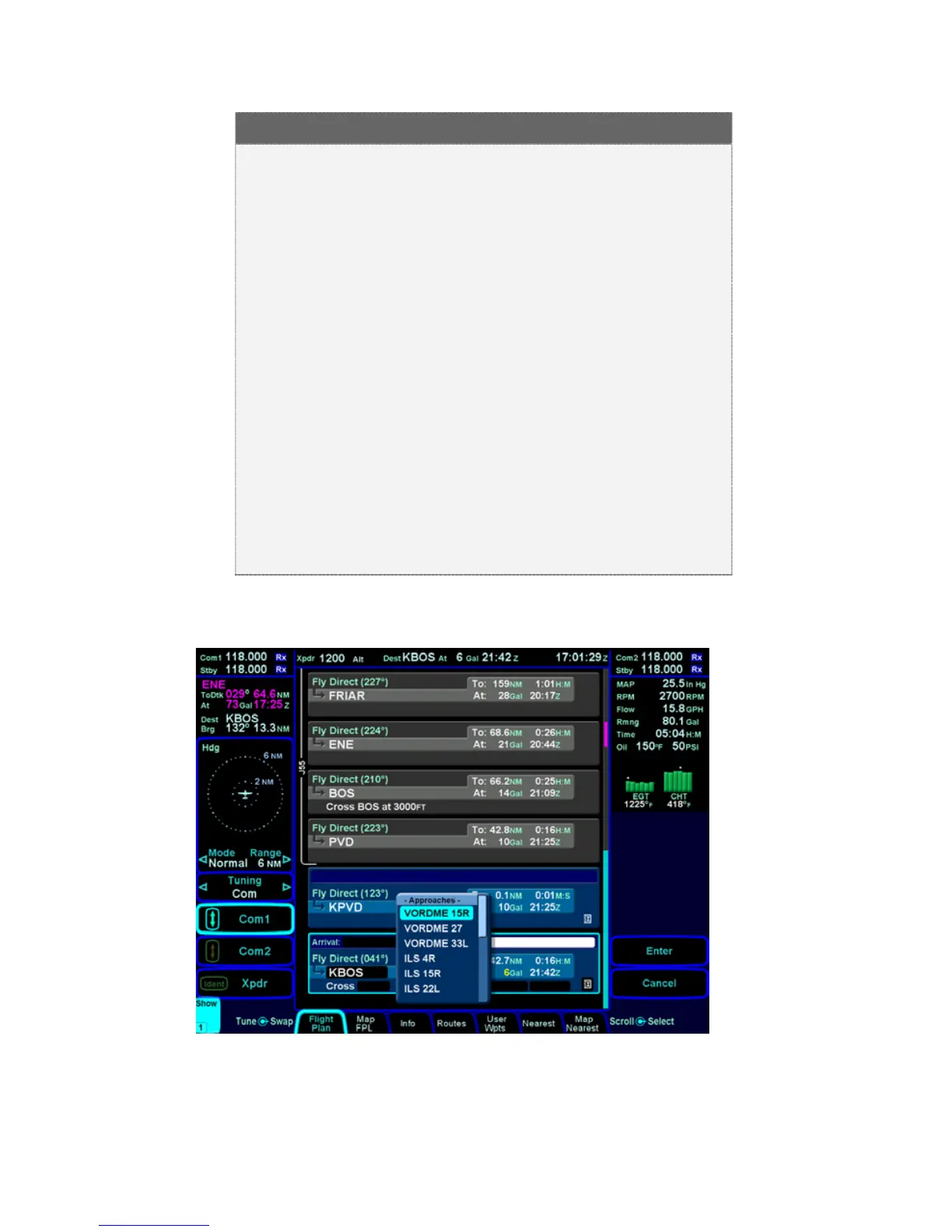
Approaches Dropdown Box














 To Next Page