D-8 Appendix D – SYS Pages
Appendix D – System Pages
“HOME” KEYS DEFINED
Function Key Home Definition
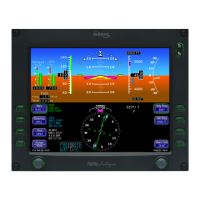
PFD
“Nav Display” tab
HSI 360 View, 10 NM range
Bearing Ptr = “Off”
Flight Plan is “on”
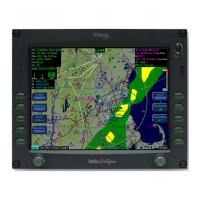
FMS
“Flight Plan” tab
View = “Expanded”
Info = “Off”
Active leg selected in flight plan
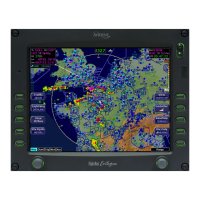
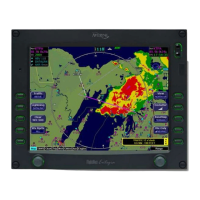
Map
“Map+” tab (Map tab on PFD)
Land Declutter = Low, Nav Declutter = Medium
Lightning = “Off”
Wx Reports = “METAR”
Wx Overlay = “NOWrad” or "ADS-B Wx"
Arc View, 40 NM range
SYS
“Engine” tab
Absolute View
CHKL
First Emergency tab
Home keys are achieved by pressing and holding the center of
the function key for a duration of approximately 2 seconds. By
doing so, the page will reconfigure to the format described by the
2
nd
column above. This is intended to be a feature that will
quickly put the IFD into a same state no matter what page/format
was being displayed.
If engine displays are not supported for a given make/model, then
the home key for the SYS page switches to the Alerts tab.




 To Next Page