Ground Operations 3-13
Setting up the Autopilot
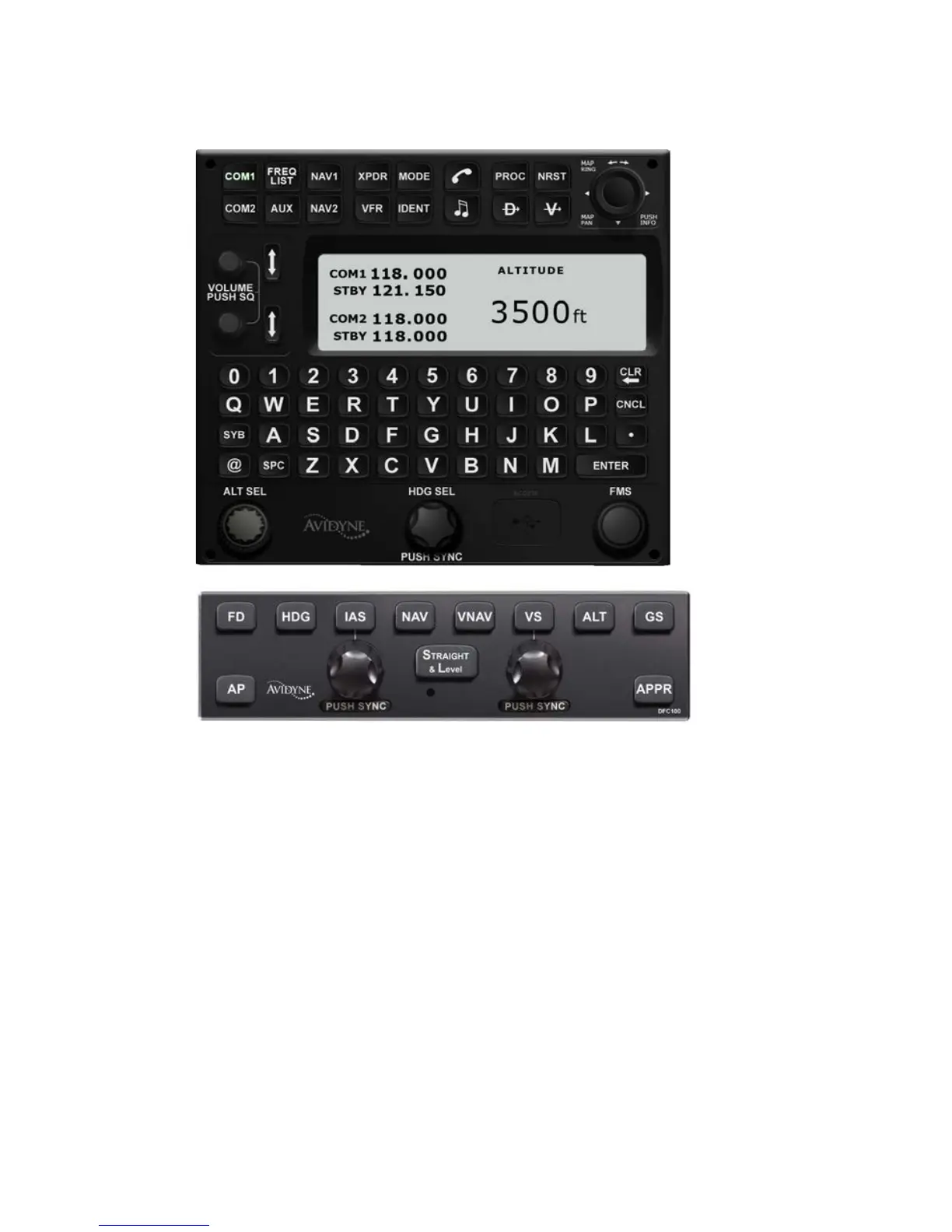
Designed primarily for speed, the keyboard knobs for Heading
and Altitude have several useful behaviors. Rotating the knobs
results in coarse control of that bug. For example, coarse control
for Altitude means that each click of the Altitude knob changes
the Altitude bug incrementally by 500’. Coarse control of Heading
means that each click of the Heading knob changes the Heading
bug incrementally by 10 degrees. In each case, pushing the knob
and rotating it activates fine control (100’ increments for altitude
and 1 degree increments for heading). Pushing the knob without
rotating syncs to the current aircraft state (altitude syncs to the
nearest 100’). Finally, when the Altitude target knob on the
keyboard has been activated, you can also type a specific
number via the keyboard, enabling a specific Decision Height
(e.g. 384’).














 To Next Page