Encore Presentation System • User’s Guide 109
4. Controller Orientation
Controller Sections
Save — press to save the state of the Encore Controller in non-volatile memory. Once
pressed, the Touch Screen reads “
Saving System Configuration.” If you cycle power, the
Controller will return to its state at the time of the “save.” In Chapter 6, refer to the “
Saving
the Setup” section on page 277 for complete details.
^äéÜ~åìãÉêáÅ=hÉóé~Ç
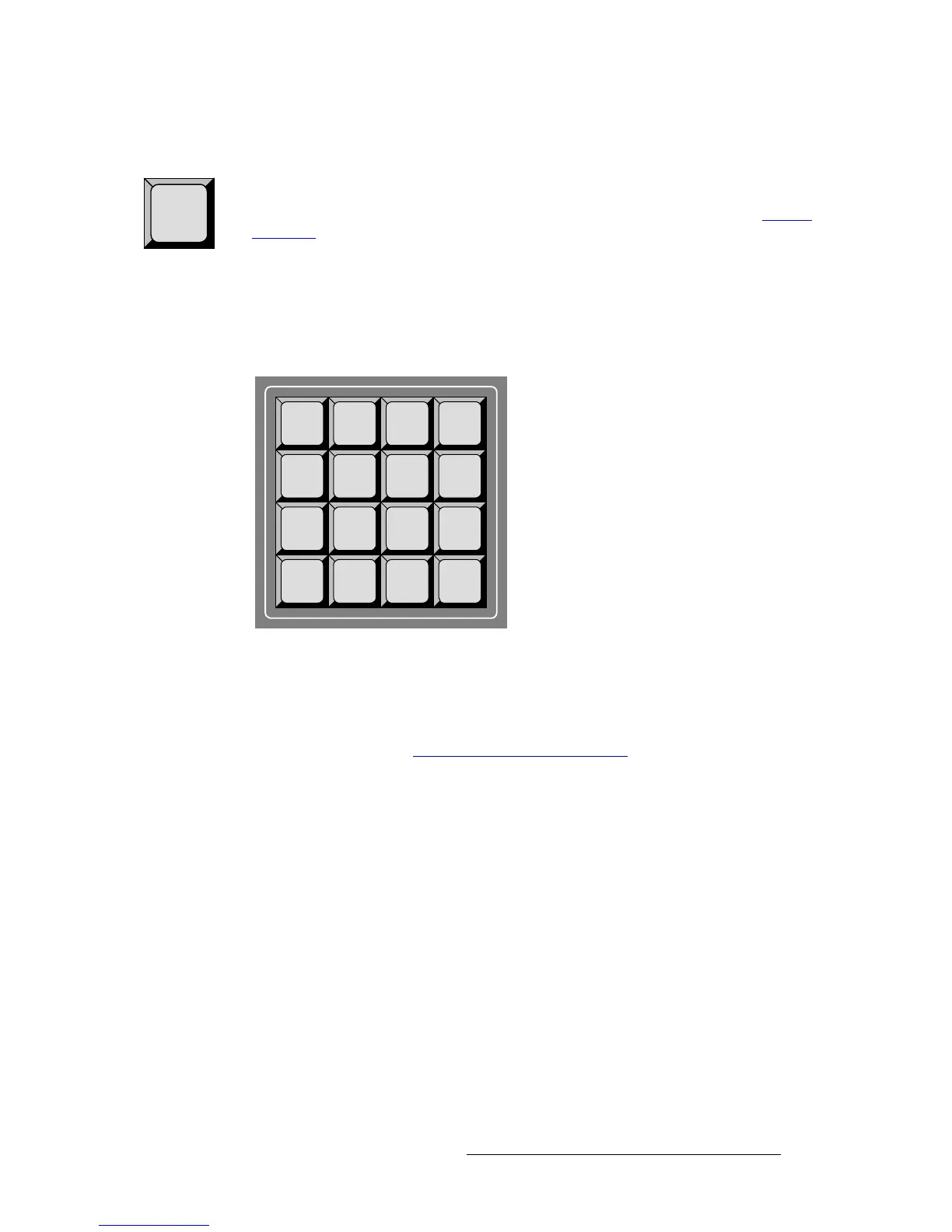
The figure below shows the Alphanumeric Keypad which is used for certain numeric
functions on the Controller LC only.
Figure 4-5. Alphanumeric Keypad, Controller LC
The Alphanumeric Keypad enables you to enter and change numeric fields (on the Touch
Screen) without having to use a rotary knob (e.g.,
ADJ), the Joystick’s Z-Axis Knob or a
customer supplied
PS/2 Keyboard.
In Chapter 7, refer to the “
Using the Alphanumeric Keypad” section on page 288 for
detailed instructions.
Save
1
ABC
2
DEF
3
Preset
GHI
4
JKL
5
MNO
6
Seq
PQRS
7
TUV
8
WXYZ
9
Time
Code
Clear 0 Enter



 To Next Page