194 Encore Presentation System • User’s Guide
5. Menu Orientation
PIP Adjustment Menu
mfm=^ÇàìëíãÉåí=jÉåì
The following topics are discussed in this section:
• PIP Adjustment Menu Tree
• PIP Adjustment Menu Description
• PIP Adjustment Menu Functions
• PIP Adjustment Sub Menus
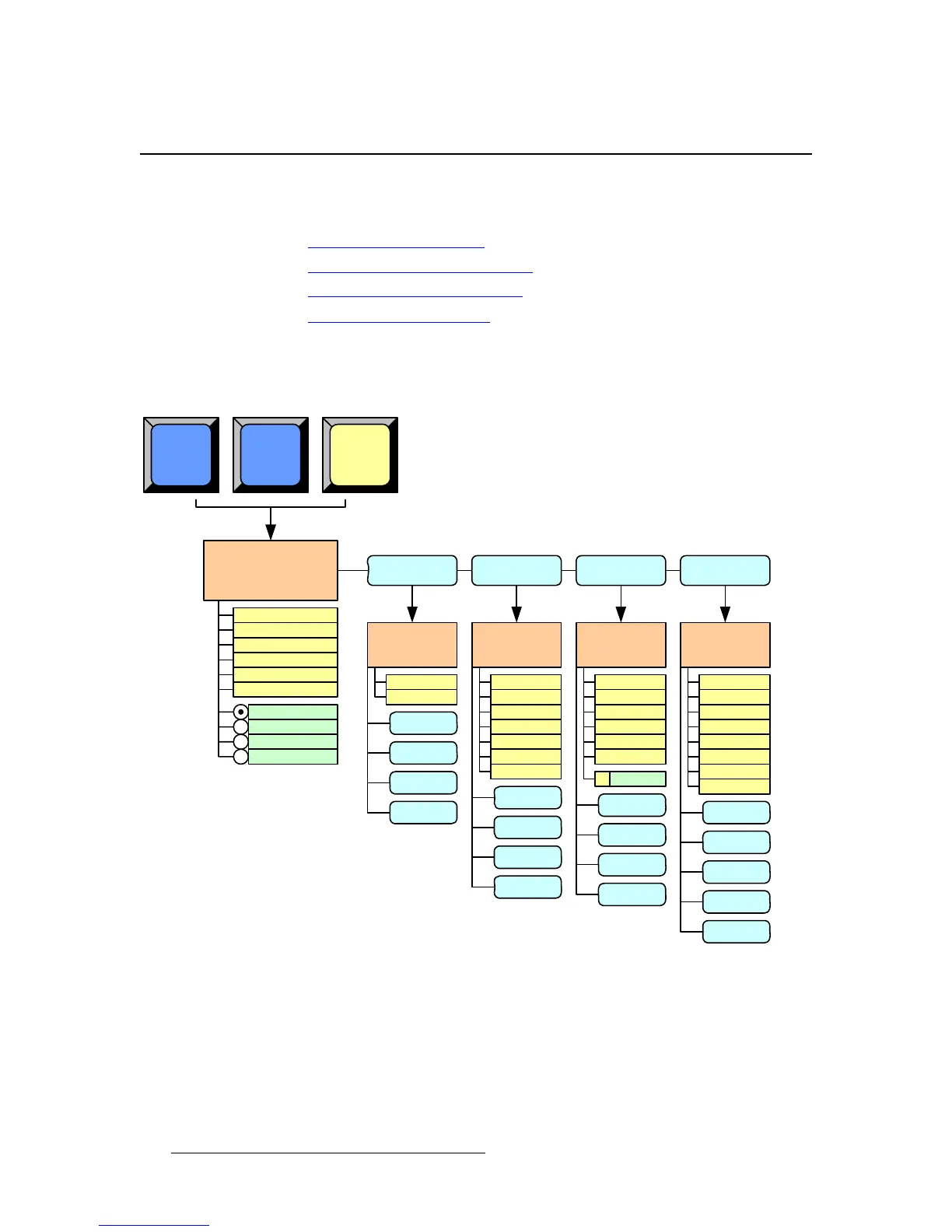
mfm=^ÇàìëíãÉåí=jÉåì=qêÉÉ
The figure below illustrates the PIP Adjustment Menu Tree:
Figure 5-49. PIP Adjustment Menu Tree
All functions and sub menus are discussed in the following sections.
Border
Menu
PIP ADJUSTMENT
MENU
H Size
V Size
BORDR
Mode
Style
Color: Red
SHDOW
Image Effects
Menu
Monochrome
EFX
PIP
Shadow
Menu
H Size
V Size
H Pos
V Pos
PIP
[ ]
A
[ ]
B
PIP
H Position
V Position
Move Rate
Color: Green
Color: Blue
Size Specified
Size
SHDOW
EFX
Transparency
Track
Track Size
3
BORDR
CLONE
Red
Green
Blue
Invert
Hue
Strobe Mode
Strobe Interval
PIP
BORDR
SHDOW
CLONE
Key Frame Effect
H Size
V Size
Rate
Mode
Clone Setup
Menu
CLONE
Destination
Clone Type
PIP
BORDR
SHDOW
EFX
CLONE
EFX
RESET
RGB



 To Next Page