224 Encore Presentation System • User’s Guide
5. Menu Orientation
Background Input Setup Menu
• Contrast — sets the input’s contrast.
~ Adjustment range: 75% to 125%
• Brightness — sets the input’s brightness.
~ Adjustment range: 75% to 125%
• Press {SAVE} to save the selected background input configuration.
• Press {APPLY FORMAT} to “activate” the selected format.
• Press {SIZING} to display the Sizing Menu. Refer to the “Sizing Menu” section
on page 145 for details.
• Press {COLOR BALANCE} to display the Color Balance Menu. Refer to the
“
Color Balance Menu” section on page 147 for details.
• Press {FORCE ACQUIRE} to automatically detect the input signal resolution and
update the display
Format field accordingly.
_~ÅâÖêçìåÇ=E~åÇ=aphF=jÉåì=cìåÅíáçåë=Ô=cd=qóéÉ
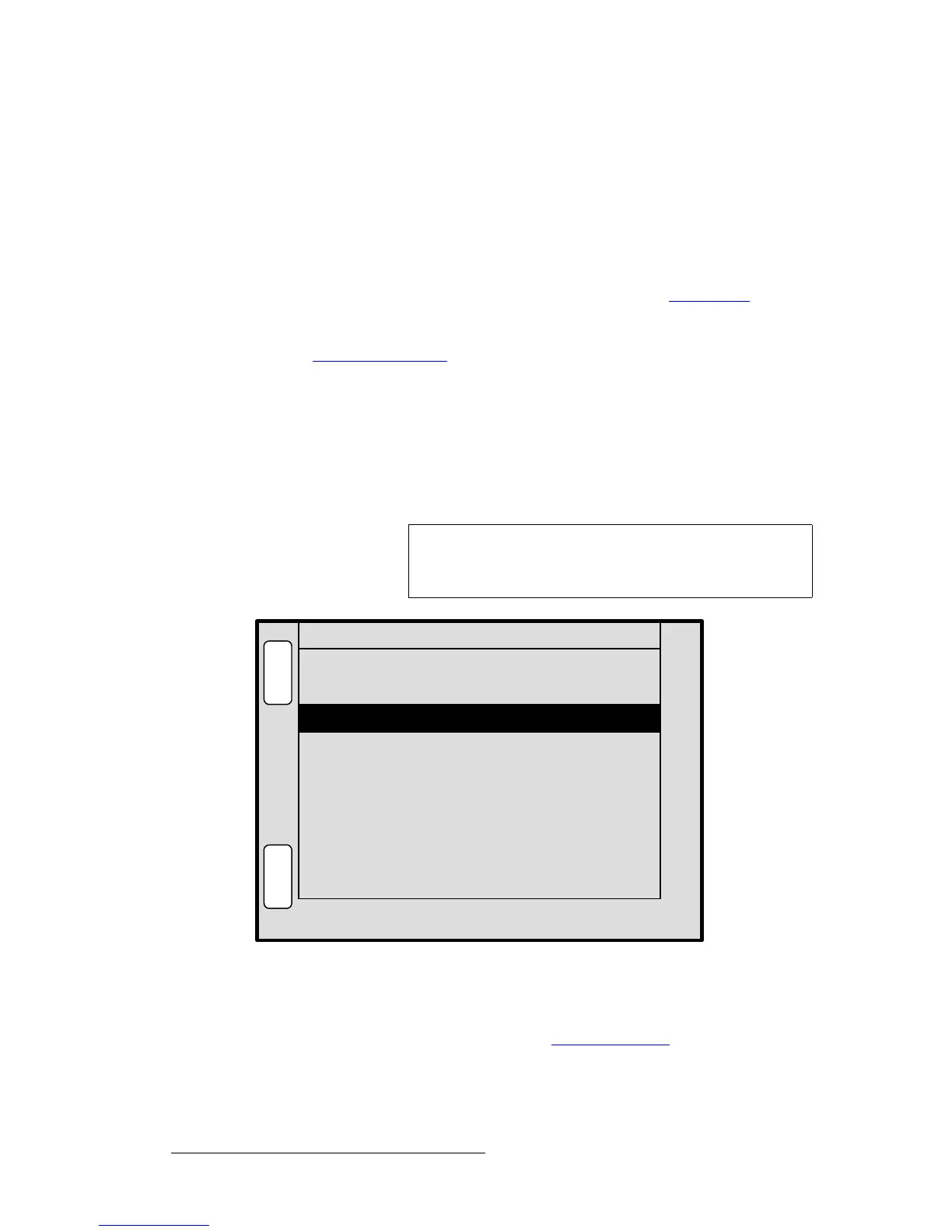
The figure below illustrates a sample BG Input Setup Menu when a captured frame grab
(
FG_1, FG_2 or FG_3) is selected as the background type.
Figure 5-71. BG (or DSK) Input Setup Menu — Frame Grab Type (sample)
When FG_1, FG_2 or FG_3 is selected as the background (or DSK) type, a captured frame
can be used as the background or DSK. This source type cannot be selected until one or
more frames have been captured. Refer to the “
Frame Grab Menu” section on page 225
for details.
Note
The functions described below also apply to the DSK Input
Setup Menu
, when FG_1, FG_2 or FG_3 is selected as the
DSK type.
ID ALL
L
O
A
D
N
A
V
A
D
J
BG INPUT SETUP BG_A
S
A
V
E
Destination [ 1 ]
Type FG_1
File to load 10
Name [ Waterfall_1 ]



 To Next Page