Encore Presentation System • User’s Guide 181
5. Menu Orientation
Miscellaneous Menu
jáëÅÉää~åÉçìë=pìÄ=jÉåìë
The following sub menus can be accessed from the Miscellaneous Menu:
• Console Port Setup Menu
• Lockout Code Menu
• EDID DVI Input Format Menu
• Video Processors ID Definition Menu
• LCD Settings Menu
• User Preference Menu
• Backup/Restore Menu
`çåëçäÉ=mçêí=pÉíìé=jÉåì
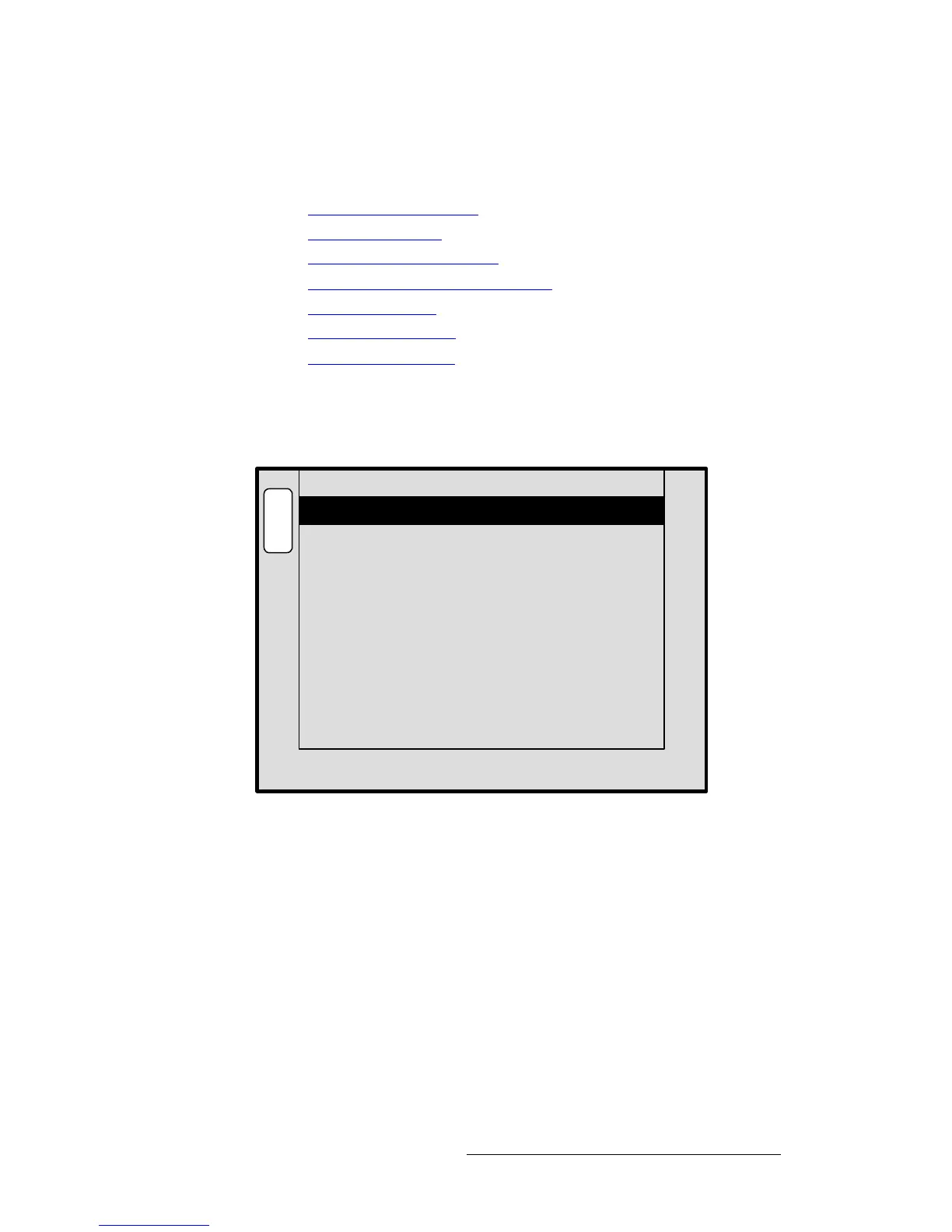
From the Miscellaneous Menu, press {CONSL} to display the Console Port Setup
Menu
:
Figure 5-36. Console Port Setup Menu (sample)
This menu enables you to verify (or change) Encore’s serial port communication settings
for the
Ext Comm port. The following functions are provided:
• Baud Rate — sets the port’s baud rate. Range: 2400 to 115200.
• Data Bits — sets the port’s data bits. Range: 5 to 8.
• Parity — sets the port’s parity: Even, Odd or None.
• Stop Bits — sets the port’s stop bits: 1, 1.5 or 2.
B
A
C
K
N
A
V
A
D
J
CONSOLE PORT SETUP
Baud Rate 115200
8Data Bits
NONEParity
1Stop Bits



 To Next Page