Encore Presentation System • User’s Guide 161
5. Menu Orientation
System Menu
aá~ÖåçëíáÅë=pÉíìé=jÉåì
From the System Menu, press {DIAG} to display the Diagnostics Setup Menu.
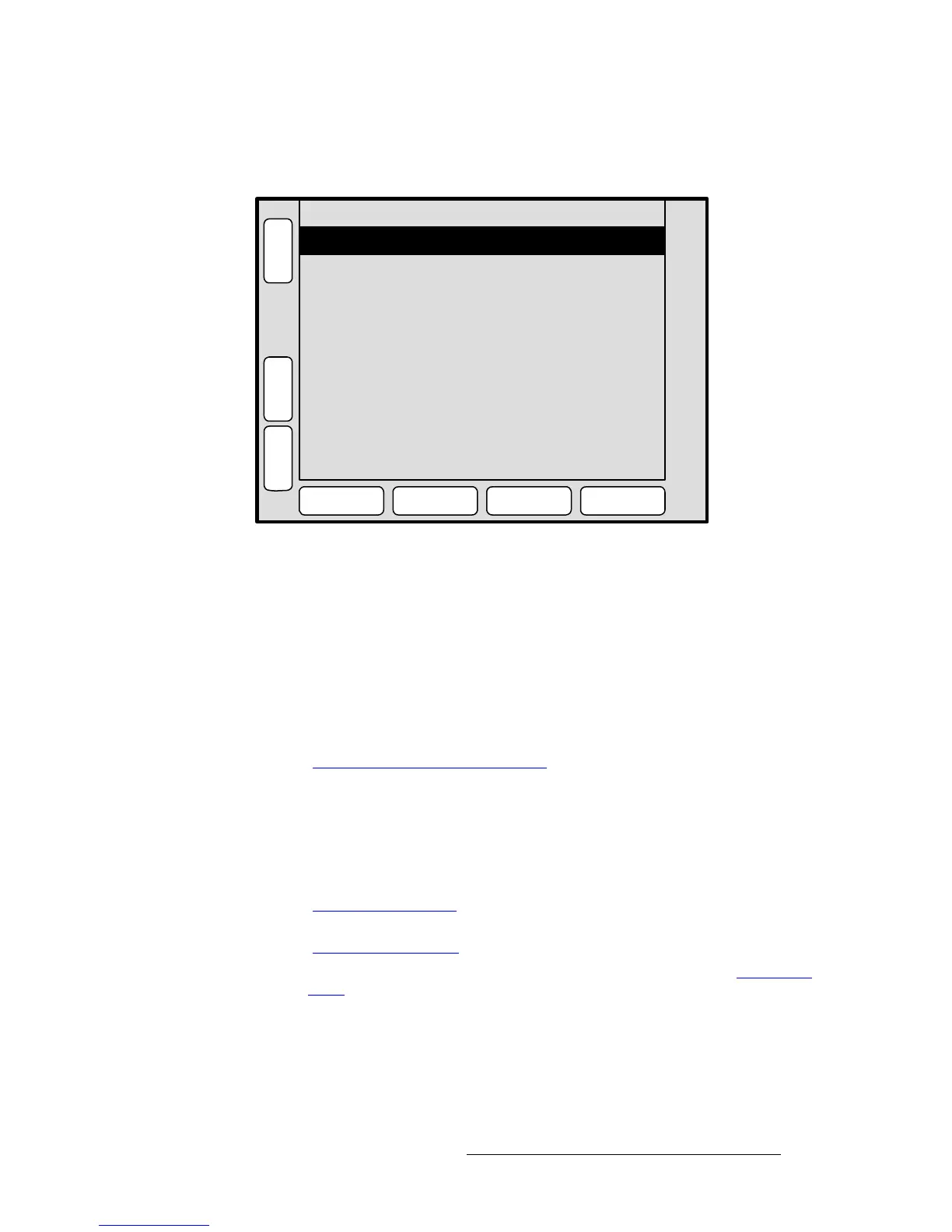
Figure 5-19. Diagnostics Setup Menu (sample)
The Diagnostics Setup Menu enables you to perform a variety of diagnostic tests on the
Controller. The following functions are provided:
• Test LED Module — selects the region of the Controller that you wish to test.
~ Controller SC: select All, Bottom or Top.
~ Controller LC: select Left, Right, Middle or Top.
• Reset Rotary Encoders — (Yes/No) determines whether or not you wish to reset
the rotary encoder values when you exit the
Rotary Encoder Menu.
• Press {LINKS} to display the Widescreen Link Diagnostics Menu. Refer to the
“
Widescreen Link Diagnostics Menu” section on page 162 for details.
• Press {TALLY} to display the Tally Diagnostic Menu, and immediately start a test
of all eight tally relays. This procedure takes several seconds to complete. Press
{EXIT} when complete.
• Press {START LED TEST} to begin testing the selected LED module. This
procedure takes several seconds to complete. Press
{EXIT} when complete.
• Press {ROTARY ENCODER} to display the Rotary Encoder Menu. Refer to the
“
Rotary Encoder Menu” section on page 163 for details.
• Press {TBAR & JOYSTICK} to display the TBar & Joystick Menu. Refer to the
“
TBar & Joystick Menu” section on page 164 for details.
• Press {KEY DETECT} to display the Key Detect Menu. Refer to the “Key Detect
Menu” section on page 165 for details.
Reset Rotary Encoders Yes
B
A
C
K
N
A
V
A
D
J
DIAGNOSTICS SETUP
START
LED TEST
KEY
DETECT
Test LED Module Top
TBAR &
JOYSTICK
ROTARY
ENCODER
L
I
N
K
S
T
A
L
L
Y



 To Next Page