Encore Presentation System • User’s Guide 281
7. Operations
Operational Configuration
léÉê~íáçå~ä=`çåÑáÖìê~íáçå
The following topics are discussed in this section:
• Monitor Layout
• Touch Screen Calibration
• Wide Screen Markers
• Lookahead Preview
• Understanding Raster Boxes
• A Word About LOS
• Setting User Preferences
• Understanding Input File Mapping
jçåáíçê=i~óçìí
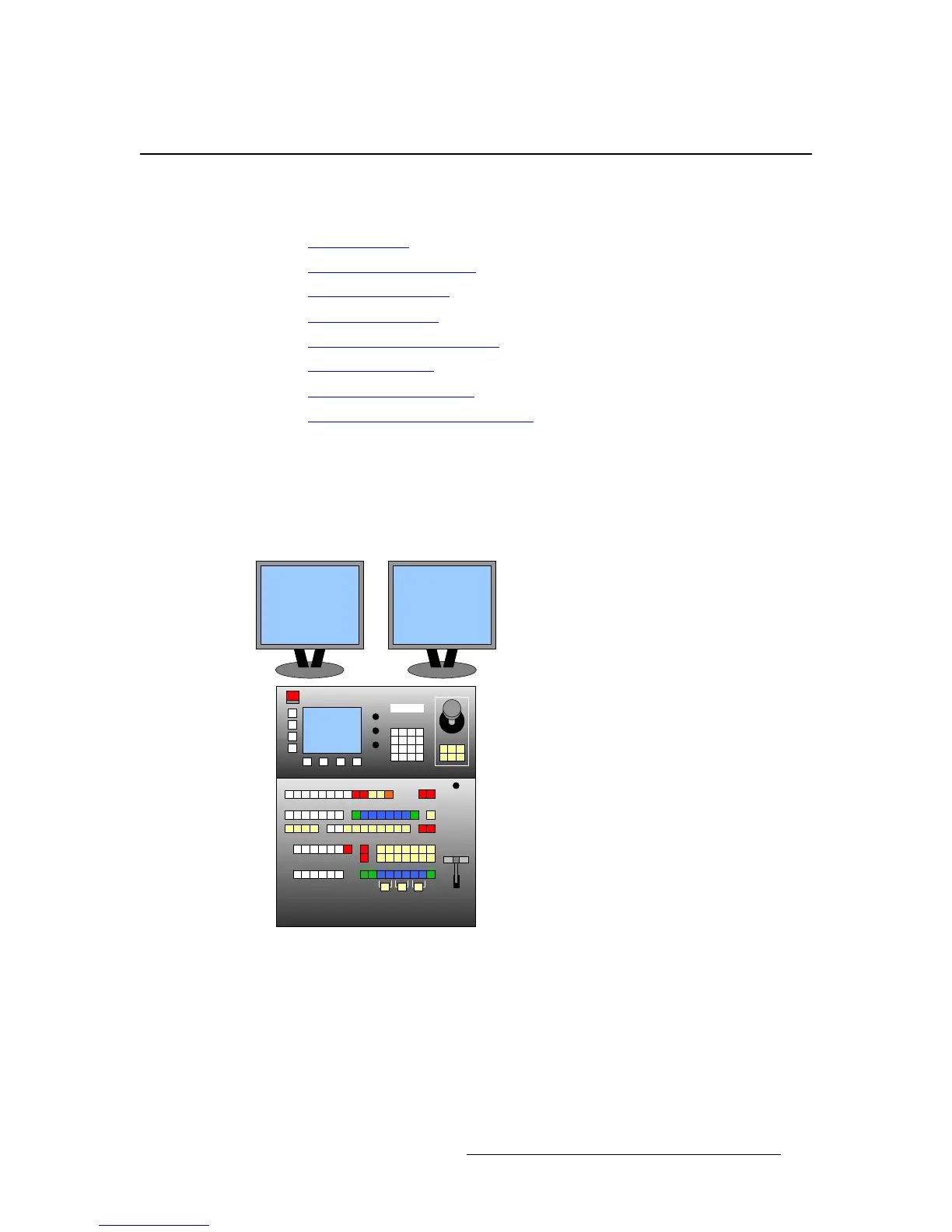
Use the following diagrams as recommended layouts for Program and Preview monitors:
• Single Screen Application — For optimum viewing and utility, place your
Preview monitor on the left, and your Program monitor on the right.
Figure 7-1. Single Screen Application Layout
Preview Program



 To Next Page