208 Encore Presentation System • User’s Guide
5. Menu Orientation
Key Menu
• Blue — adjusts the blue component of the matte fill, from 0 to 1024.
• Press {STATS} to display the Status Menu. Refer to the “Status Menu” section
on page 193 for details.
• Press {KEY} to display the Key Menu. Refer to the “Key Menu Description”
section on page 204 for details.
• Press {EFX} to display the Image Effects Menu. Refer to the “Image Effects
Menu” section on page 201 for details.
• Check {TRACK RGB} to lock RGB values together, and adjust them all
simultaneously. Uncheck to unlock the values, and adjust colors individually.
• Press {SIZE & POS} to display the Key Adjustment Menu. Refer to the “Key
Adjustment Menu” section on page 208 for details.
hÉó=^ÇàìëíãÉåí=jÉåì
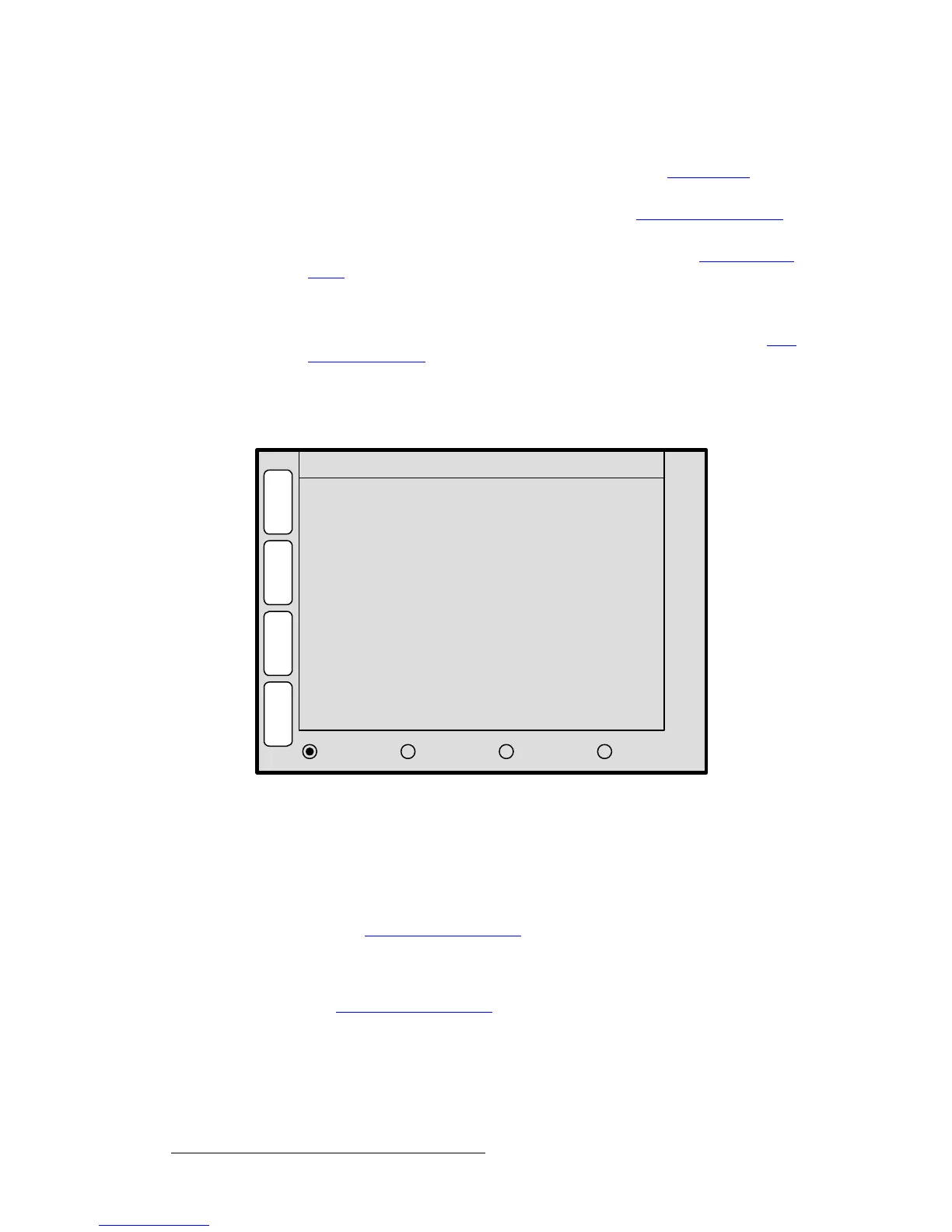
From the Key Menu, press {SIZE & POS} to display the Key Adjustment Menu.
Figure 5-60. Key Adjustment Menu (sample)
The Key Adjustment Menu is virtually identical to the PIP Adjustment Menu — except
that it pertains to Keys rather than PIPs. The following functions are provided:
• H Size — adjusts the Key’s horizontal size. The “%” value indicates the key’s size
as a percentage of the screen’s horizontal resolution. The numeric value is the
Key’s width in pixels. To adjust, use the Joystick’s Z-Axis knob or the
SIZE knob.
See the “
Key Joystick Functions” section on page 209 for details.
• V Size — adjusts the PIP’s vertical size. The “%” value indicates the PIP’s size as
a percentage of the screen’s vertical resolution. The numeric value is the PIP’s
height in pixels. To adjust, use the Joystick’s Z-Axis knob or the
SIZE knob. See
the “
Key Joystick Functions” section on page 209 for details.
• H Position — indicates the Key’s position, relative to the horizontal center of the
screen (
00), as measured from the exact center of the Key. Thus, the value -160
is 160 pixels to the left of center. To adjust, move the Joystick left and right.
H Position
V Position
V Size < 58.3% >
Move Rate
448
-160
2.0
S
T
A
T
S
S
I
Z
E
H
P
O
S
KEY ADJUSTMENT
K
E
Y
H Size < 33.5% > 606
OPERATION:
JOY Z TO SIZE, X Y TO POSITION
64
V
P
O
S
TRACK H SIZE V SIZE RATE
M
A
T
T
E
E
F
X
Key Frame Effect [ N/A ]



 To Next Page