Encore Presentation System • User’s Guide 177
5. Menu Orientation
System Menu
Lantronix Setup Menu
On the Router Specification Menu, when Communication Type is set to LANTRONIX,
press
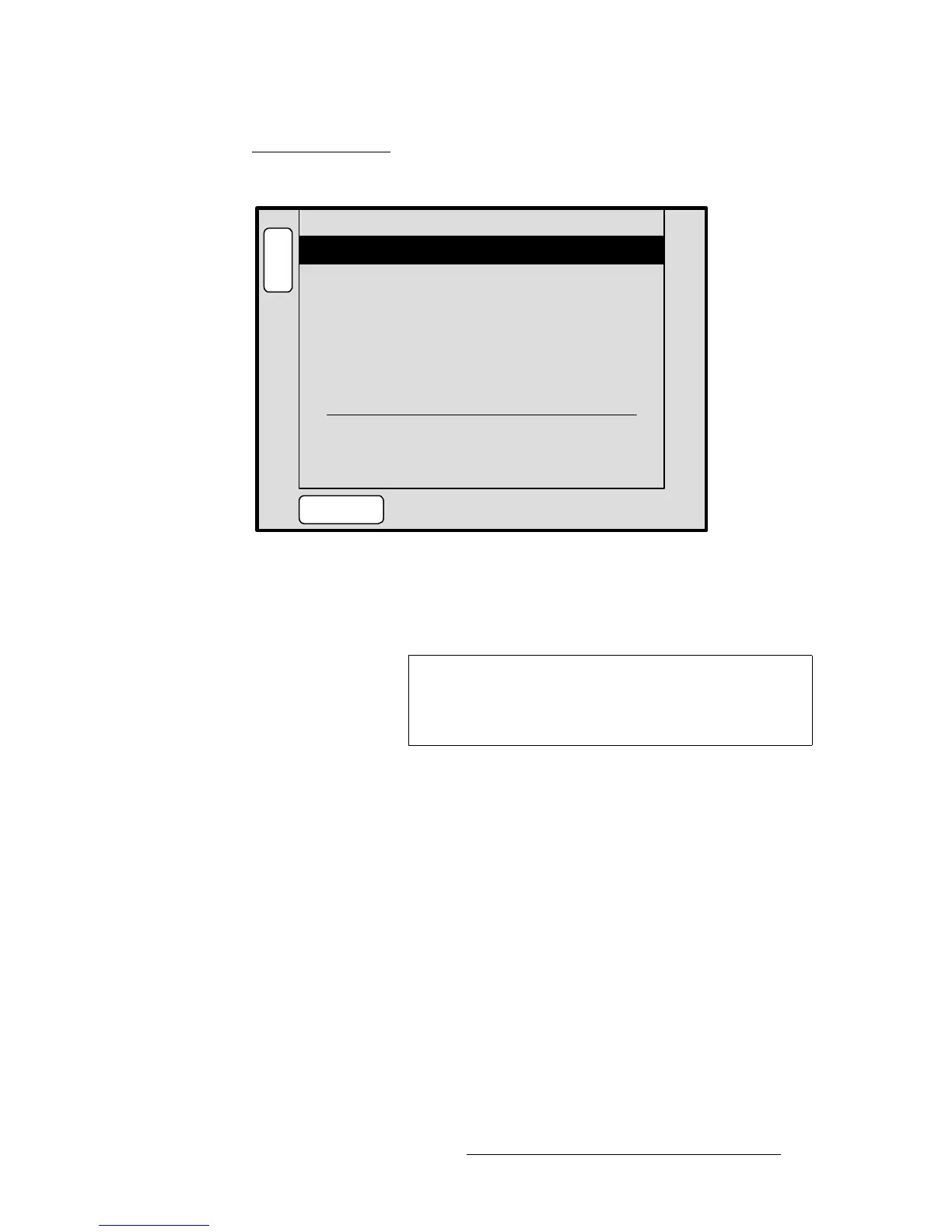
{COMM SETUP} to display the Lantronix Setup Menu:
Figure 5-32. Lantronix Setup Menu (sample)
The Lantronix Setup Menu enables you to set parameters for multiple Lantronix Ethernet-
to-Serial device servers. Encore supports Lantronix models
UDS100 and UDS200. The
menu will appear blank until the Lantronix device is “discovered.”
• Number — selects the number of the Lantronix device that you wish to set up.
• Press {DISCOVER LTRX} to set up communications with the Lantronix device.
• Channel — sets the specific Lantronix channel (1 or 2) that you wish to set up.
~ The Lantronix UDS 100 can control one serial router.
~ The Lantronix UDS 200 can control two serial routers.
• Baud Rate — sets the selected channel’s baud rate.
• Data Bits — sets the selected channel’s data bits.
• Stop Bit — sets the selected channel’s stop bit.
• Parity — sets the selected channel’s parity.
• IP — displays the IP address of the Lantronix. This parameter must be set at the
device itself.
• MAC Addr — displays the hard-coded MAC address of the Lantronix.
B
A
C
K
N
A
V
A
D
J
LANTRONIX SETUP
Number < EMPTY >
[ N/A ]Channel
[ N/A ]Baud rate
[ N/A ]Data bits
DISCOVER
LTRX
[ N/A ]Stop bit
[ N/A ]Parity
IP: N/A
MAC Addr: [ N/A ]
Important
Prior to pressing {DISCOVER LTRX}, set up a static IP
address on the Lantronix device itself. The recommended
range is
192.168.0.191 - 192.168.0.240. Refer to the
Lantronix UDS100 or UDS200 User’s Guide for details.



 To Next Page