176 Encore Presentation System • User’s Guide
5. Menu Orientation
System Menu
• Press {TEST COMM} to test communications with the defined router:
~ If the test is successful, a “ROUTER CONNECTED” message will
appear that includes the Router name and version.
~ If the test is unsuccessful, a “ROUTER FAILED” message will appear. In
this condition, re-check all connections and settings, and repeat the test.
RS-232 Setup Menu
On the Router Specification Menu, when Communication Type is set to RS-232, press
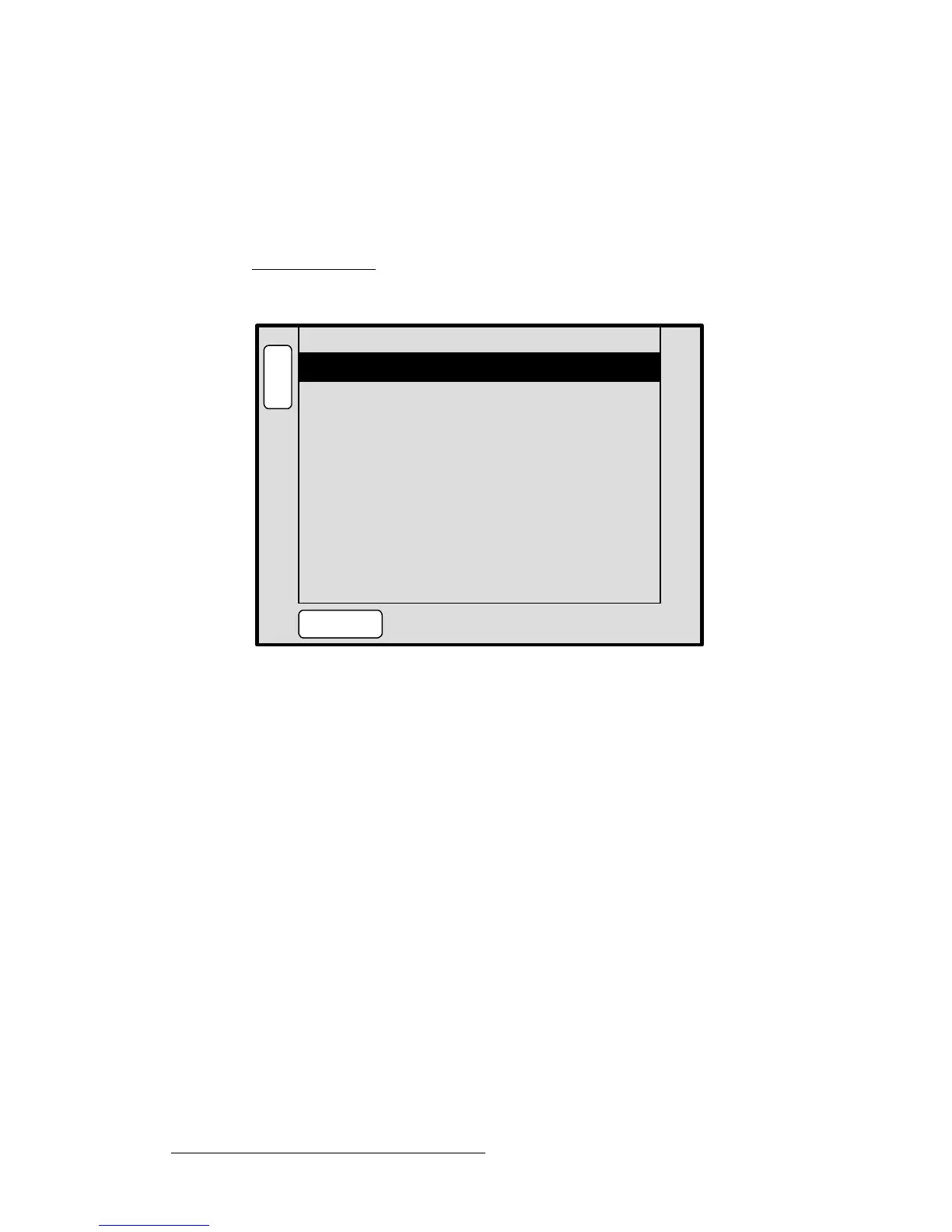
{COMM SETUP} to display the RS-232 Setup Menu:
Figure 5-31. RS-232 Setup Menu (sample)
The RS-232 Setup Menu enables you to set the router’s RS-232 baud rate only. All other
parameters are fixed.
• Baud Rate — sets the desired baud rate (9600, 14400, 19200, 28800, 38400,
57600, 115200).
• Data Bits — fixed at 8.
• Parity — fixed at None.
• Stop Bits — fixed at 1.
• Press {TEST COMM} to test communications with the defined router:
~ If the test is successful, a “ROUTER CONNECTED” message will
appear that includes the Router name and version.
~ If the test is unsuccessful, a “ROUTER FAILED” message will appear. In
this condition, re-check all connections and settings, and repeat the test.
B
A
C
K
N
A
V
A
D
J
RS232 SETUP
Baud Rate 115200
[ 8 ]Data Bits
[ NONE ]Parity
[ 1 ]Stop Bits
TEST
COMM



 To Next Page