Encore Presentation System • User’s Guide 171
5. Menu Orientation
System Menu
kÉíïçêâ=pÉíìé=jÉåì
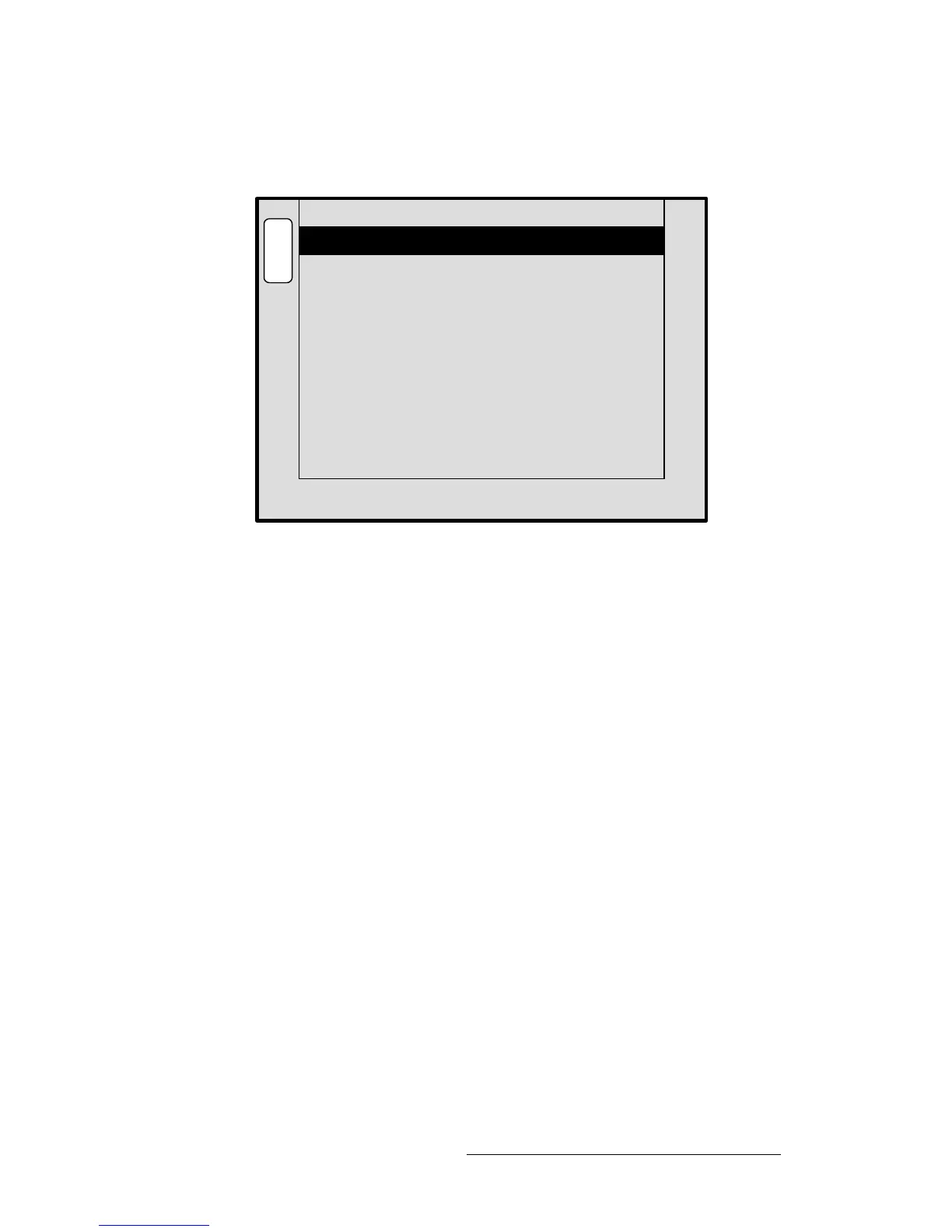
From the System Menu, press {NETWORK SETUP} to display the Network Setup Menu.
Figure 5-27. Network Setup Menu (sample)
For reference only, the Network Setup Menu displays the available IP range for the
Encore system. The following information is provided:
• Network DHCP — this non-selectable field confirms that the Controller is a DHCP
server, by showing the
[SERVER] label.
• Ctrlr IP — this non-selectable field shows the Controller’s IP address.
• Port — this non-selectable field shows the Controller’s port.
• IP Range from / to — these non-selectable fields show the system’s available IP
range that the server can provide.
B
A
C
K
N
A
V
A
D
J
NETWORK SETUP
Network DHCP [ Server ]
Ctrlr IP [ 192.168.000.01 ]
[ 3000 ]Port
[ 192.168.0.11 ]IP Range from
[ 192.168.0.191 ]to
:
:



 To Next Page