210 Encore Presentation System • User’s Guide
5. Menu Orientation
Crop Menu
`êçé=jÉåì
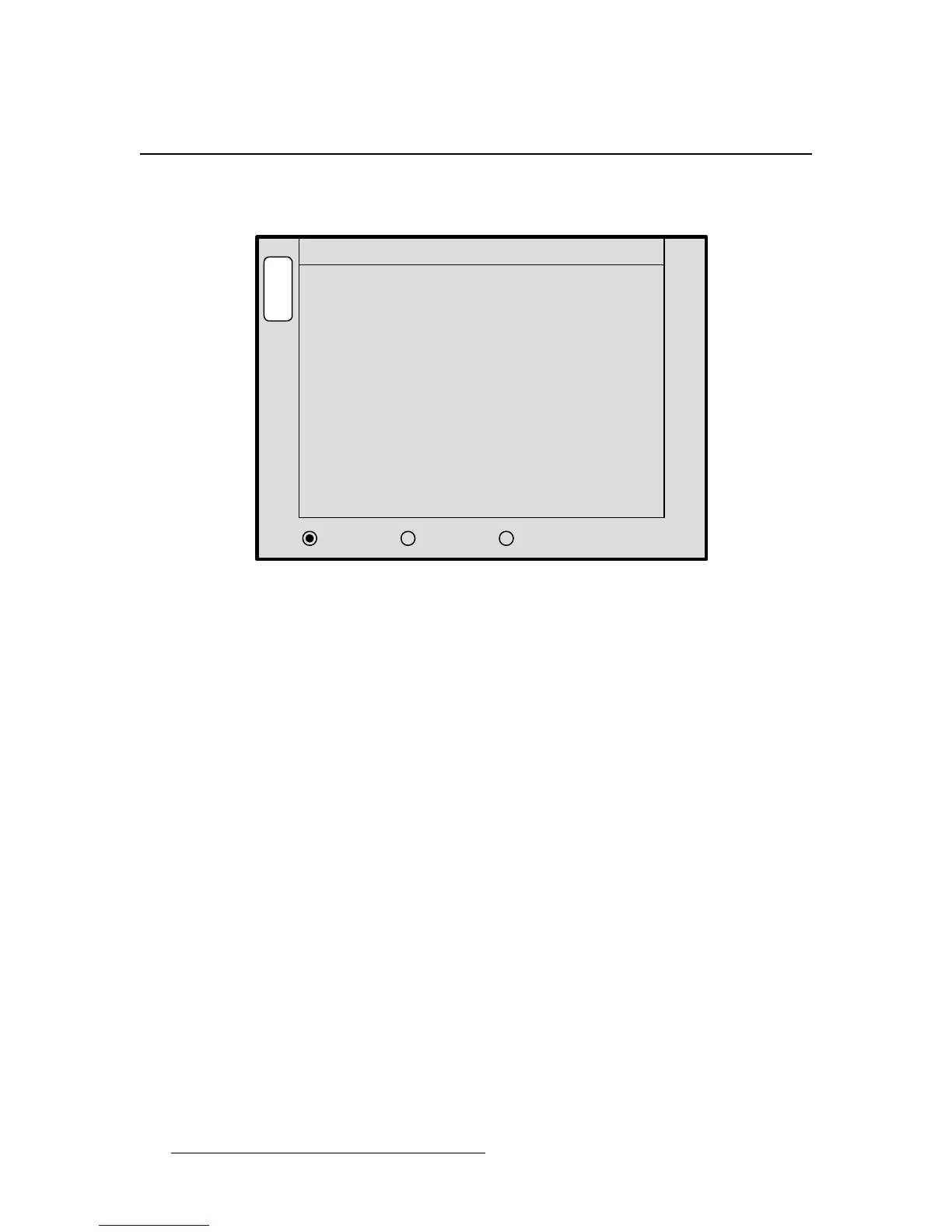
With a PIP or a Key selected, press Crop to display the Crop Menu.
Figure 5-61. Crop Menu (sample)
The Crop Menu enables you crop the sides of a PIP or a Key without affecting the size of
the source image. The following functions are provided:
• H Size — indicates the PIP or Key’s horizontal size. The “%” value indicates size
as a percentage of the screen’s horizontal resolution. The numeric value is the
width in pixels. To crop, use the Joystick’s
Z-Axis knob or the SIZE knob.
• V Size — indicates the PIP or Key’s vertical size. The “%” value indicates size as
a percentage of the screen’s vertical resolution. The numeric value is the height in
pixels. To crop, use the Joystick’s
Z-Axis knob or the SIZE knob.
• Aspect Ratio Mode — rotate the MODE knob to select one of several standard
aspect ratios:
16:9, 5:4, 4:3, 3:2 and 1:1.
• Ratio — Rotate the RATIO knob to select a custom aspect ratio.
• Press {TRACK} to proportionally crop H and V edges.
• Press {H SIZE} to crop only the left and right edges.
• Press {V SIZE} to crop only the top and bottom edges.
Please note the following important points:
• To remove crop effects from the layer, press the RESET button in the Joystick
Section
. No other parameters will be affected.
• If you enter the Crop Menu for a layer that is already cropped, if you crop the
layer further,
RESET returns the image to its state when the menu was enabled.
• To c omp le t el y RESET a layer to a non-cropped state, exit the Crop Menu and re-
select the source in the
Source Selection Bus.
• While in the Crop Menu, selecting different sources into the layer causes a
relative crop to be applied to the new source within the layer.
- - - - Aspect Ratio - - - -
Mode
V Size < 50.0% >
Ratio
512
1.333
S
T
A
T
S
S
I
Z
E
M
O
D
E
H Size < 53.3% > 682
OPERATION:
JOY Z TO CROP SIZE
4:3
R
A
T
I
O
TRACK H SIZE V SIZE
CROP ADJUSTMENT ALL-SIDES



 To Next Page