160 Encore Presentation System • User’s Guide
5. Menu Orientation
System Menu
pçÑíï~êÉ=sÉêëáçå=jÉåì
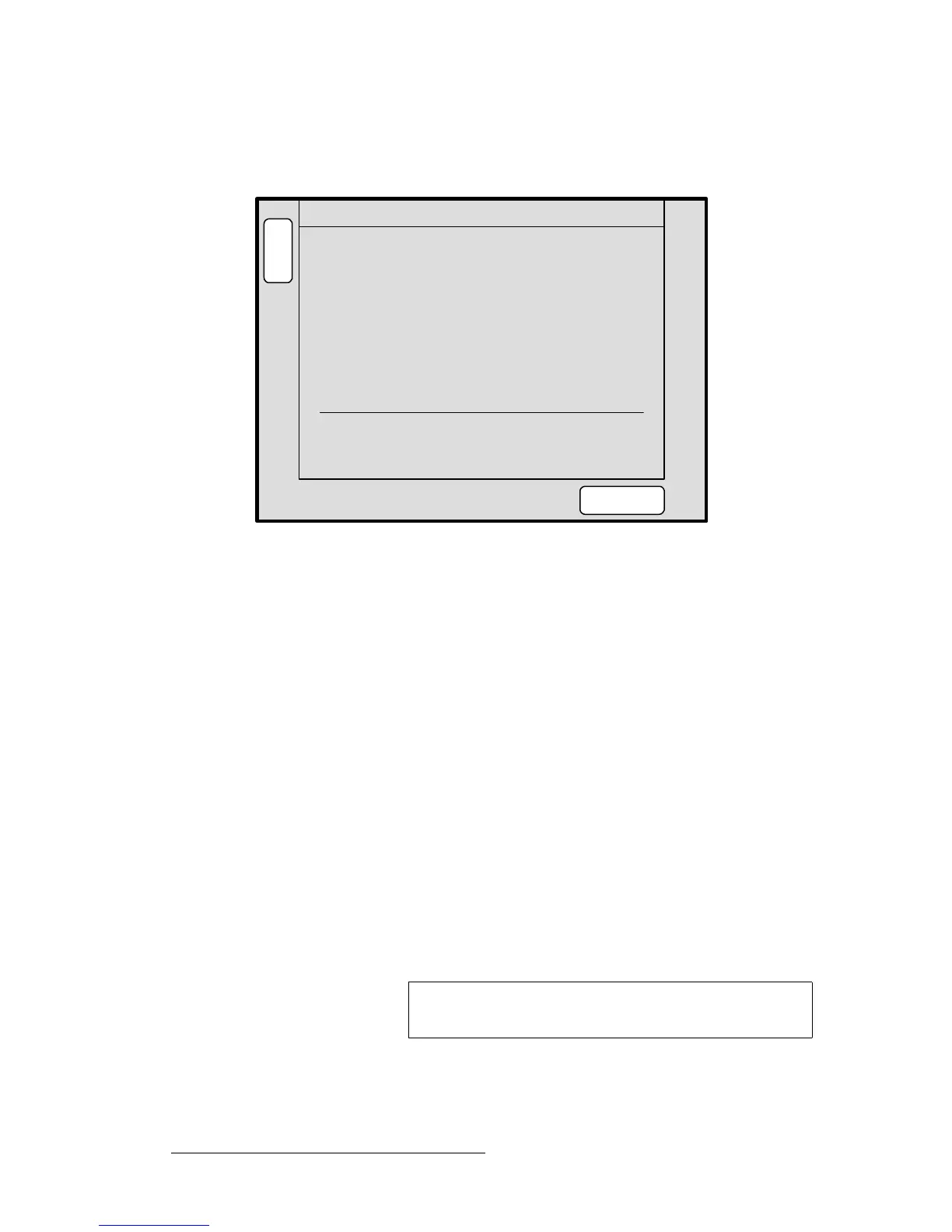
From the System Menu, press {SW VER} to display the Software Version Menu.
Figure 5-18. Software Version Menu (sample)
The Software Version Menu displays the software versions for all connected Video
Processors and ScreenPRO-IIs. The following functions are provided:
• Controller — displays the Controller’s software version.
• VP — these lines display each Video Processor’s software version. One line is
shown for each active destination.
• SP — these lines display each ScreenPRO-II’s software version. One line is
shown for each active destination.
• In the lower portion of the menu, the system actively compares all software
versions to that of the Controller:
~ If all software versions match the Controller’s version, the display
indicates “
All Software in device(s) match”
~ If a mismatch is present, the display indicates “Software version
mismatch!
,” and the {DOWNLOAD CODE} label appears.
• Press {DOWNLOAD CODE} to begin the software download process,
downloading code from the Controller to only those “mismatched” units. The
entire process takes several minutes to complete.
• Press {FORCE DOWNLOAD} to download code to all connected devices,
typically for troubleshooting purposes, or to simply guarantee identical code in
your entire system. This process also takes several minutes to complete.
B
A
C
K
N
A
V
A
D
J
SOFTWARE VERSION
Controller 1.10
VP 1: 1.10 VP 2: 1.10
VP 3: 1.10 VP 4: 1.10
SP 5: 1.10
FORCE
DOWNLOAD
All software in device(s) match.
Note
PG UP and PG DN softkeys will appear when the device list
gets too long to display on one page.



 To Next Page