116 Encore Presentation System • User’s Guide
4. Controller Orientation
Controller Sections
pçìêÅÉ=pÉäÉÅíáçå=_ìë
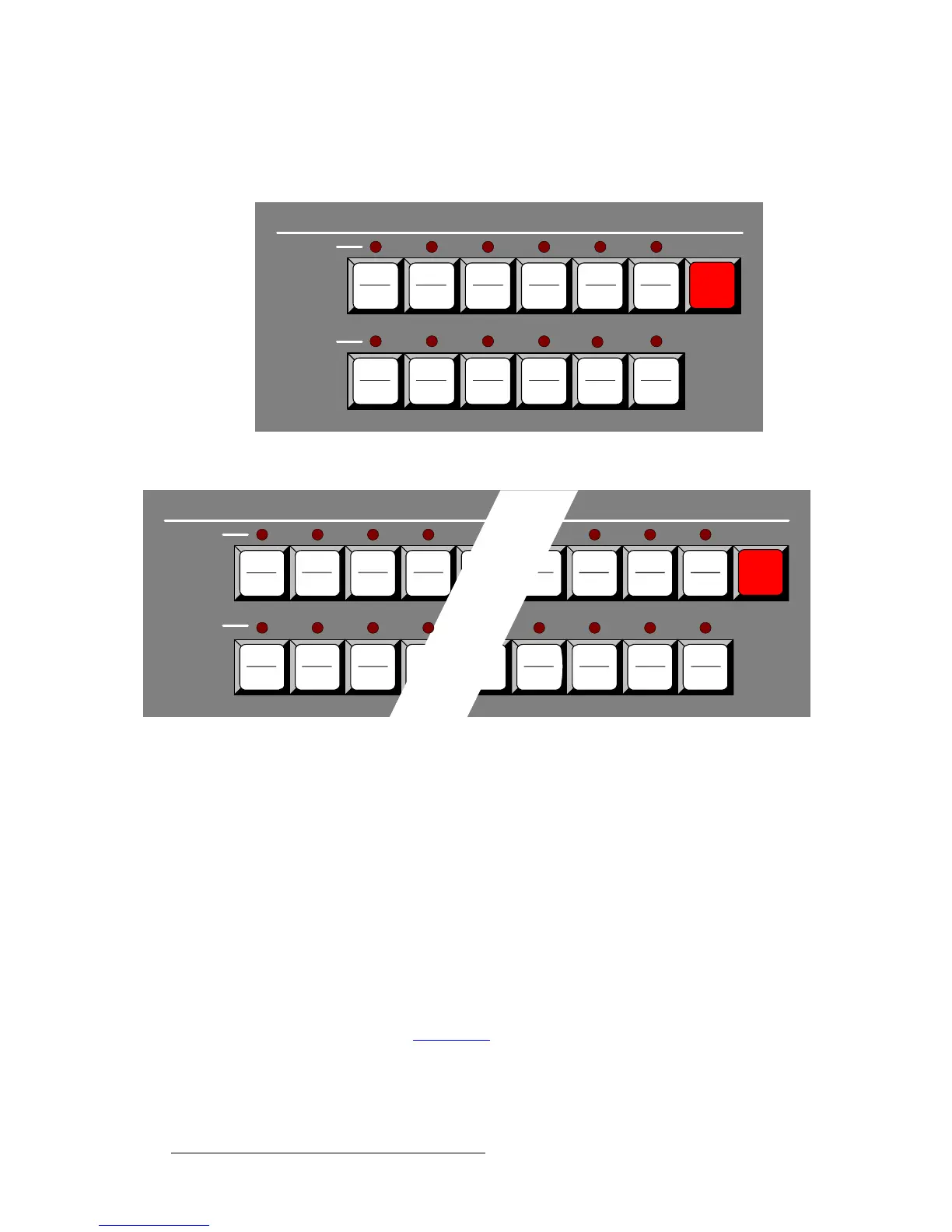
The figures below illustrate the Source Selection Bus on each Controller model.
Figure 4-13. Source Selection Bus, Controller SC
Figure 4-14. Source Selection Bus, Controller LC
Please note the following important points:
• Each numbered button represents two sources — one shifted and one un-shifted.
• The Controller SC includes buttons for 24 sources.
~ Sources 1 - 12 are accessed directly.
~ Sources 13 - 24 are accessed by pressing Shift + source.
• The Controller LC has buttons for 64 sources.
~ Sources 1 - 32 are accessed directly.
~ Sources 33 - 64 are accessed by pressing Shift + source.
• Each source button represents an input that you can assign to a PIP or Key, or
route to a specified destination. Each input is either a “direct” connection to the
Processor or an assigned router input.
In Chapter 6, refer to the “
Input Setup” section on page 271 for details on source setup
procedures.
12
24
7
19
8
20
9
21
10
22
Program
Shift
6
18
1
13
2
14
3
15
4
16
11
23
5
17
SOURCE SELECTION
Program
29
61
30
62
31
63
32
64
17
49
18
50
19
51
20
52
Program
Shift
13
45
14
46
15
47
16
48
1
33
2
34
3
35
SOURCE SELECTION
Program



 To Next Page