Encore Presentation System • User’s Guide 125
4. Controller Orientation
Controller Sections
qê~åëáíáçå=pÉÅíáçå
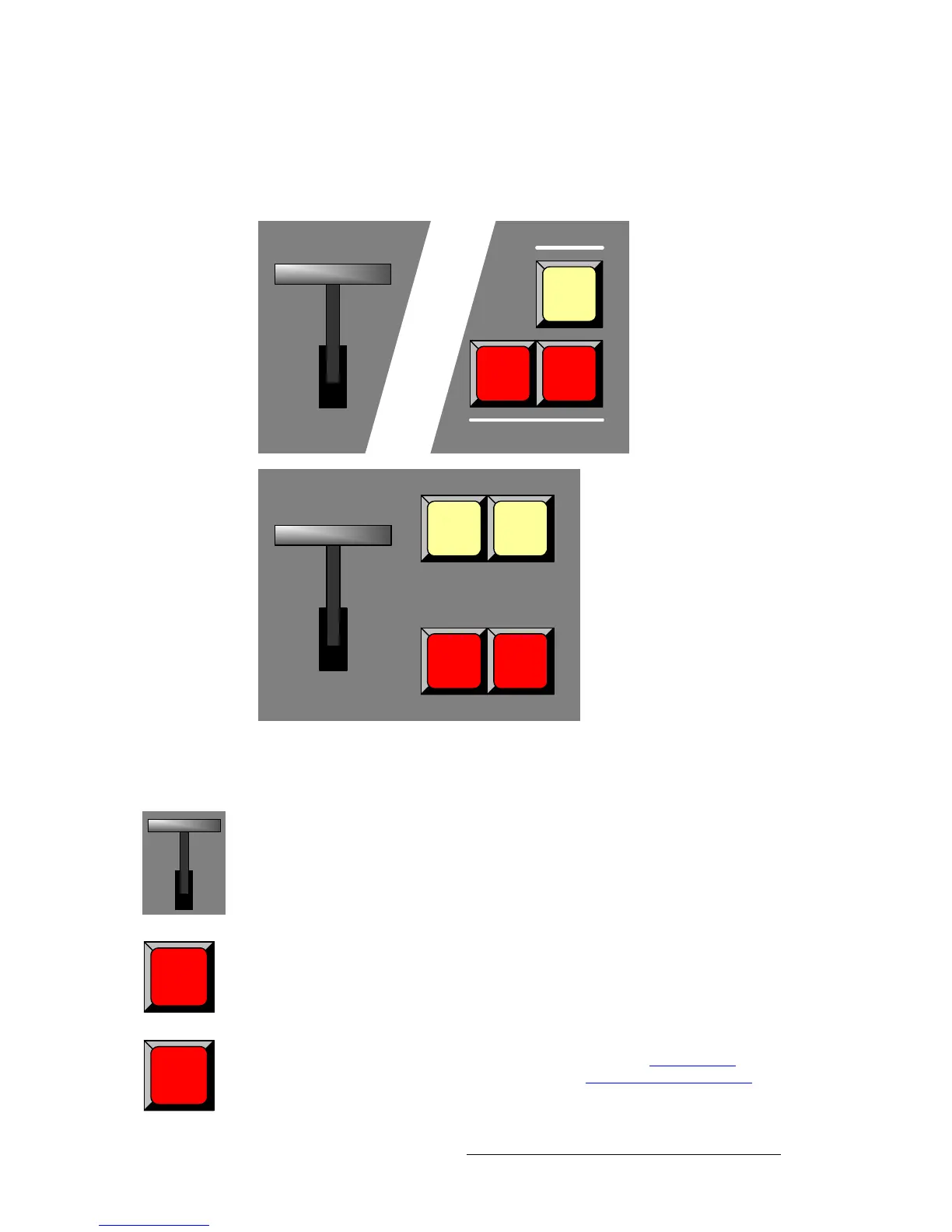
The figures below illustrate the Transition Section on each Controller. The sections are
essentially identical.
Figure 4-20. Transition Sections
Descriptions of each button and control are provided below:
T-Bar — enables you to perform smooth, manual transitions. Each time the T-Bar is
moved from limit to limit, the “look” on Preview transitions to Program using the selected
transition type (as chosen on the
Effects Menu).
Cut — press to instantly cut the setup (or “look”) from Preview to Program.
Auto Trans — press to transition automatically from Preview to Program at a pre-defined
rate as chosen on the
Effects Menu. In Chapter 5, refer to the “Effects Menu” section on
page 190 for menu details. In Chapter 7, refer to the “
Working with Transitions” section
on page 320 for operational procedures.
Cut
Auto
Trans
GO / +
TRANSITIONS
SEQS
GO / + GO / -
Cut
Auto
Trans
Controller
LC
Controller
SC
Cut
Auto
Trans



 To Next Page