132 Encore Presentation System • User’s Guide
4. Controller Orientation
Controller Sections
qê~åëáíáçå=cìåÅíáçåë=pÉÅíáçå
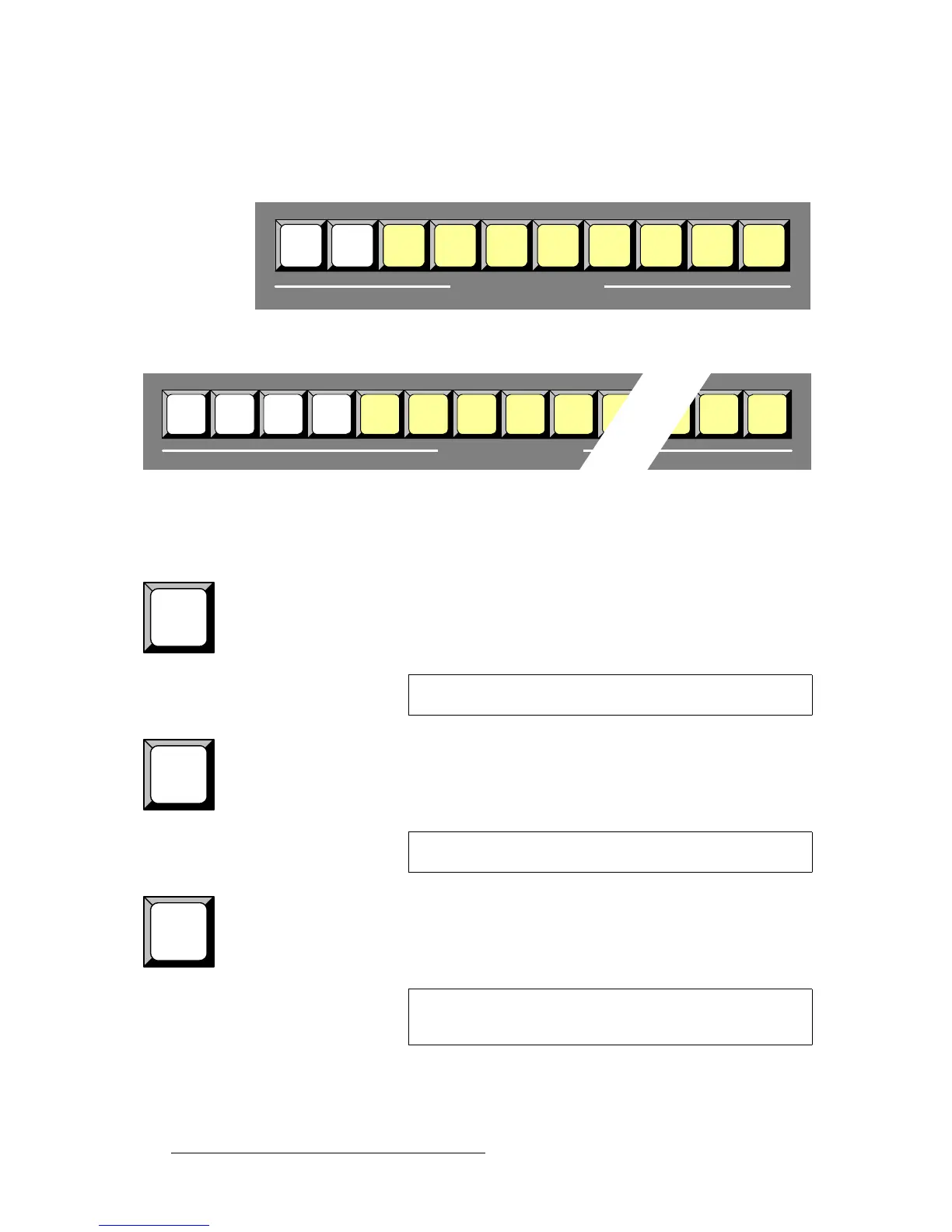
The figures below illustrate the Transition Functions Section on each Controller.
Figure 4-27. Transition Functions Section, Controller SC
Figure 4-28. Transition Functions Section, Controller LC
The buttons in the Transition Functions Section enable you to manipulate the transition
itself. Descriptions of each button are provided below:
Mix —
User Effect — (Controller SC only)
User Trans Buttons — (Controller LC only)
Mix
Source
Swap Toggle Move
Mix
User
Effect
Shuffle
Ext
Trigger
Black
Preview
TRANSITION FUNCTIONS
User
Trans
3
Mix
Source
Swap Toggle Move ShuffleMix
User
Trans
1
User
Trans
2
Ext
Trigger
Black
Preview
TRANSITION FUNCTIONS
Mix
Note
The Mix function is not currently implemented.
User
Effect
Note
The User Effect function is not currently implemented.
User
Trans
1
Note
The functionality of User Trans buttons 1, 2 and 3 is currently
not implemented.



 To Next Page