144 Encore Presentation System • User’s Guide
5. Menu Orientation
Input Menu
^ëéÉÅí=o~íáç=jÉåì
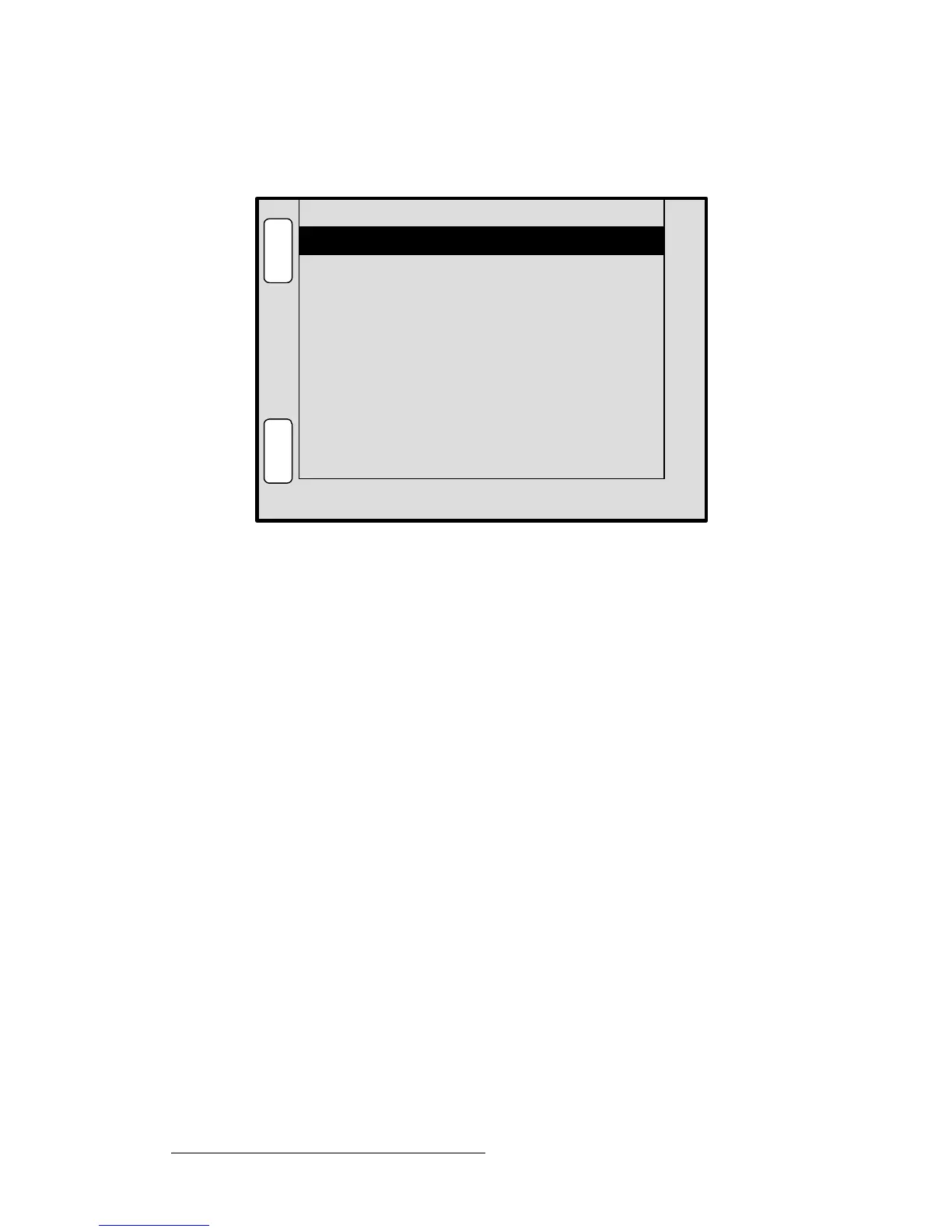
From the Input Menu, press {ASPECT RATIO} to display the Aspect Ratio Menu.
Figure 5-5. Aspect Ratio Menu (sample)
The Aspect Ratio Menu enables you to change the image’s aspect ratio to pre-defined
configurations, or enter a “custom” configuration if desired.
• Mode — select 16:9, 5:4, 4:3, 3:2, 1:1 or Custom aspect ratios.
• Ratio — when Custom is selected in the Mode field, use the ADJ knob to enter a
custom aspect ratio. The field is hidden when pre-defined ratios are selected.
Ratio 1.118
B
A
C
K
N
A
V
A
D
J
ASPECT RATIO SRC_1
Mode Custom
S
A
V
E



 To Next Page