Encore Presentation System • User’s Guide 149
5. Menu Orientation
Output Menu
lìíéìí=jÉåì=aÉëÅêáéíáçå
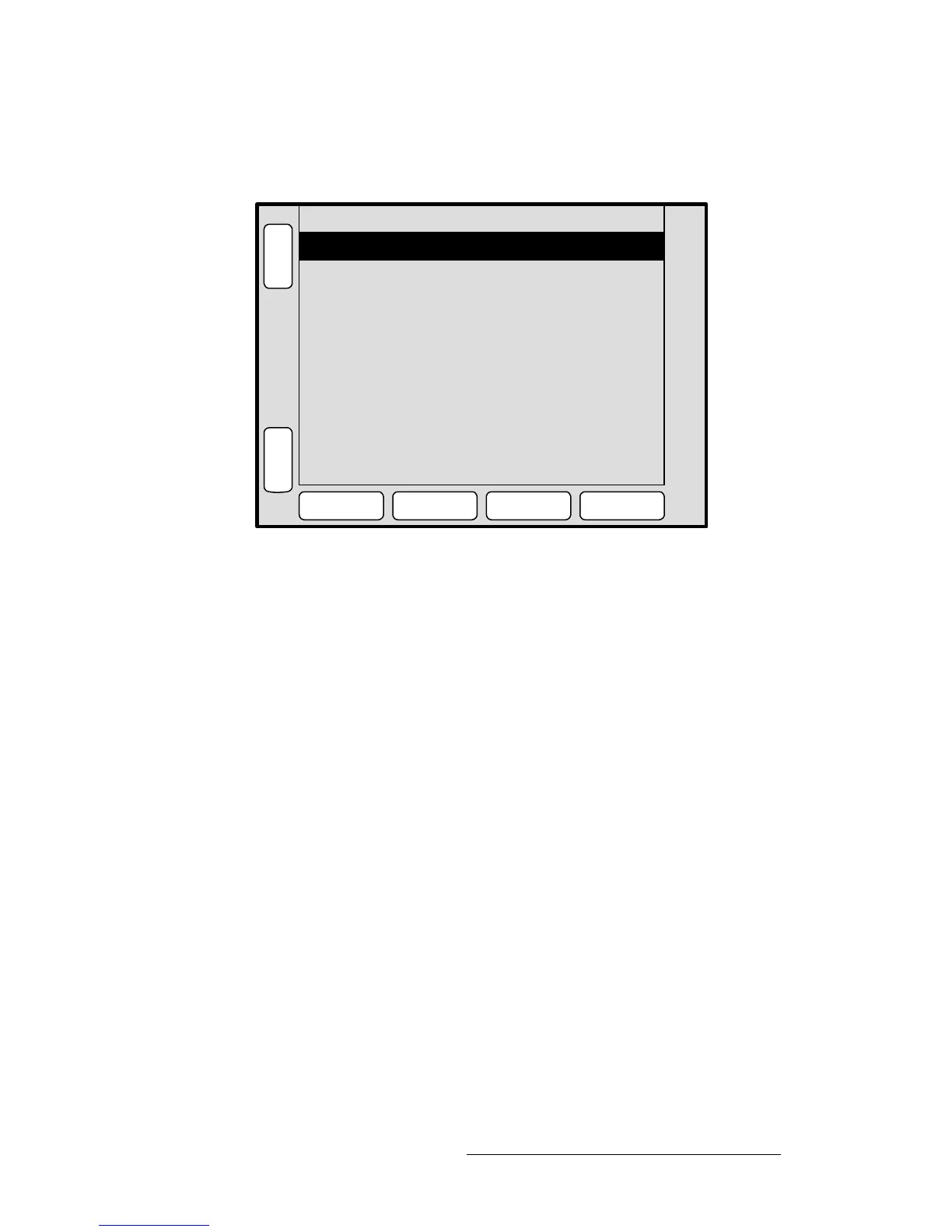
The figure below illustrates the Output Menu:
Figure 5-10. Output Menu (sample)
The Output Menu enables you to configure Video Processor and ScreenPRO-II outputs,
including the ability to set wide screen parameters and display test patterns.
To access the menu:
• Select a destination on the Destination Bus.
• Press OUTPUT on the Home Menu, or press Output in the Keypad Section.
The menu cannot be accessed unless a destination is selected. The currently selected
destination is shown in the menu’s upper right corner. The menu tracks the destination,
thus, if you switch destinations, the menu is immediately re-assigned.
Color Space
Format
1024x768 @ 59.94
RGB
H
O
M
E
N
A
V
A
D
J
OUTPUT MENU
G
L
C
K
APPLY
FORMAT
SETTINGS
TEST
PATTERN
WIDE
SCREEN
Destination 1
Press SELECT FORMAT to select
the output resolution.
DVI EDID format can be adjusted
to match the output format
in the MISC > EDID menu.



 To Next Page