152 Encore Presentation System • User’s Guide
5. Menu Orientation
Output Menu
pÉííáåÖë=jÉåì
From the Output Menu, press {SETTINGS} to display the Settings Menu.
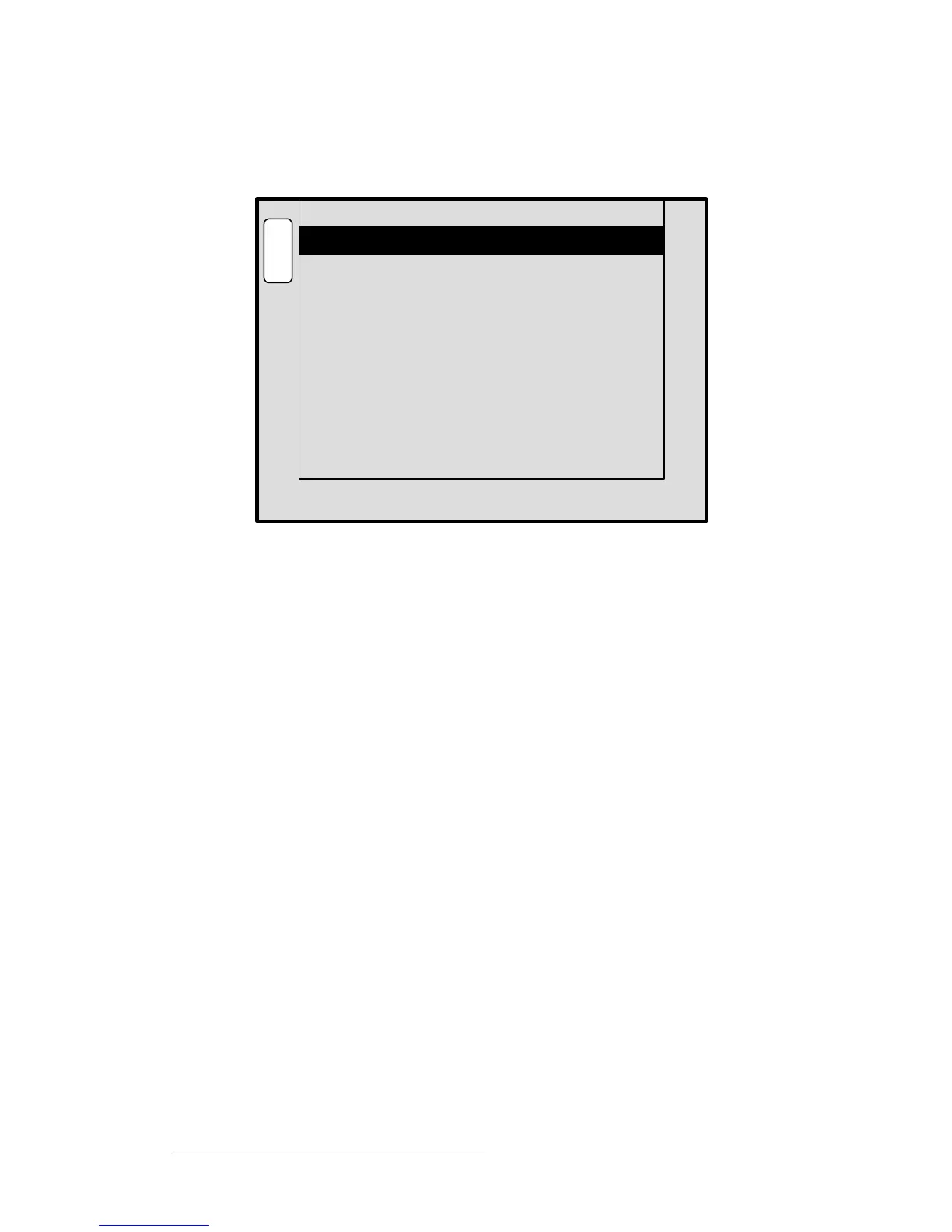
Figure 5-12. Settings Menu (sample)
The Settings Menu sets sync parameters for your system’s monitors and projectors.
• Output Monitor — selects the monitor(s) that are affected by the sync settings,
either
All, Program 1, Program 2 or Preview.
• Sync Out — sets the desired sync value. Choose between +H+V, -H-V, +H-V, -
H+V
or CSync.
• SOG / Y — selects a specific “sync on green” signal. Choose between Off,
Standard or Tri-Level (for certain HD devices).
• Gamma — sets the output gamma to match that of your projector(s).
• Raster Box Size — sets the size of the raster box that appears around PIPs and
Keys.
~ Adjustment range (in pixels): 0 to 8
• Flicker Filter — this option only appears when an interlaced output format is
selected (e.g., 1920x1080i @ 60).
~ Adjustment range: OFF (no reduction) or 1 (minimum reduction)
through 20 (maximum reduction).
SOG / Y
Sync Out
Off
B
A
C
K
N
A
V
A
D
J
SETTINGS
Output Monitor All
-H-V
Gamma 1.0
Raster Box Size 3



 To Next Page