Encore Presentation System • User’s Guide 183
5. Menu Orientation
Miscellaneous Menu
To enter a new code (for both Controllers), use the first eight numbered buttons on
the
Preset Bus, and then confirm the new code.
In Chapter 7, refer to the “
Enable/Disable Controller Lockout” section on page 329 for
instructions on using the Controller Panel Lockout mode.
bafa=asf=fåéìí=cçêã~í=jÉåì
From the Miscellaneous Menu, press {EDID} to display the EDID DVI Input Format
Menu
:
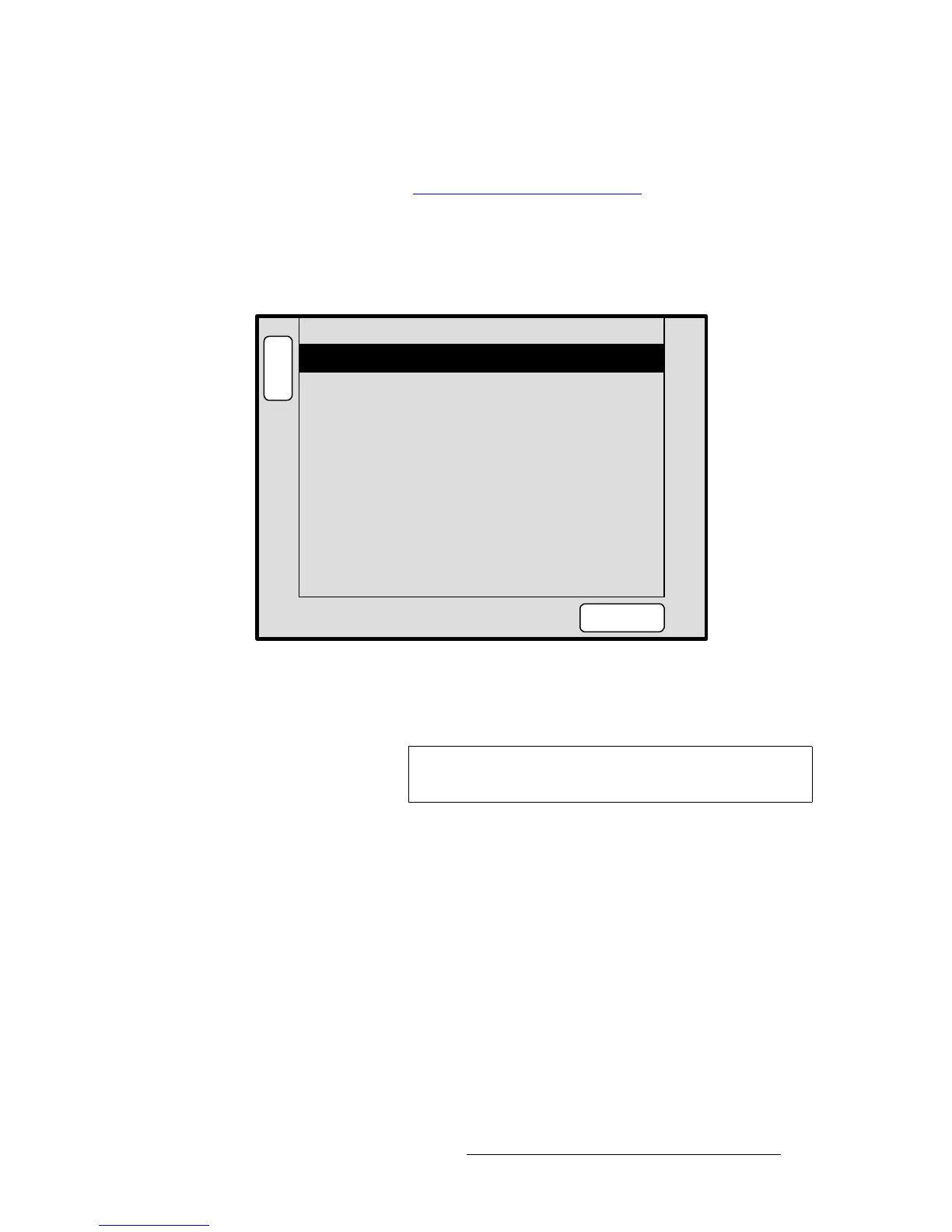
Figure 5-39. EDID DVI Input Format Menu (sample)
The EDID DVI Input Format Menu enables you to update the system’s preferred EDID
resolution for the DVI inputs — for the selected destination bus.
Extended Display Identification Data (EDID) is a VESA standard data format that contains
information about a display device and its resolution, both preferred and allowed. The
system’s EDID file is stored in non-volatile memory. This file is read by an external
computer’s DVI graphic card when the computer’s DVI output is connected to Encore via
the DVI-I connector during boot-up. The Encore Video Processor must be powered on first
for the EDID information to be read.
The following functions are provided:
• Destination — sets the destination on which you want to program EDID.
• Format — selects the preferred DVI video format with which you want to program
the Encore Presentation System’s EDID non-volatile memory
• Current — displays the current EDID video format that resides in memory.
• Press {PROGRAM EDID} to program EDID with the new selected format. A
warning message will be shown.
B
A
C
K
A
D
J
EDID DVI Input Format
PROGRAM
EDID
select the desired format and
select Program EDID.
Current EDID format
FORMAT: 1280 x 1024 @ 60
To change EDID for DVI inputs,
Destination ALL
1280 x 1024 @ 60
Note
This menu is designed for advanced users only. Do not
program EDID unless it is necessary.



 To Next Page