214 Encore Presentation System • User’s Guide
5. Menu Orientation
Source Adjustment Menus
pçìêÅÉ=^ÇàìëíãÉåí=jÉåì=aÉëÅêáéíáçå
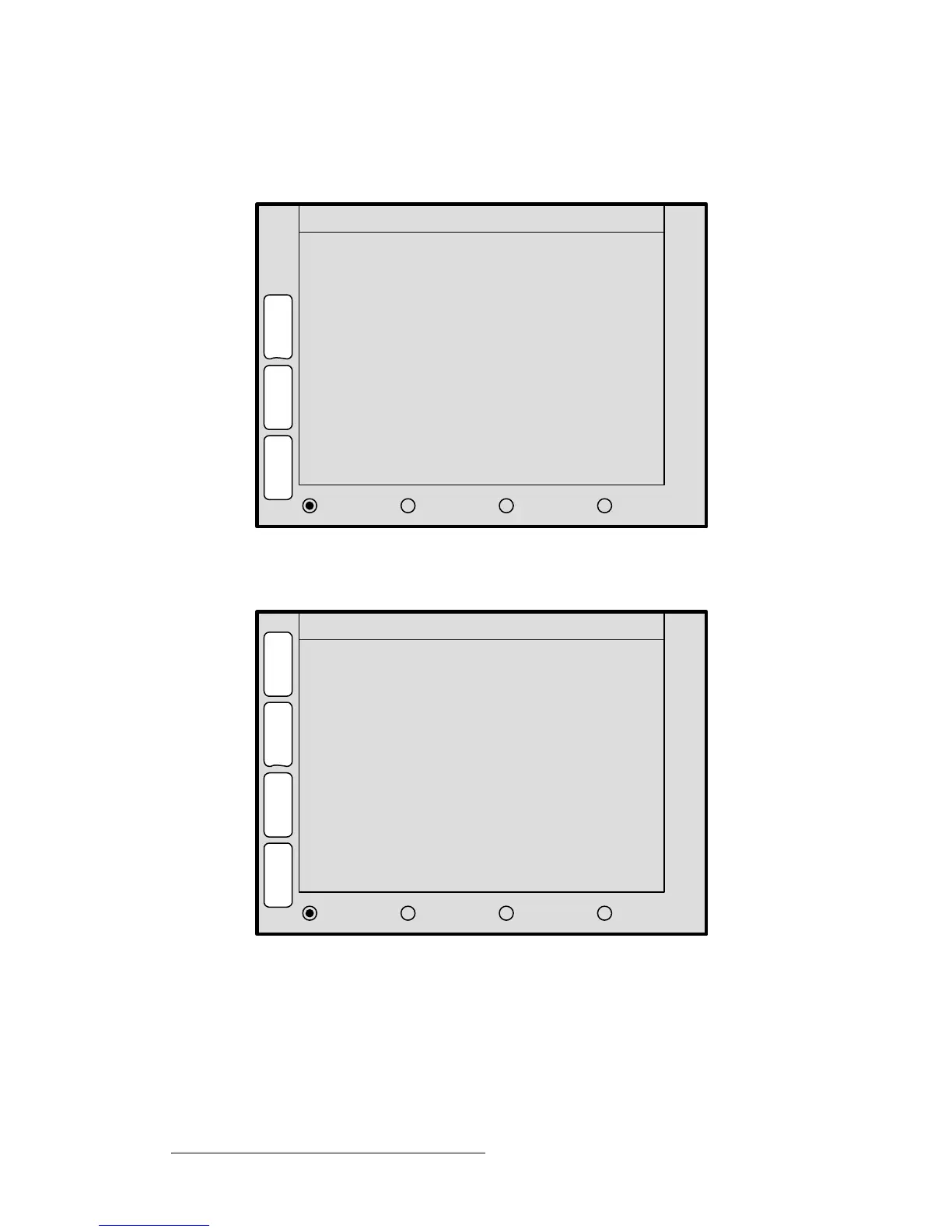
The figure below illustrates a sample Input Source Adjustment Menu:
Figure 5-63. Input Source Adjustment Menu (sample)
The figure below illustrates a sample Key Source Adjustment Menu:
Figure 5-64. Key Source Adjustment Menu (sample)
As shown above, the Input Source Adjustment Menu is virtually identical to the Key
Source Adjustment Menu
— and also virtually identical to the PIP and Key Adjustment
menus. The exception is that the two Source adjustment menus pertain to the source
“inside” the PIP or Key — rather than the boundaries of the PIP or Key itself.
In this way, for example, a PIP can remain in its
exact location on screen, but you can scale
or re-position the imagine
inside the PIP.
H Position
V Position
V Size < 100.0% >
Move Rate
768
0
2.0
S
H
D
O
W
S
I
Z
E
H
P
O
S
INPUT SOURCE ADJUSTMENT
B
O
R
D
R
H Size < 100.0% > 1024
OPERATION:
JOY Z TO SIZE, X Y TO POSITION
0
V
P
O
S
TRACK H SIZE V SIZE RATE
E
F
X
Key Frame Effect [ N/A ]
H Position
V Position
V Size < 100.0% >
Move Rate
768
0
2.0
M
A
T
T
E
S
I
Z
E
H
P
O
S
KEY SOURCE ADJUSTMENT
K
E
Y
H Size < 100.0% > 1024
OPERATION:
JOY Z TO SIZE, X Y TO POSITION
0
V
P
O
S
TRACK H SIZE V SIZE RATE
E
F
X
Key Frame Effect [ N/A ]
S
T
A
T
S



 To Next Page