218 Encore Presentation System • User’s Guide
5. Menu Orientation
Background Input Setup Menu
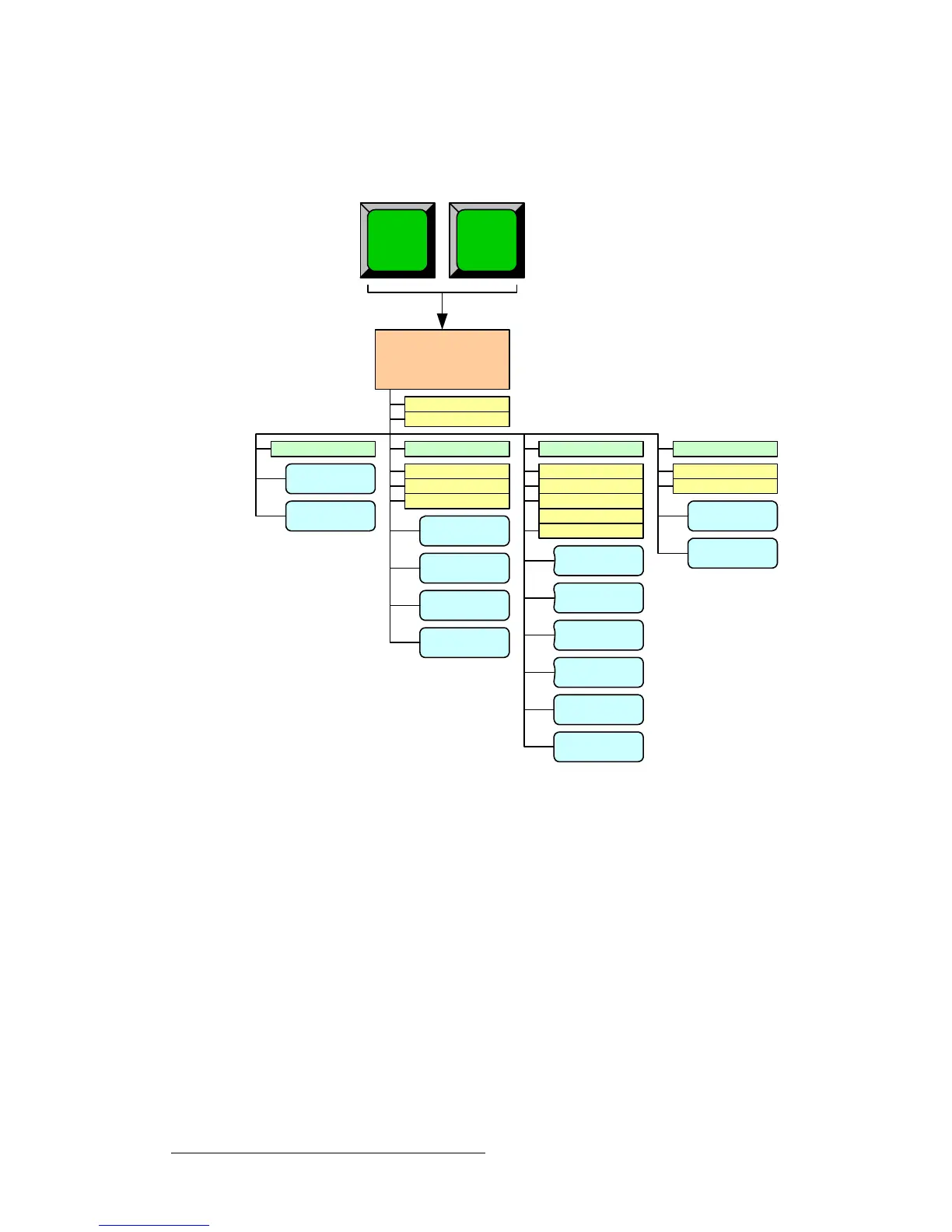
_~ÅâÖêçìåÇ=fåéìí=pÉíìé=jÉåì=qêÉÉ
The figure below illustrates the Background Input Setup Menu Tree.
Figure 5-65. Background Input Setup Menu Tree
All functions and sub menus are discussed in the following sections.
BG INPUT SETUP
MENU
Key Type (FG)
LOAD
BG
A
BG
B
SAVE
Type (DVI)
Format
Crop: H Offset
Crop: V Offset
RESET
SAVE
APPLY
FORMAT
Type (Matte)
MATTE
Destination
ID
SAVE
FORCE
ACQUIRE
Type (Analog)
Format
Crop: H Offset
Crop: V Offset
RESET
SAVE
APPLY
FORMAT
SIZING
Contrast
Brightness
COLOR
BALANCE
FORCE
ACQUIRE
File to load
Name



 To Next Page