220 Encore Presentation System • User’s Guide
5. Menu Orientation
Background Input Setup Menu
_~ÅâÖêçìåÇ=jÉåì=cìåÅíáçåë=Ô=j~ííÉ=qóéÉ
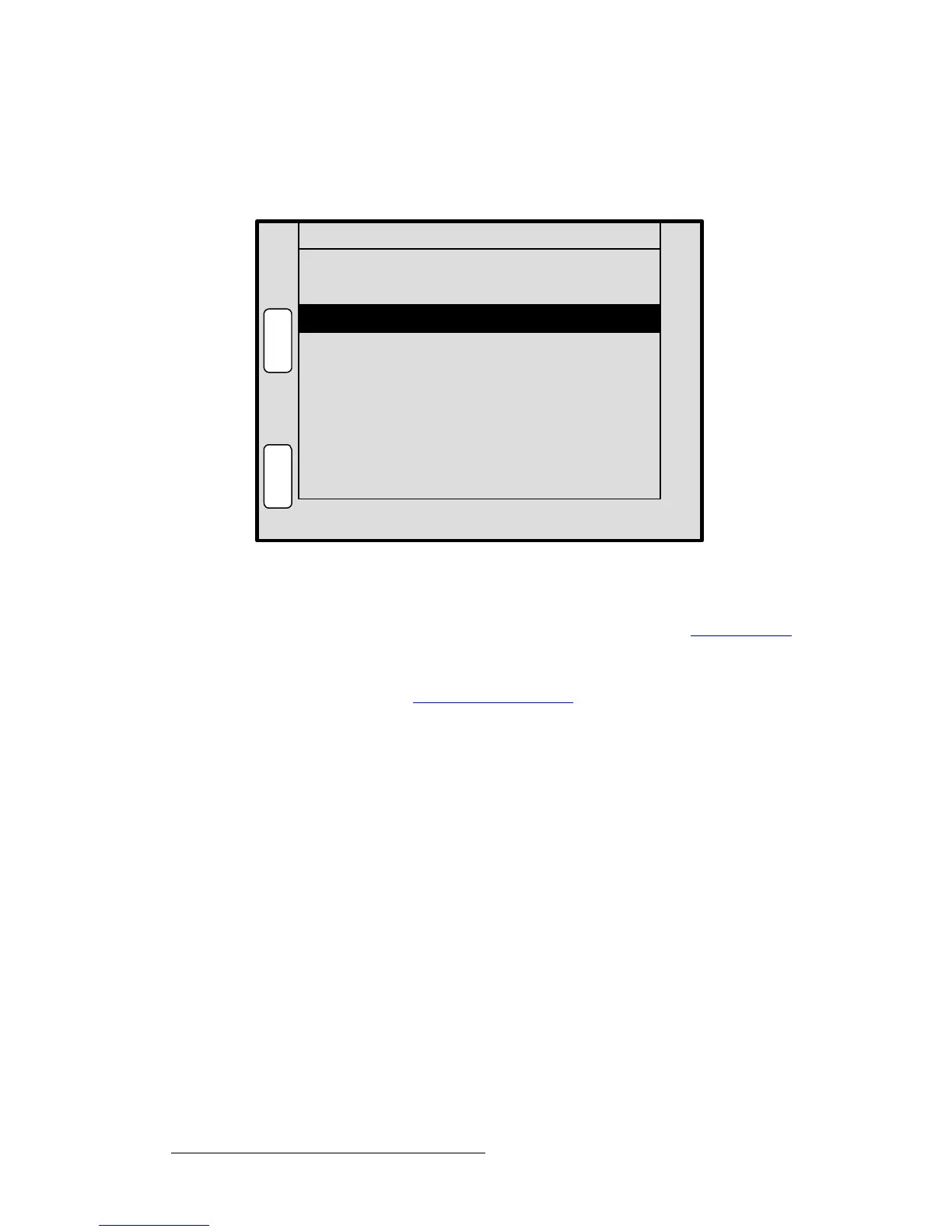
The figure below illustrates a sample BG Input Setup Menu when “Matte” is selected as
the background type.
Figure 5-67. BG Input Setup Menu — Matte Type (sample)
The following functions are provided for a Matte background:
• Press {MATTE} to display the BG Matte Menu. Refer to the “BG Matte Menu”
section on page 221 for details.
• Press {SAVE} to save the selected background input configuration.
In Chapter 7, refer to the “
Background Transitions” section on page 298 for instructions
on how to use a background matte in place of a graphic background.
ID [ ALL ]
N
A
V
A
D
J
BG INPUT SETUP BG_A
M
A
T
T
E
Destination [ 1 ]
Type Matte
S
A
V
E



 To Next Page