Encore Presentation System • User’s Guide 245
6. System Setup
Peripheral Power Up and Status Check
açïåäç~ÇáåÖ=`çÇÉ
When an incompatibility exists between software code versions, all buttons will flash on the
Controller console. In this situation, the
System Status Menu automatically appears with
the message “
Please Upgrade.”
Use the following steps to download code from the Controller to the target device(s),
including Video Processors, ScreenPRO-II units and PresentationPRO-II units:
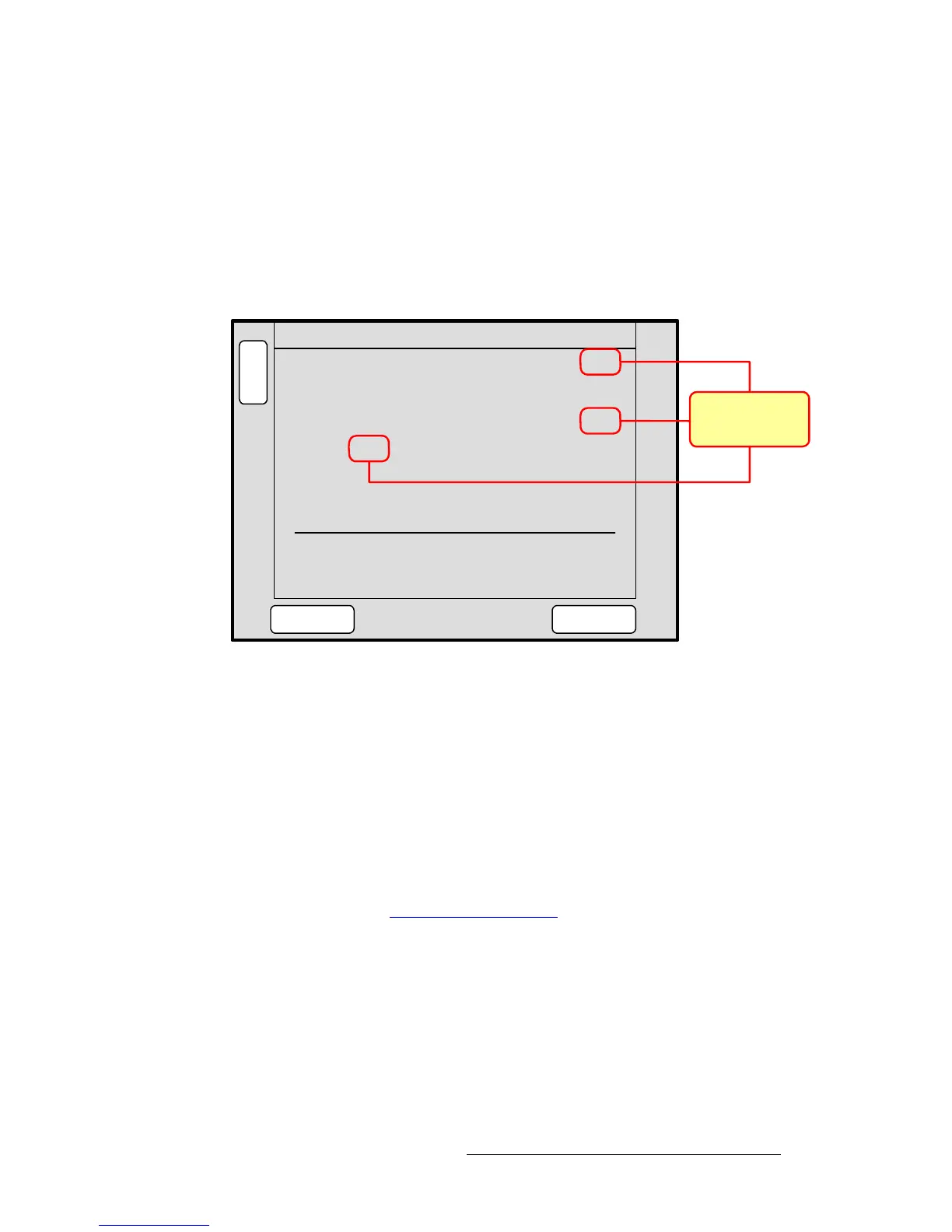
1. On the Encore Controller console, press SYSTEM > {SW VER} to display the
Software Version Menu. Any incompatibilities will be listed.
Figure 6-2. Software Version Menu (sample)
2. Press {DOWNLOAD CODE} to begin the download process, which takes several
minutes to complete.
During the procedure, several “progress” messages are shown. When the entire
procedure is complete, the
Download Code Results Menu displays a summary
of the download. Please note:
~ Results may appear on multiple pages.
~ If required, press {PG DN} and {PG UP} to move between pages.
~ Press {DETAILS} to view additional information for a specific download.
3. After the upgrade process is complete, perform a complete factory reset on the
Controller and any Processors and/or ScreenPRO-IIs that the Controller detects.
Refer to the “
Return to Factory Default” section on page 246 for instructions.
At the conclusion of the procedure, each Video Processor, ScreenPRO-II, and
PresentationPRO-II is running the same version of code as the Encore Controller.
B
A
C
K
N
A
V
A
D
J
SOFTWARE VERSION
Controller 1.10
DOWNLOAD
CODE
VP 1: 1.10 VP 2: 1.10
VP 3: 1.10 VP 4: 1.00
SP 5: 1.00
FORCE
DOWNLOAD
Software version mismatch!
Download device(s) software
Software versions
incompatible with
Controller’s version



 To Next Page