380 Encore Presentation System • User’s Guide
bK==^ééäáÅ~íáçå=kçíÉë
Encore Controller to Router Connections
i~åíêçåáñ=bíÜÉêåÉí=íç=pÉêá~ä=`~ÄäÉ=`çååÉÅíáçå
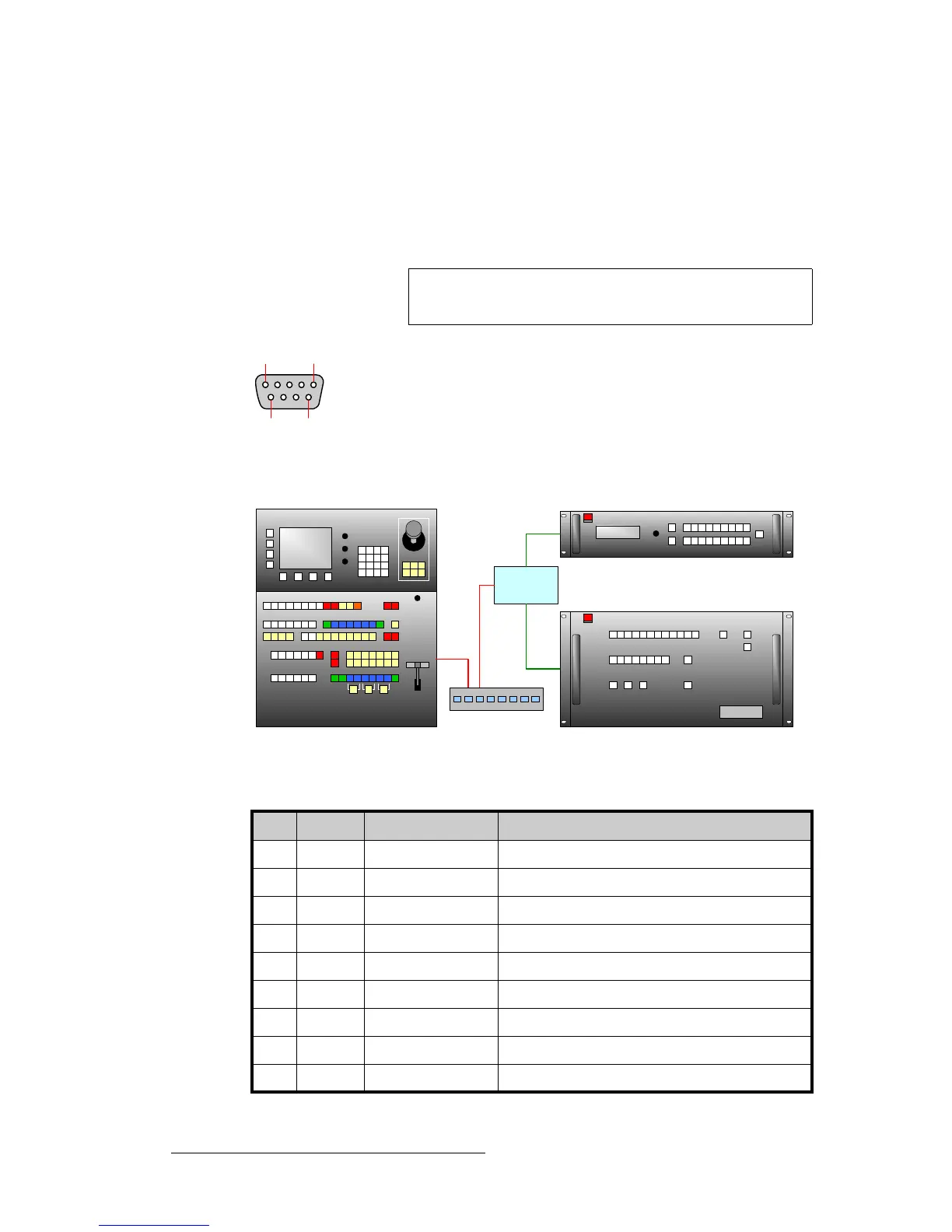
Because Encore Controllers only have one RS-232 serial port (EXT COMM), an external
device (such as the Lantronix UDS200) is required for multiple RS-232 connections. The
Lantronix UDS200 connects to Encore via Ethernet, and provides two RS-232 ports.
The table below illustrates the pinouts on the UDS200's serial connector.
Figure E-4. Ext Comm Connector
Figure E-5. Lantronix Configuration
Note
Data "direction" information is provided from the point of view
of the UDS200.
Table E-4. Lantronix Connector Pinouts
Pin Signal Description Note
1 CD Carrier Detect
2 RXD Received Data Receives data. Connects to router's transmitting pin
3 TXD Transmitted Data Sends data. Connects to router's receiving pin.
4 DTR Data Terminal Ready
5 GND Signal Ground Connects to Ground Pin on Router
6 DSR Data Set Ready
7 RTS Request To Send
8 CTS Clear To Send
9 RI Unused
51
96
Encore Controller (SC or LC)
MatrixPRO SDI Router
Lantronix
UDS200
MatrixPRO Analog Router
Ethernet Switch



 To Next Page