94 Encore Presentation System • User’s Guide
3. Hardware Installation
Program and Source Link Connections
4. Source Link Connections
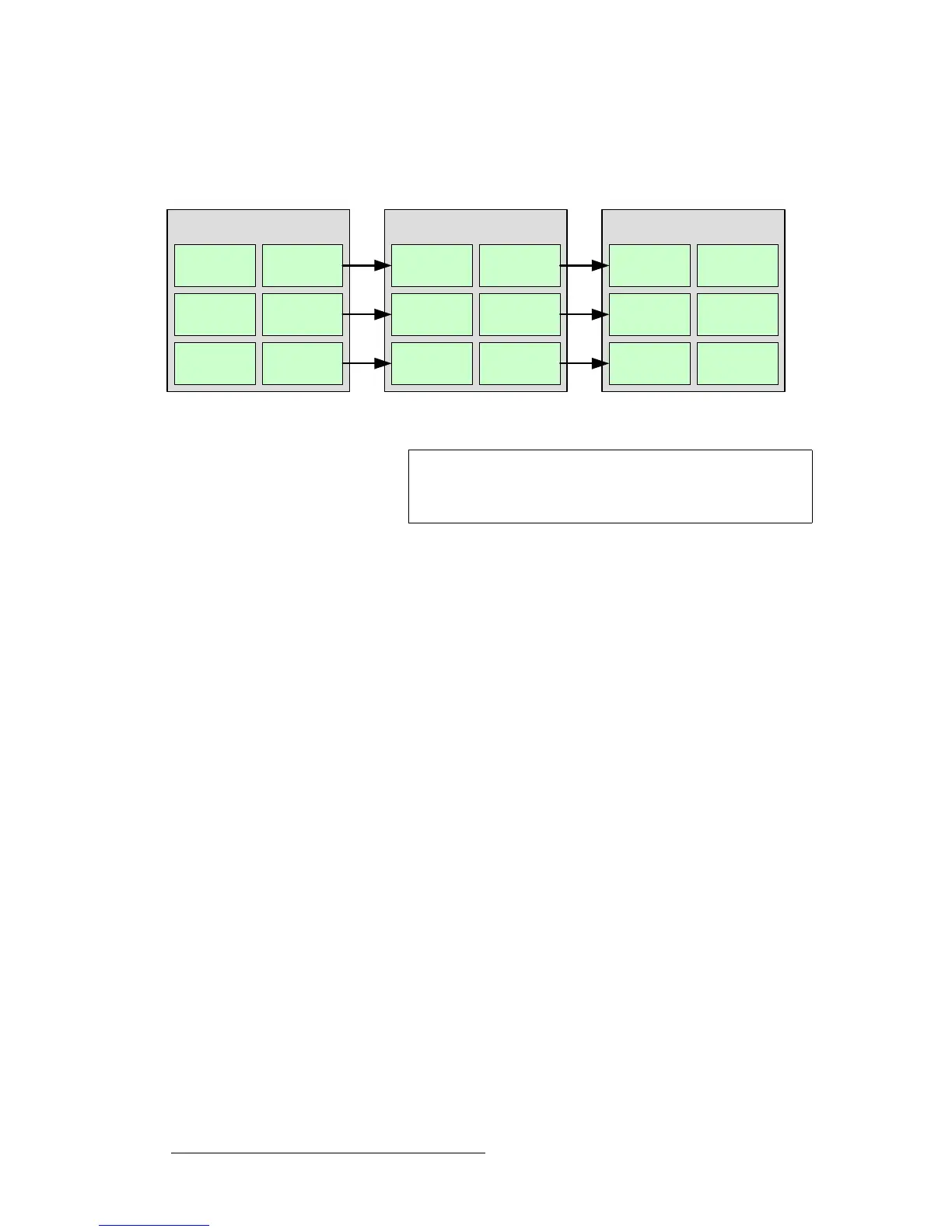
For Processor 1, connect each M/E’s Source Link Out connector to the
associated
Source Link In connector on Processor 2, as illustrated below.
Figure 3-15. Source Link Connections
5. Repeat the procedure for all remaining Processors in your configuration.
6. For the last processor in the chain, do not connect the Source Link Out
connectors.
Processor 1
Source Link
1 Out
Source Link
1 In
Processor 2
Source Link
1 Out
Source Link
1 In
Processor [n]
Source Link
1 Out
Source Link
1 In
Source Link
2 Out
Source Link
2 In
Source Link
2 Out
Source Link
2 In
Source Link
2 Out
Source Link
2 In
Source Link
3 Out
Source Link
3 In
Source Link
3 Out
Source Link
3 In
Source Link
3 Out
Source Link
3 In
Important
An M/E’s Source Link Out must always be connected to its
associated M/E
Source Link In on the next chassis, and
never cross-routed.



 To Next Page