R5906167 /00 ImagePRO–4K Video Processor
114
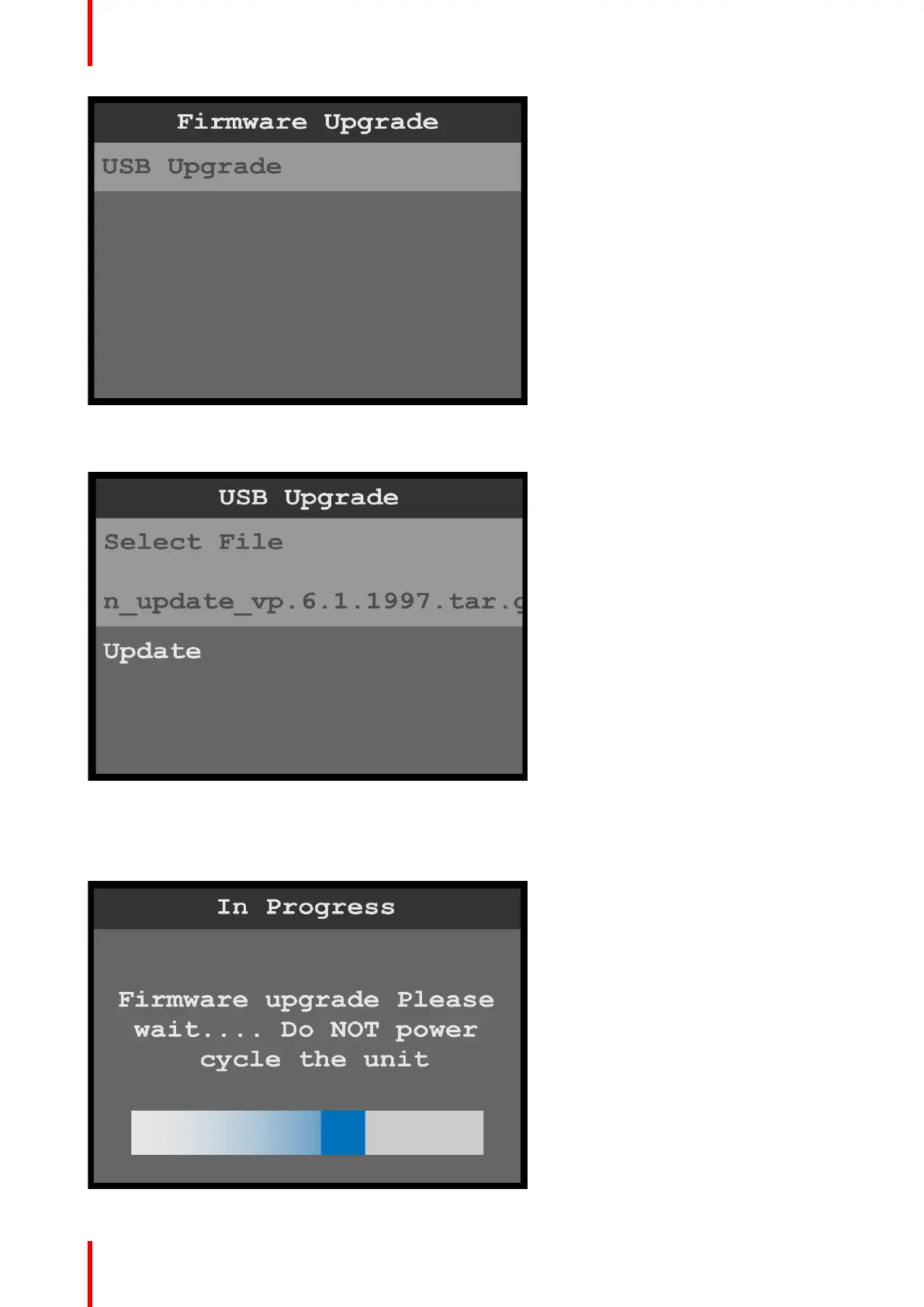
Image B-3: Firmware Upgrade: USB Upgrade
5. Select the upgrade file.
Image B-4: USB Upgrade: Select File
6. Scroll to and select Update.
The system displays an “In Progress” screen and a warning to NOT power cycle the unit.
Image B-5: Firmware Upgrade: “In Progress” screen
Upgrading firmware



 To Next Page