R5906167 /00 ImagePRO–4K Video Processor
47
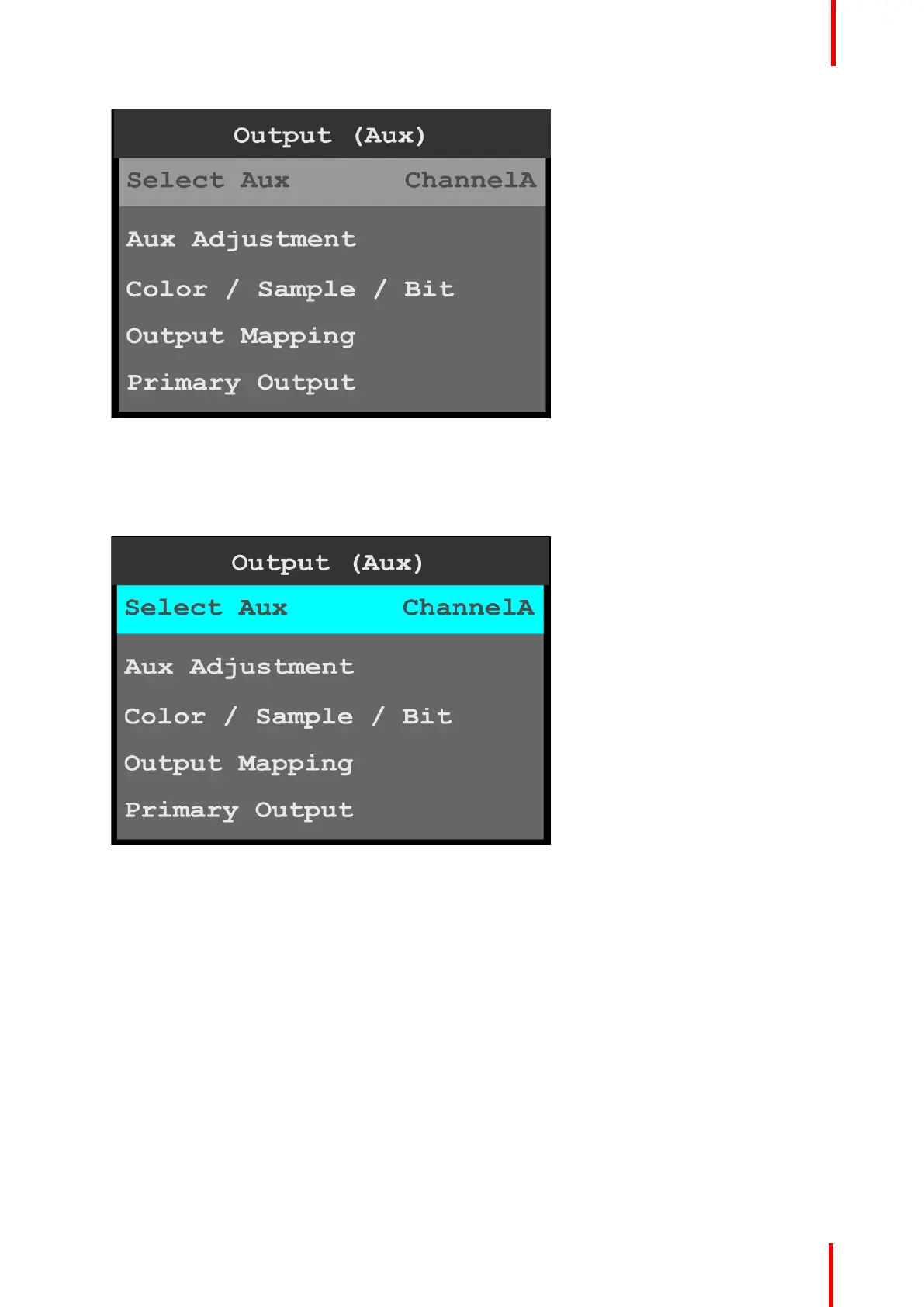
Image 6-20: Output (Aux): Select Aux
Once Select Aux is selected, the highlight bar turns from gray to cyan. Turning the adjust knob scrolls
through the available channels.
2. Scroll to and select the channel to be configured.
ChannelA or ChannelB may be selected.
Image 6-21: Output (Aux): channel selection
Aux Adjustment
1. Scroll to and select Aux Adjustment.
The Aux Adjustment menu allows users to manually format the resolution and refresh rate, to auto
configure the output format, to rotate the output image, to adjust the area of interest (AOI), adjust the color,
to pan or zoom the window, create a mask, adjust the matte color, make timing adjustments, and select
HDCP settings.
2. Scroll to and select Format to adjust the resolution and refresh rate.
Menu orientation



 To Next Page