R5906167 /00 ImagePRO–4K Video Processor
48
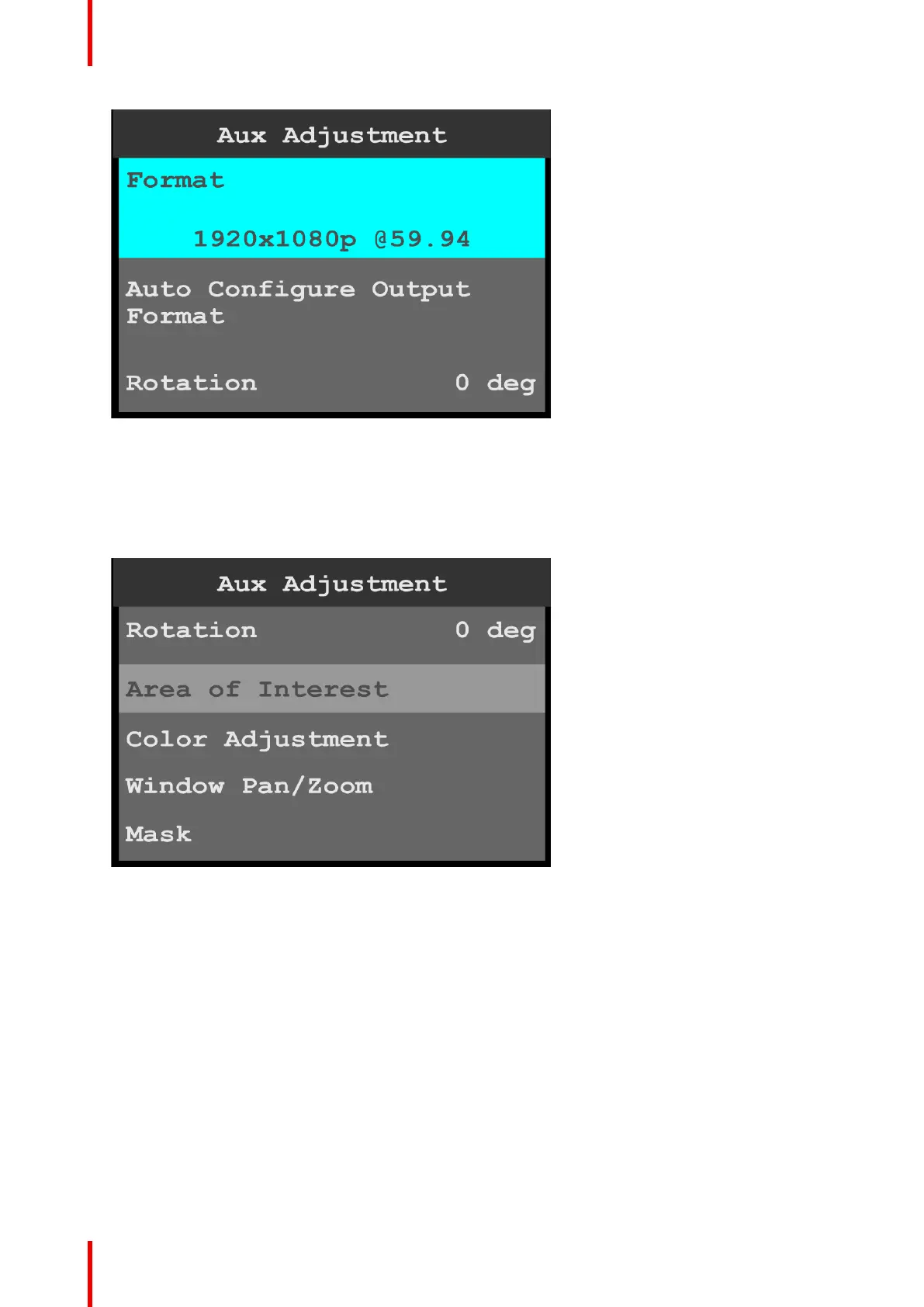
Image 6-22: Aux Adjustment: Format
3. Scroll to and select Auto Configure Output Format to auto-configure the output format.
4. Scroll to and select Rotation to rotate the selected Output (Aux) channel.
The rotation options are 0, 90, 180, and 270 degrees.
5. Scroll to and select Area of Interest to adjust the H Size, V Size, H Pos, and V Pos of the area of interest
(AOI).
Image 6-23: Aux Adjustment: Area of Interest
• H Size adjusts the horizontal size of the AOI.
• V Size adjusts the vertical size of the AOI.
• H Pos adjusts the horizontal position of the AOI.
• V Pos adjusts the vertical position of the AOI.
• Reset returns all adjustments to their initial settings.
6. Scroll to and select Color Adjustment to adjust the following color aspects of the output (Aux):
• Overall contrast – Range: 50 to 150; Default: 100
• Red contrast – Range: 50 to 150; Default: 100
• Green contrast – Range: 50 to 150; Default: 100
• Blue contrast – Range: 50 to 150; Default: 100
• Overall brightness – Range: 25 to 150; Default: 100
• Red brightness – Range: 25 to 150; Default: 100
• Green brightness – Range: 25 to 150; Default: 100
• Blue brightness – Range: 25 to 150; Default: 100
• Hue – Range: –90 to 90; Default: 0
Menu orientation



 To Next Page