A: R82GB0FA.PMD
B: R82DE0FA.P65
E: 080403 / T. Weiß
G: 020304 / TCS
Section 5.5
Page 8
Operation and Control System
?
R8B2_GB062.JPG R8B2_GB063.JPG
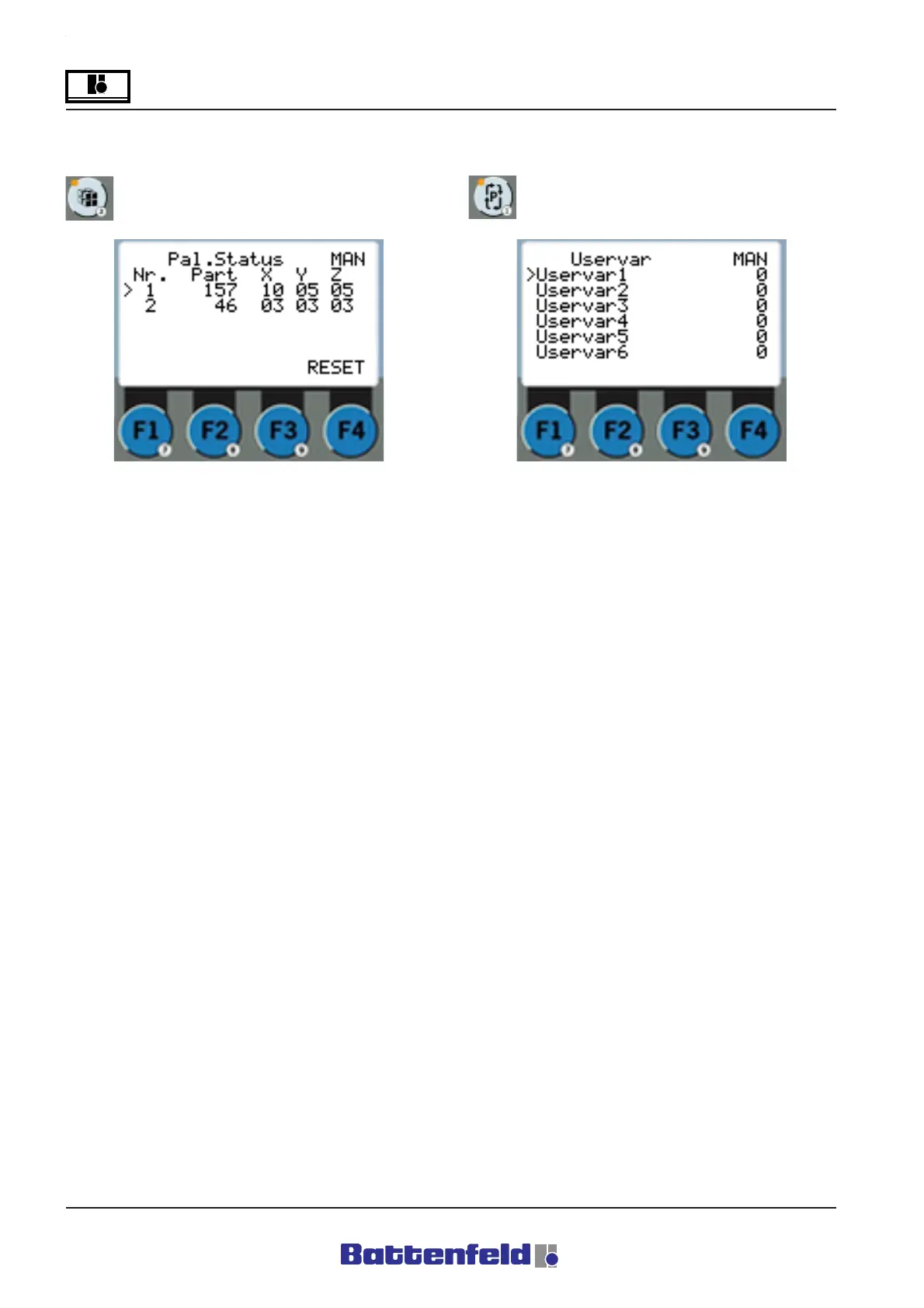
Palletising status page (PAL button)
Press the PAL button.
User variables status page (PCS button)
Press the PCS button.
The status of the current Palletising
programmes are shown here in Manual and
Automatic mode. Counter in X, Y & Z direction.
Select F4 to reset the counter of any selected
palletising program.
The status of the User variables (max. 10) is
shown here in Manual and Automatic mode. In
Programming mode this button can be used to
select the corresponding PCS commands (refer
to 5.5.5.2 PCS token commands).



 To Next Page