Operation and Control System
A: R82GB0FA.PMD
B: R82DE0FA.P65
E: 080403 / T. Weiß
G: 200103 / TCS
Section 5.5
Page 7
?
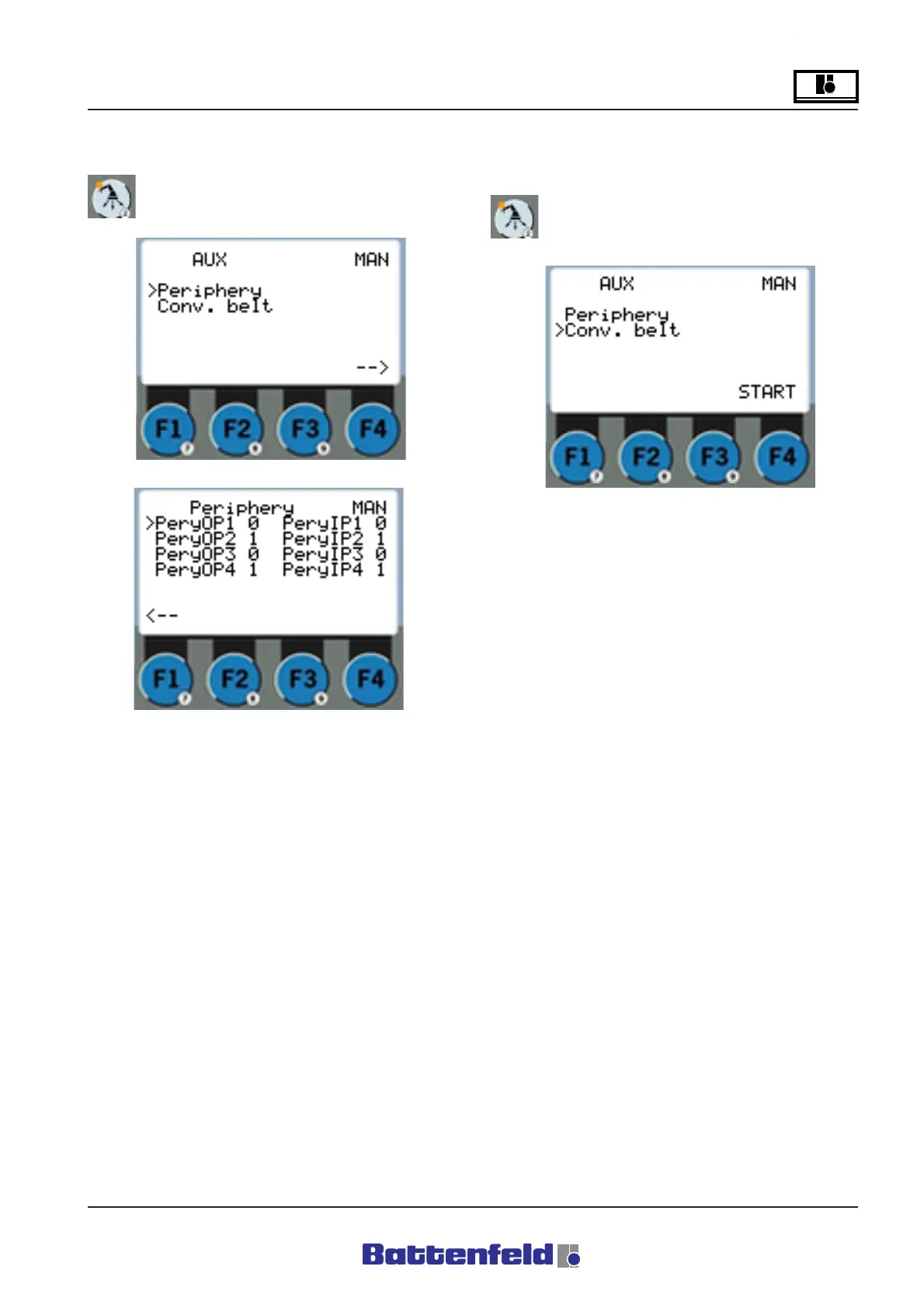
Periphery status page (PERIPHERY button)
Press the Periphery button.
Here all the Periphery signals (digital inputs and
outputs) are displayed in Manual and Automatic
mode. The digital outputs can be set and reset
in Manual mode.
R8B2_GB145.JPG
Conveyor status page (PERIPHERY button)
Press the Periphery button.
R8B2_GB060.JPG
R8B2_GB061.JPG
Press F4 ”Start” to start the conveyor in Manual
mode.



 To Next Page