Operation and Control System
A: R82GB0FA.PMD
B: R82DE0FA.P65
E: 080403 / T. Weiß
G: 200103 / TCS
Section 5.5
Page 27
?
R8B2_GB090.JPG
R8B2_GB091.JPG
R8B2_GB092.JPG
R8B2_GB093.JPG
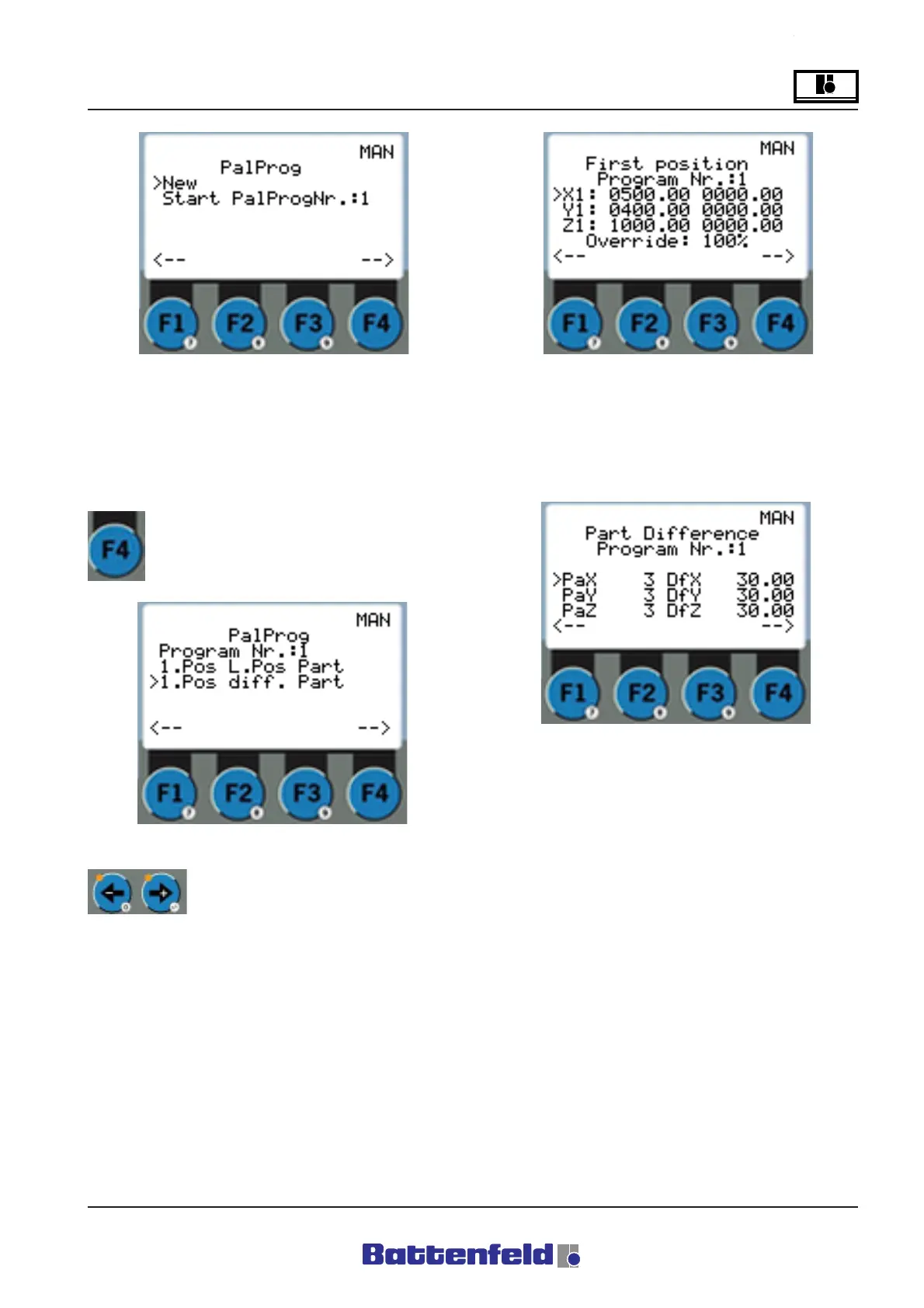
Select ”New” to create a new palletising
program. Any already existing palletising
programs are displayed. Use TEACH or EDIT to
insert it into the token program.
Press the F4 function button.
Specify the position of the first part in this
display. The position can be specified using the
TEACH or EDIT function. If the program already
exists, the old values are displayed on the right.
Use the arrow buttons to select
the Palletising program No. The
type of entry can be selected
here. First position, Spacing and Number, or
First position, Final position and Number. (e.g.
Position cursor at 1st pos, Spacing, Number)
Enter the First position followed by the Quantity
(Quant.) in each direction and the Difference
(Diff.) between the parts. In the case of removal
tasks, enter the difference (spacing) with "-".
(After you have selected the Entry type, First
position, Final position and Quantity, the Final
position is scanned and the spacing is then
calculated according to the quantity.



 To Next Page