A: R82GB0FA.PMD
B: R82DE0FA.P65
E: 080403 / T. Weiß
G: 020304 / TCS
Section 5.5
Page 28
Operation and Control System
?
R8B2_GB095.JPG
R8B2_GB094.JPG
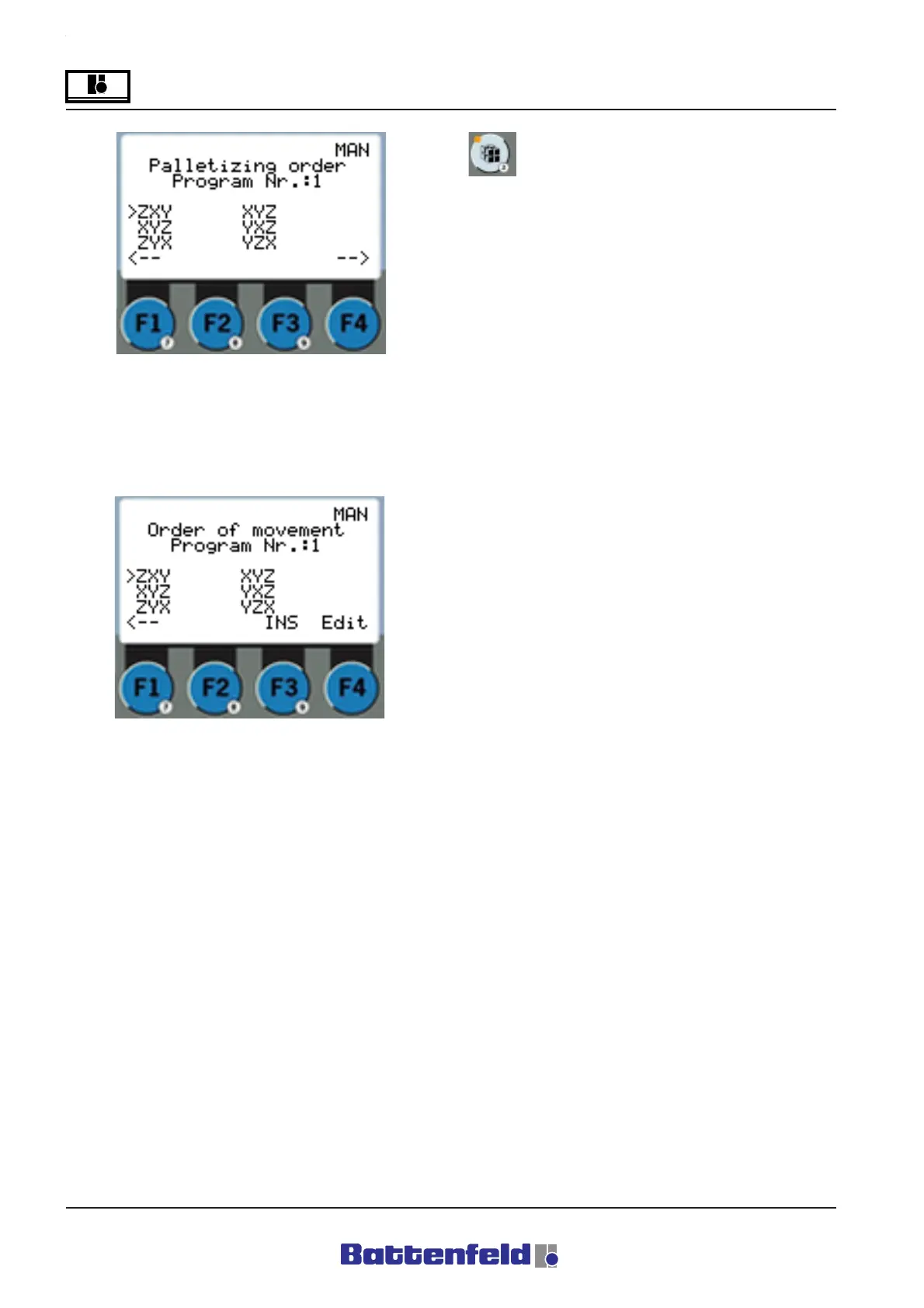
Palletising pattern This is the pattern in which
the parts are to be positioned and removed, e.g.
first the X-row, followed by the Z-row and then
the Y-row.
Palletising program commands
PalProg 1 START
This command starts the selected palletising
program.
Definition: The system moves to the next
position following the specified movement
sequence.
PalProg 1 RESET
All counters are zeroed.
This can also be done from the Palletising
status page. (Used in conjunction with IF
commands)
Delete PalProg
Deletes the palletising program.
Movement sequence: This is the sequence in
which the servo axes move to the next
positioning and removal point.
Always press the F1 function button to return to
the previous display.



 To Next Page