Operation and Control System
A: R82GB0FA.PMD
B: R82DE0FA.P65
E: 080403 / T. Weiß
G: 200103 / TCS
Section 5.5
Page 39
?
Insert the new battery with the poles
correctly positioned. To do this, lift the
removal tape and insert the battery into
the compartment with the ”+” side facing
downwards. It is important to ensure that
the removal tape is on top of the battery
so that it can be removed again.
Put the overlapping end of the removal
tape under the battery to prevent it
protruding from the battery
compartment.
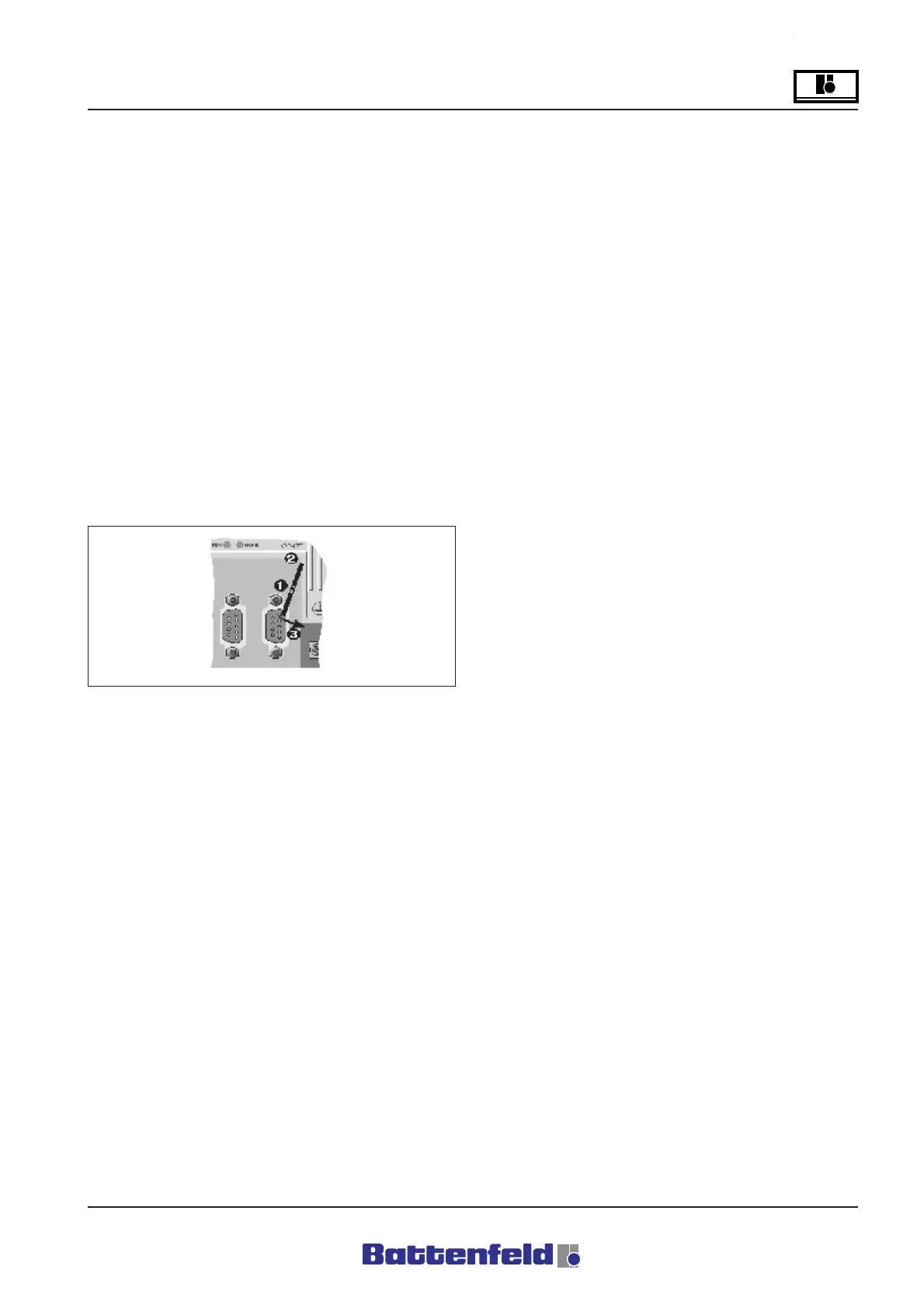
Mount the cover. Make sure that the
screwdriver recess is facing upwards
(1). First insert the top end of the cover
into the recess of the battery
compartment (2). Press down the cover
to lock the bottom end in place (3).
Note
Lithium batteries are classed as hazardous
waste! Used batteries must be disposed of
in the proper manner.
Abbreviations:
MCD Manual Control Device
SD Service door
na not available
nposs not possible
PWL Password level
TL Tool
M Main program
P Parallel program
S Subprogram
Battenfeld Customer Services
If you require any further information please
contact Battenfeld Customer Services.
R8B2_166.JPG



 To Next Page