Alarms 113
SIGMA Spectrum Infusion System Pump Operating Software Version 8.00
Operator’s Manual For Use With MDL Version 8.0
UPSTREAM
OCCLUSION ALARM
SUSPENSION
A drug configuration in the Drug Library that allows the clinician to temporarily
suspend the upstream occlusion alarm on the Pump if the alarm is considered to be a
false alarm. See “Troubleshooting Alarm Causes” on page 114.
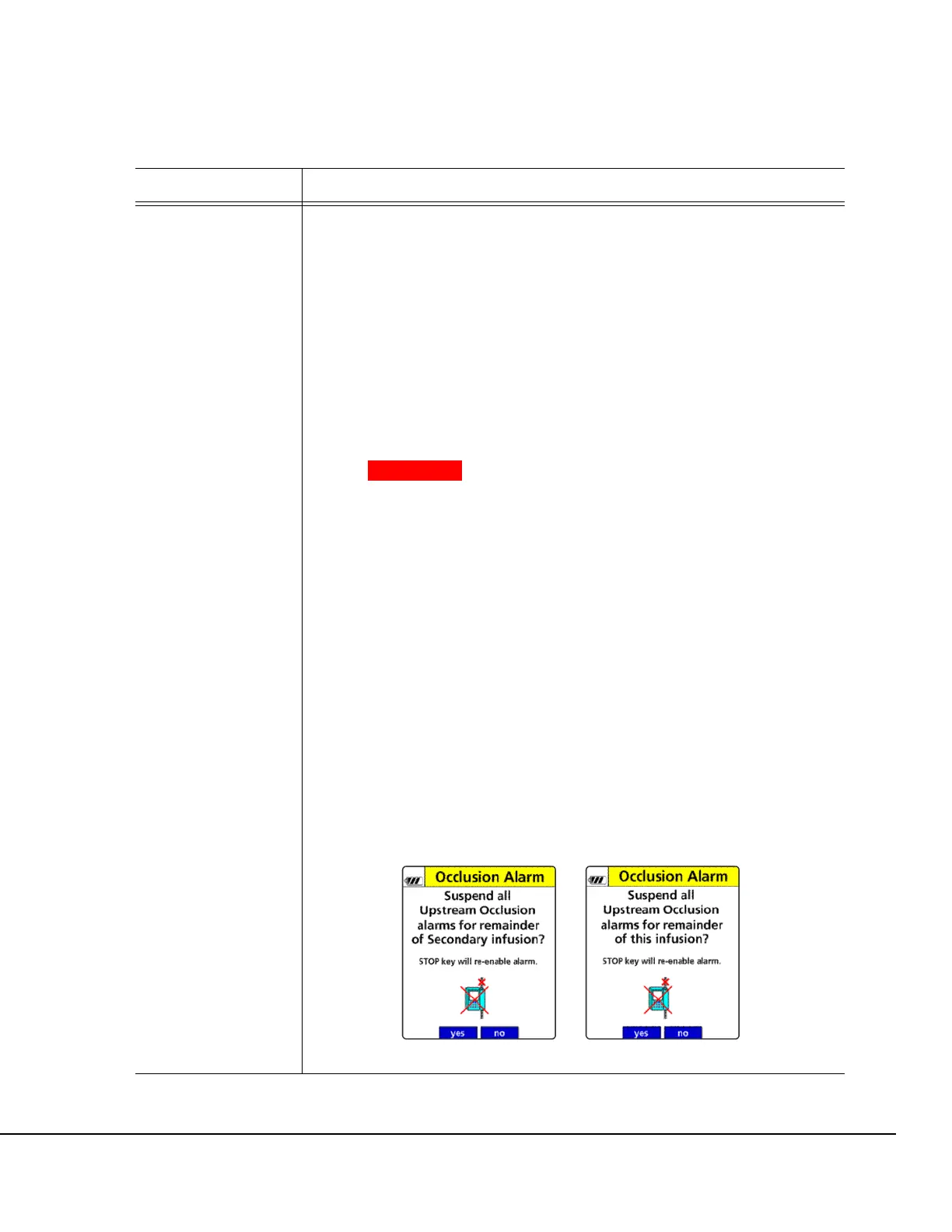
The suspension prompt appears after two consecutive upstream occlusion alarms
and a positive confirmation on the check flow display screen. See Figure 131.
This dialog allows the user to suspend the alarm for the currently programmed
infusion. The upstream occlusion alarm will be re-enabled automatically when:
1. STOP is pressed.
2. The door is opened.
3. The infusion transitions from Secondary to Primary.
4. Any alarm condition that stops the Pump and when the Pump is powered OFF
and then back ON.
WARNING Upstream Occlusion Alarm Suspension.
Do not use the Upstream Occlusion
Alarm Suspension when delivering
critical drugs where the risk of flow
stoppage due to an undetected
upstream occlusions outweighs that of
flow interruption due to alarms where no
upstream occlusion is present.
Do not use Upstream Occlusion Alarm
Suspension for drugs delivered in RIGID
containers since the flow restriction
caused by lack of proper container
venting may be difficult to recognize
when troubleshooting an alarm
condition.
Only use Upstream Occlusion Alarm
Suspension after the operator visually
observes positive line flow.
Upstream Occlusion Suspension feature is enabled for all drugs, by default, in the
Drug Library.
Figure 131. Upstream Suspension Prompts: Primary and Secondary Infusions.
Alarms Action



 To Next Page