Programming the Pump 57
SIGMA Spectrum Infusion System Pump Operating Software Version 8.00
Operator’s Manual For Use With MDL Version 8.0
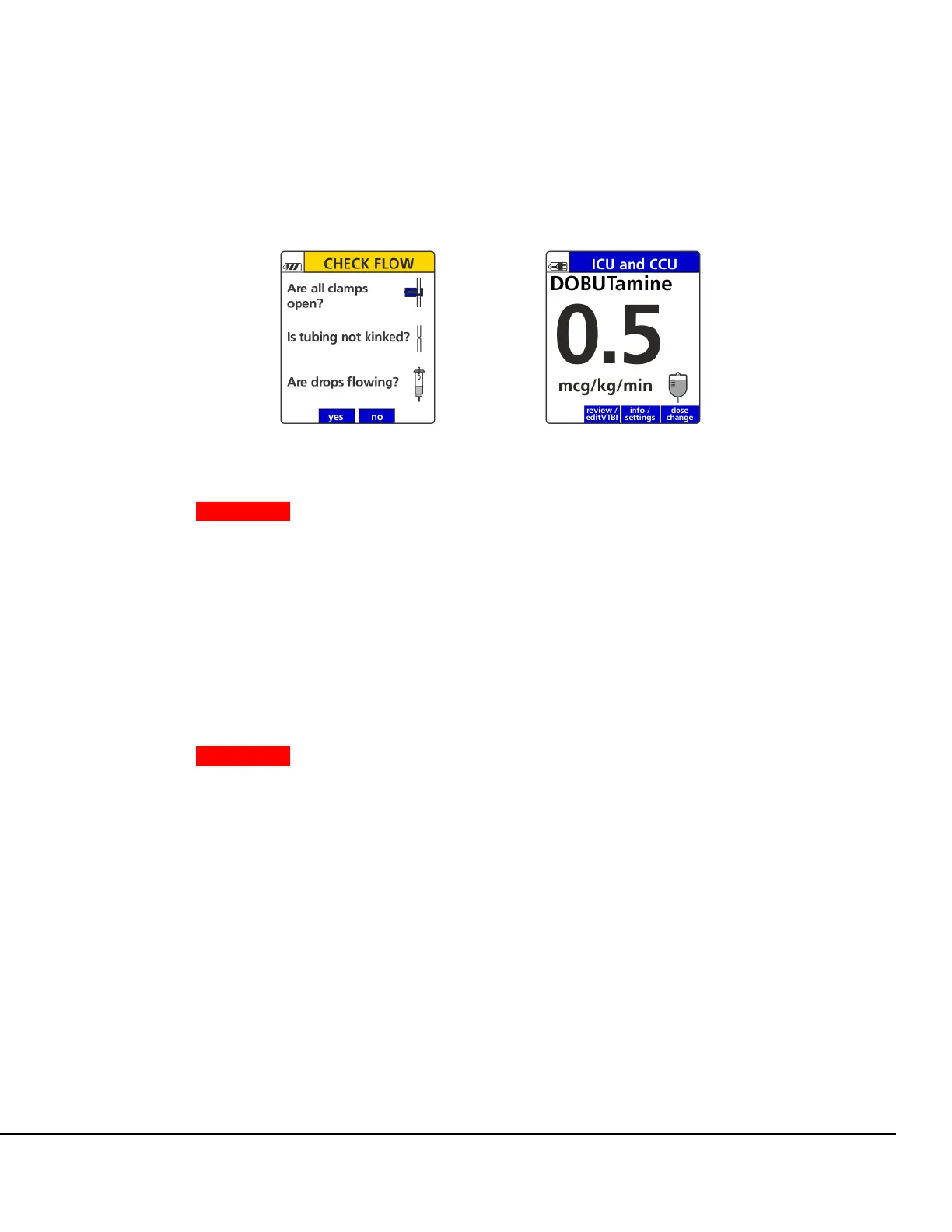
If no drops are falling in the drip chamber, press the no soft key and follow the screen prompts.
The Infusion Running screen appears, indicating that the infusion is running. See Figure 39.
WARNING Time to Upstream Occlusion at Lower Flow Rates.
When infusing at flow rates below 5 mL/hr, the Pump may take an
extended period of time to detect an upstream occlusion and sound
an alarm.
Ensure the following:
All clamps are open.
There are no kinks or collapses in the tubing outside of the Pump.
Drops are flowing in the drip chamber. Note, at very low rates, it
may take several minutes to see drops.
Vents are open (if applicable).
WARNING Manually Stopping the Pump.
If the Pump cannot be stopped by pressing the RUN/STOP key,
Close the roller clamp below the Pump.
Insert the slide clamp into the keyhole.
Push the slide clamp down until the door opens.
To change the rate or dose while the Pump is running:
» Press the rate change soft key or the dose change soft key.
To clear the total given while the Pump is running:
1. Press the review/edit VTBI soft key to view infusion information.
2. Press clear total to clear the total volume given.
To clear the total given while the Pump is stopped:
1. Press STOP.
Figure 38. Primary Check Flow
Screen.
Figure 39. Infusion Running Screen.



 To Next Page