66 Programming the Pump
Manual 41018v0800 SIGMA Spectrum Infusion System
Revision B Operator’s Manual
If no is pressed, the callback icon will not be displayed and the Pump will automatically
transition to the primary infusion upon completion of the secondary infusion.
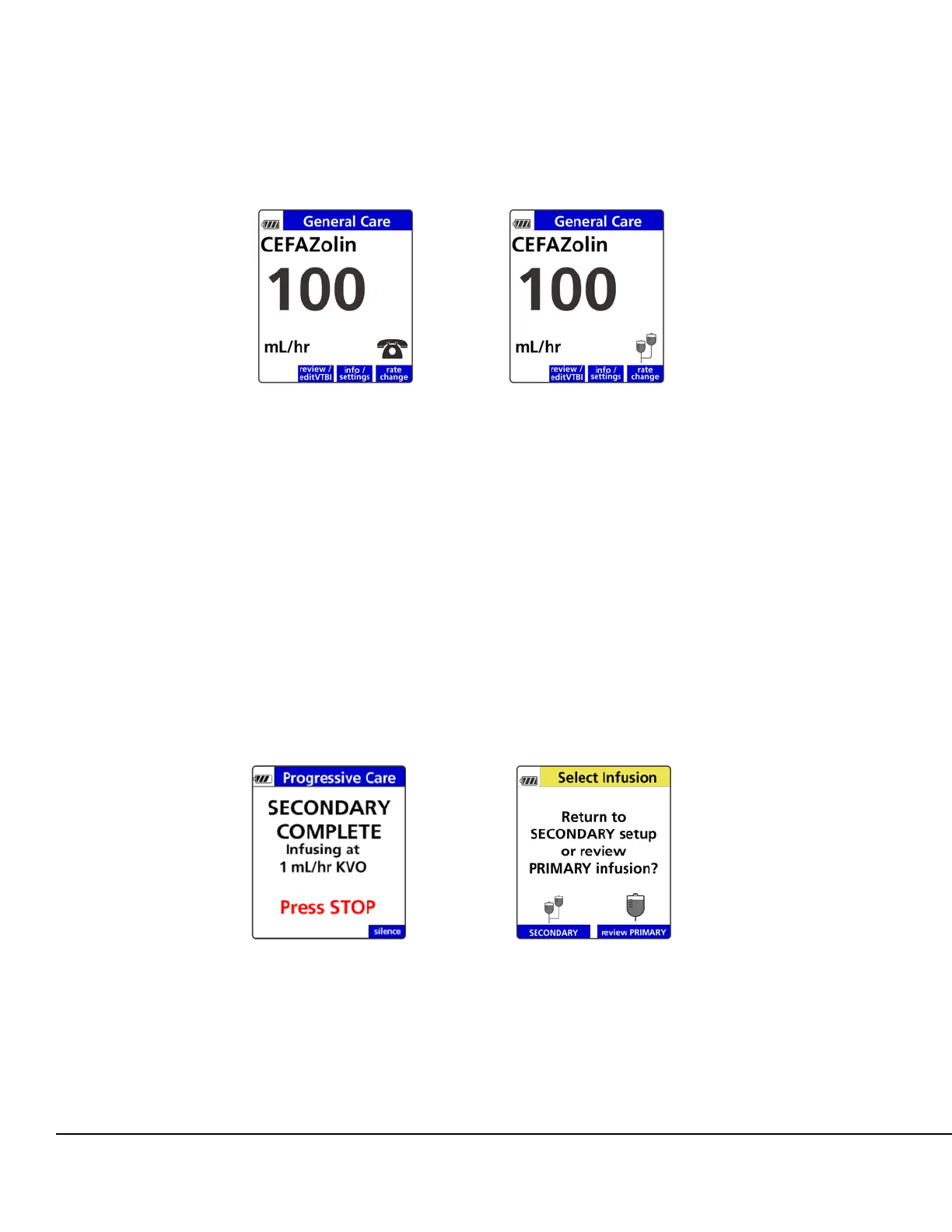
At the completion of the secondary infusion, if secondary callback is active, the Pump will run
at a KVO rate (1 mL/hr) and a Secondary Complete notification screen will display.
See Figure 59.
2. Press STOP.
3. Select the infusion:
Press the SECONDARY soft key to return to the secondary setup screen. This allows
reprogramming of the last secondary infusion or programming with a new drug.
Press the review PRIMARY soft key to return to the primary infusion. See Figure 60.
After reviewing the primary program, if the primary IV line is clamped, remove the clamp
on the primary IV line and press RUN.
Figure 58. Alternating Infusion Running Screens with Secondary
Callback Enabled.
Figure 59. Secondary Complete:
KVO Alarm.
Figure 60. Select Infusion Screen.



 To Next Page