68 Programming the Pump
Manual 41018v0800 SIGMA Spectrum Infusion System
Revision B Operator’s Manual
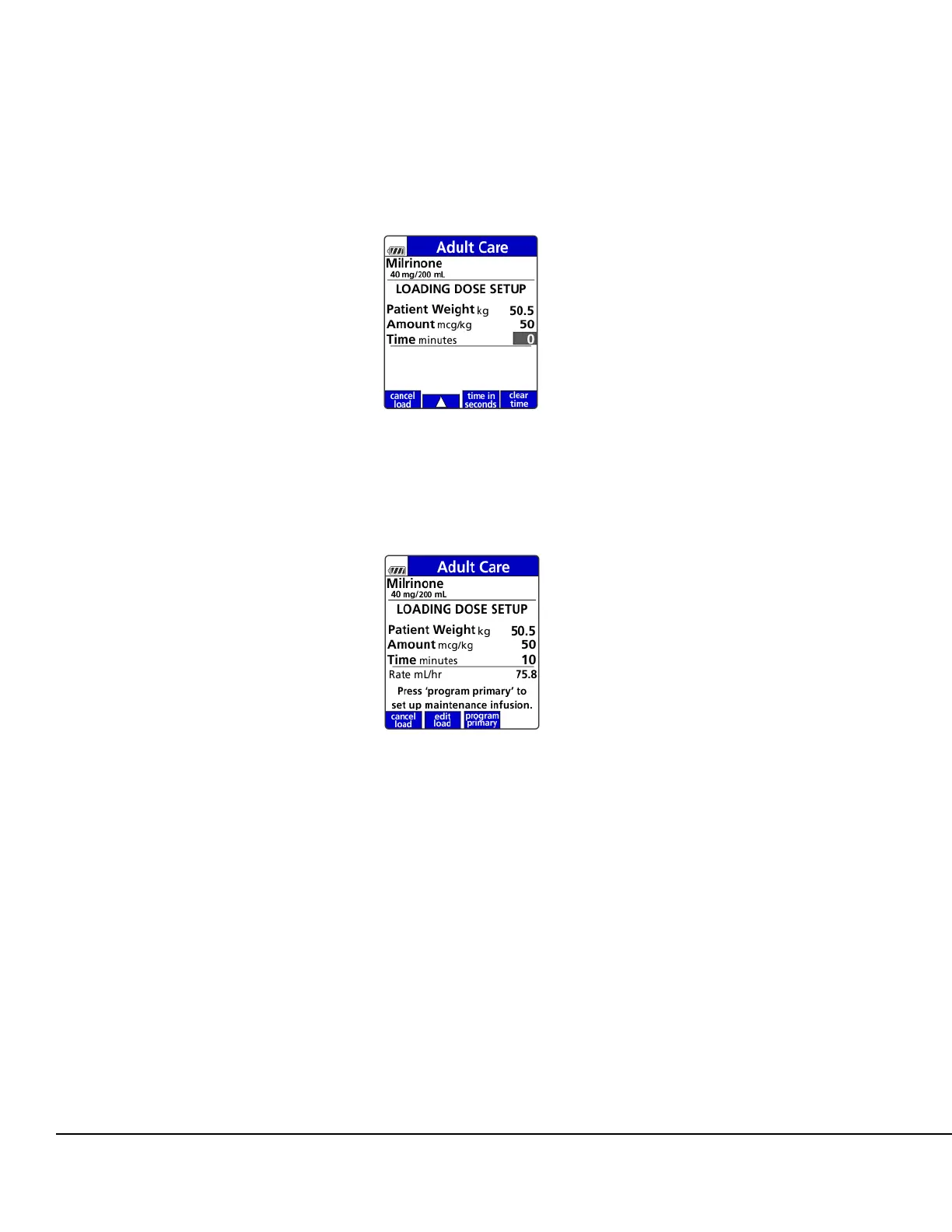
NOTE: If configured in the MDL for delivery in seconds, the time in seconds soft key will
appear allowing entry of time in seconds if needed. See Figure 63.
3. When Loading Dose Setup is complete, press the program primary soft key to begin
programming of the primary infusion. See Figure 64.
4. Enter all required values, pressing OK after each entry, to complete setup of the primary
program.
5. To start the infusion, ensure that the slide clamp and roller clamp are open and press RUN to
start the delivery of the Loading Dose.
Once RUN is pressed, the infusion will start and the Primary Check Flow screen is displayed.
Check the flow and confirm:
All clamps are open.
There are no kinks or collapses in the tubing outside of the Pump.
Drops are flowing in the drip chamber. Note, at very low rates, it may take several minutes
to see drops.
Vents are open (if applicable).
If drops are falling in the drip chamber, press the yes soft key.
Figure 63. Loading Dose Setup Screen
Showing Time In Seconds Soft Key.
Figure 64. Loading Dose Setup Screen
Complete.



 To Next Page