Programming the Pump 83
SIGMA Spectrum Infusion System Pump Operating Software Version 8.00
Operator’s Manual For Use With MDL Version 8.0
To display infusion status while the Pump is infusing, press the review/edit VTBI soft key
from the Infusion Running screen. See Figure 84. Also see Figure 85.
To change the mL/hr rate while stopped, press the review or program pri/sec soft key.
Press the arrow soft key to scroll up to change the rate.
To change mL/hr rate while running, press the rate change soft key and enter the new
rate.
To program a Standard Concentration - Drug Amount/mL:
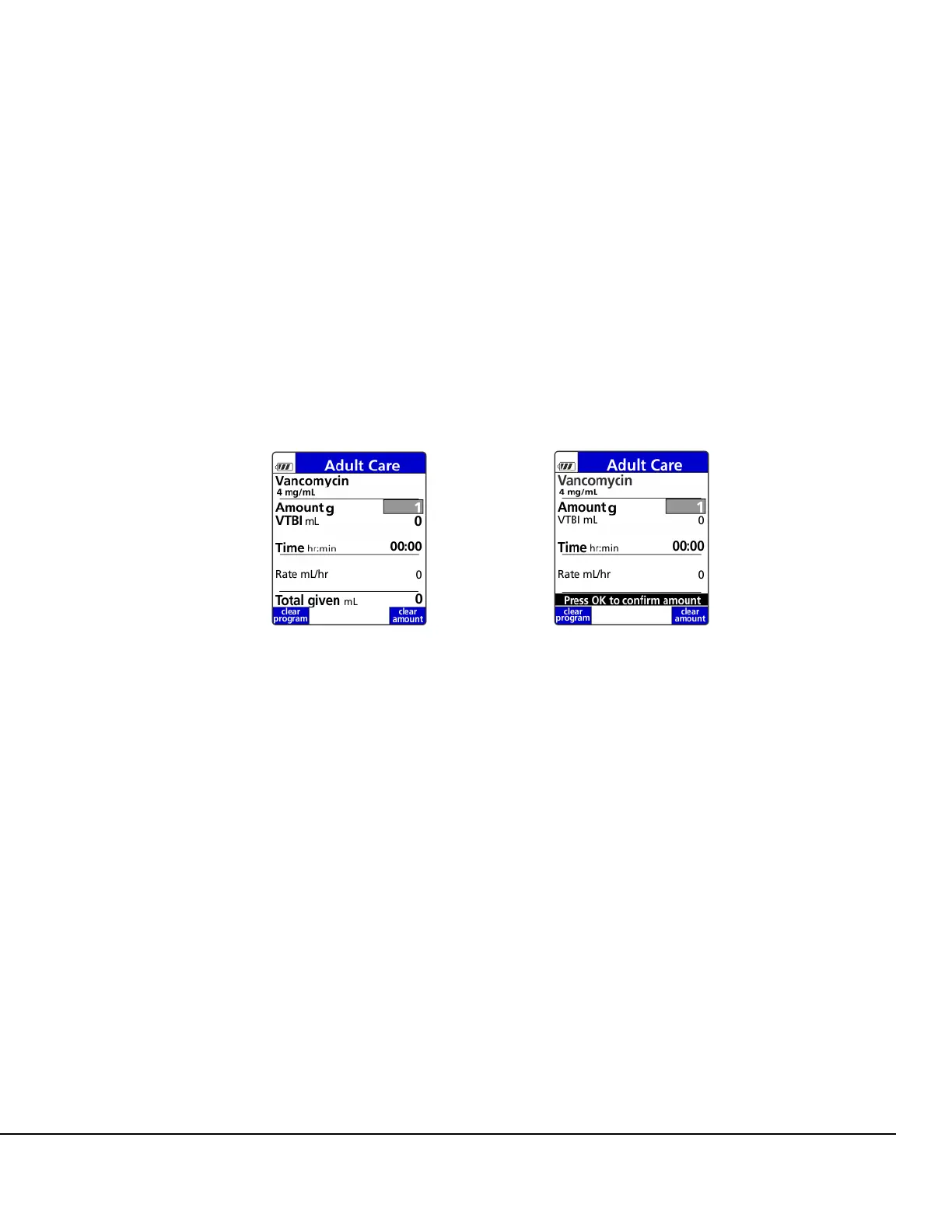
The standard concentration may not be changed at the Pump. For example: 4 mg/mL.
1. Enter drug amount. Press OK.
2. Confirm standard concentration and press OK. See Figure 86. Also see Figure 87.
NOTE: VTBI is automatically calculated and displayed.
NOTE: After RUN is pressed, the VTBI cannot be edited in any Amount/Time infusion.
3. Enter duration of infusion. Press OK. See Figure 88.
Dose is calculated and displayed. See Figure 89.
Figure 86. Standard Concentration
Setup Screen.
Figure 87. Standard Concentration
Confirmation Screen.



 To Next Page