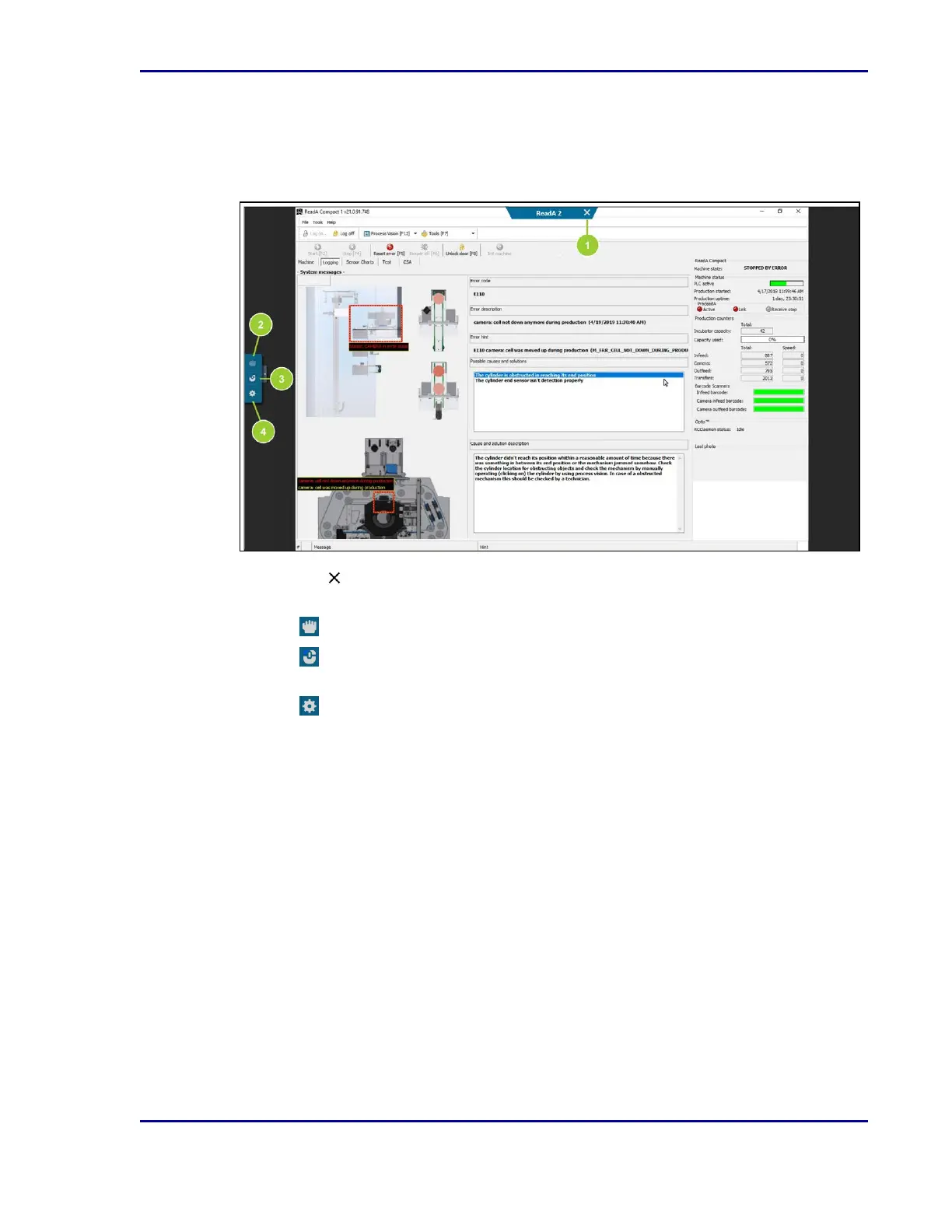
Remote access window
The ReadA application opens within a remote access window, which has its own toolbar.
Figure 3 - Remote Access window and toolbar
1.
Select the in the tab at top-middle of the remote access window to close it and return to
the Track GUI.
2.
Select to drag the ReadA application around to make certain parts more visible.
3.
Select to identify which mouse click (left, center, right) to emulate when touching the
screen.
4.
Select to access detailed settings.
15
2 - Introduction










 To Next Page