18
Tools menu options
Option Description
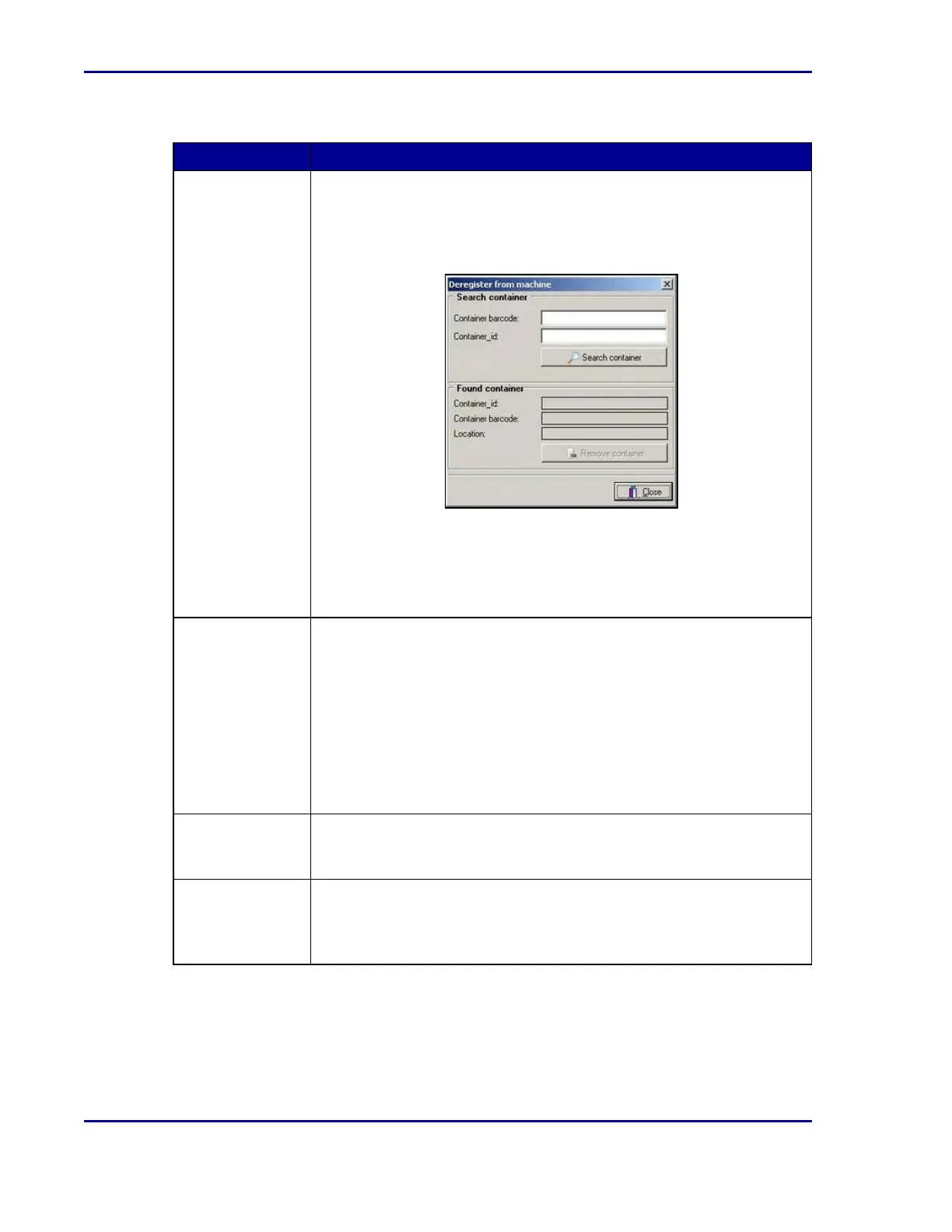
Deregister
container from
machine
ReadA must be stopped in order to deregister a single plate from the
database. When you deregister a plate, the incubation time is
interrupted.
Upon selection, the following pop-up window appears:
1. Enter the barcode and select Search container. The plate data
appears in the lower part of the dialog.
2. Select Remove container to deregister the plate.
3. Manually remove the plate from the incubator.
Deregister all
containers (empty
ReadA)
ReadA must be stopped in order to deregister all plates currently in the
incubator. Use this option to manually empty the ReadA when
maintenance or cleaning is required.
Upon selection, a pop-up dialog appears asking “Are you sure to
deregister all containers?”.
1. Select OK to confirm, or select Cancel.
2. If you select OK, all plates will be deregistered.
3. Manually remove all plates from the incubator.
Reset disk space
warning & error
Modify at what point a warning and/or an error must be generated if
available disk space (used for storage of images) approaches a critical
level.
Force empty
reserved racks
ReadA must be started in order to automatically empty the reserved
racks. The plates are transported to other, non-reserved, rack locations.
If no rack locations are available, the plates are transported to the Track
error Stacker.
BD Kiestra™ ReadA User's Manual










 To Next Page