LR2000 Programming Manual V1.2
complement of 65536.
When pitch N is specified to the left:
nL+ nH × 256 = 65536 - N
In standard mode, the horizontal motion unit is used.
[Reference] ESC $
ESC a n
[Name] Select justification
[Format] ASCII ESC a n
Hex 1B 61 n
Decimal 27 97 n
[Range] 0 n 2, 48 n 50
[Description] Aligns all the data in one line to the specified position.
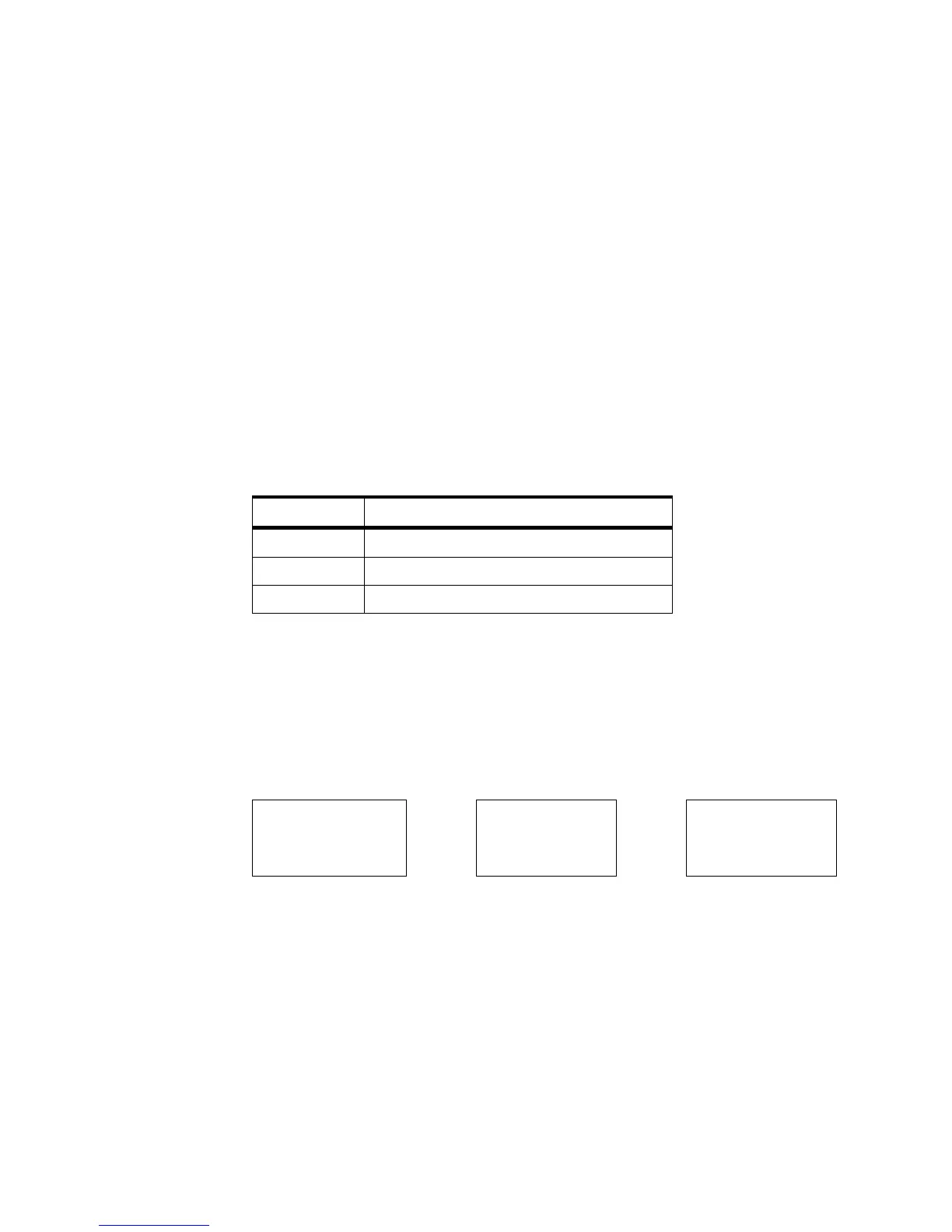
n selects the justification as follows:
[Notes] The command is enabled only when processed at the beginning of the line in
standard mode.
This command executes justification in the printing area.
This command justifies the space area according to HT, ESC $ or ESC \.
[Default] n = 0
[Example]
ESC c 5 n
[Name] Enable/disable panel buttons
[Format] ASCII ESC c 5 n
Hex 1B 63 35 n
Decimal 27 99 53 n
[Range] 0 n 255
[Description] Enables or disables the panel buttons.
When the LSB of n is 0, the panel buttons are enabled.



 To Next Page