LR2000 Programming Manual V1.2
The ESC a (Select justification) setting is also effective on raster bit images.
When this command is received during macro definition, the printer ends macro
definition, and begins performing this command. The definition of this command
should be cleared.
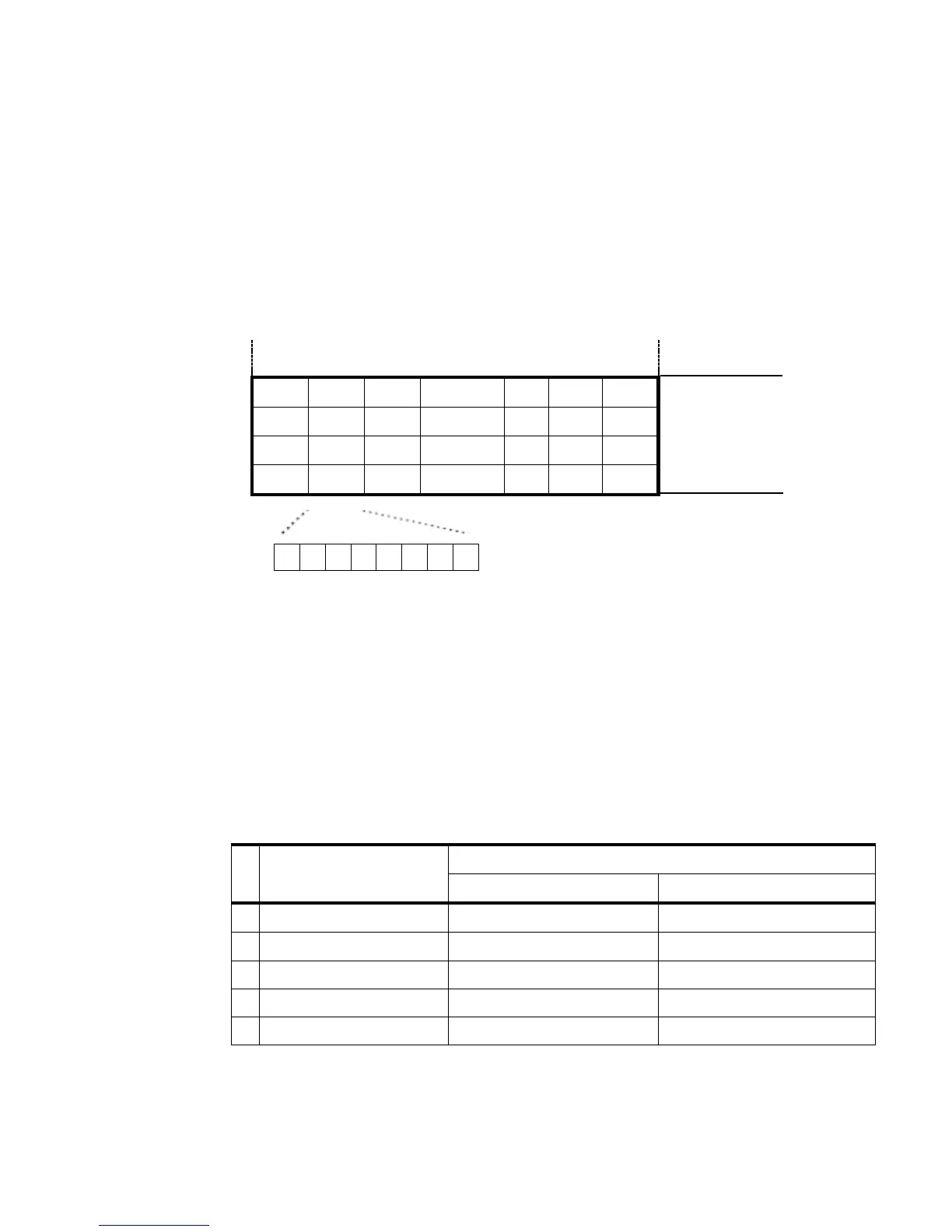
d indicates the bit-image data. Setting a bit to 1 prints a dot and setting it to 0 does
not print a dot.
[Example] When xL+xH×256=64
(xL + xH×256)×8dots=512dots
GS w n
[Name] Set bar code width
[Format] ASCII GS w n
Hex 1D 77 n
Decimal 29 119 n
[Range] 2 n 6
[Description] Sets the horizontal size of the bar code.
n specifies the bar code width as follows:
Module Width (mm) for
Multi-level Bar Code
Multi-level bar codes are as follows:
UPC-A, UPC-E, JAN13 (EAN13), JAN8 (EAN8), CODE93, CODE128
Binary-level bar codes are as follows:



 To Next Page