LR2000 Programming Manual V1.2
[Default] n = 0
[Reference] GS f, GS k
GS L nL nH
[Name] Set left margin
[Format] ASCII GS L nL nH
Hex 1D 4C nL nH
Decimal 29 76 nL nH
[Range] 0nL 255
0 nH 255
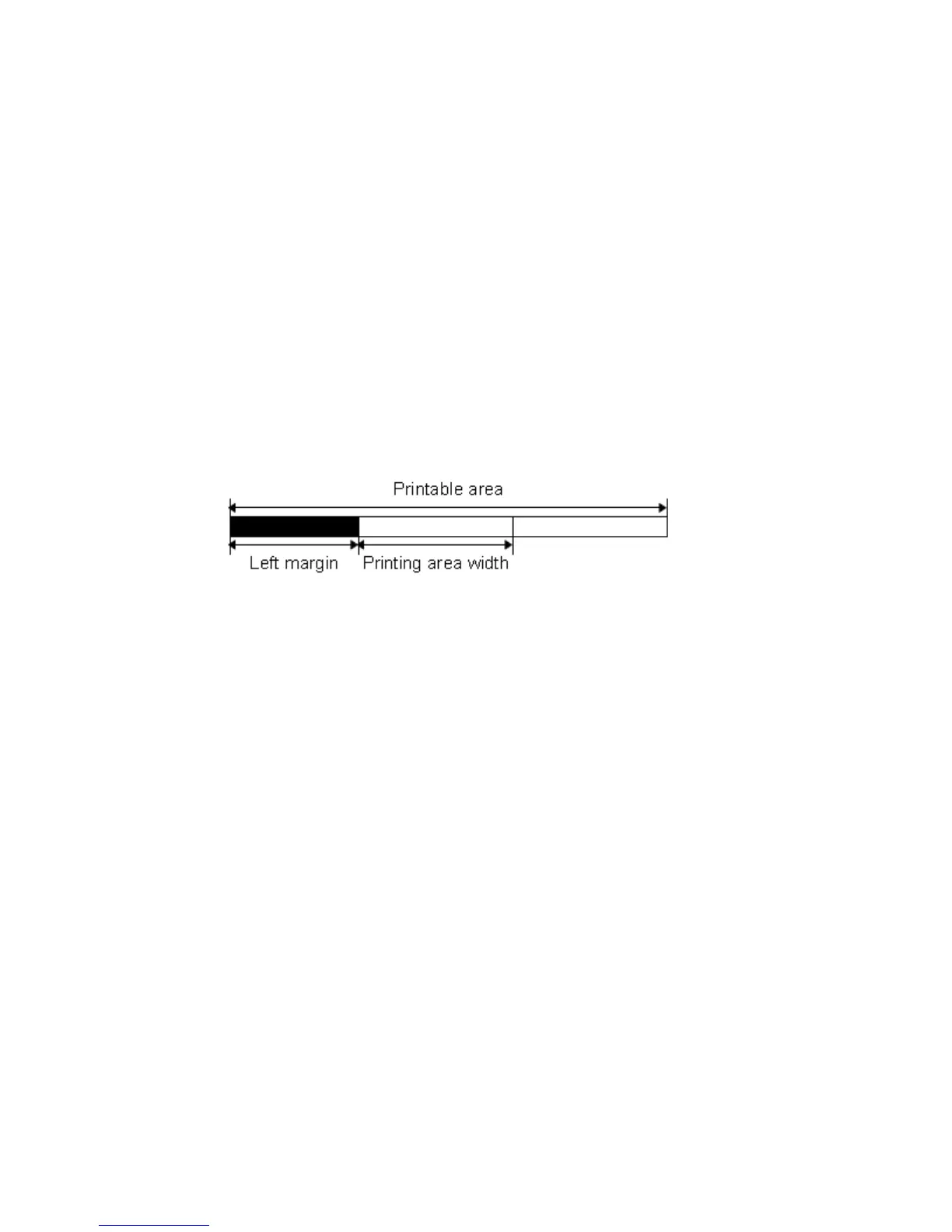
[Description] Sets the left margin using nL and nH.
The left margin is set to [(nL + nH ×256) ×0.141 mm].
[Notes] This command is effective only when processed at the beginning of the line in
standard mode.
If the setting exceeds the printable area, the maximum value of the printable area is
used.
[Default] nL = 0, nH = 0
[Reference] GS W
①GS V m ② GS V m n
[Name] Select cut mode and cut paper
[Format] ① ASCII GS V m
Hex 1D 56 m
Decimal 29 86 m
② ASCII GS V m n
Hex 1D 56 m n
Decimal 29 86 m n
[Range] ① m = 1, 49
② m = 66, 0 n 255
[Description] Selects a mode for cutting paper and executes paper cutting. The value of m selects
the mode as follows:



 To Next Page