ATICS-2-ISO_D00046_04_M_XXEN / 03.2021 93
ATICS-2-63A-ISO
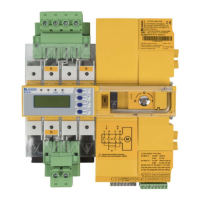
Removing the ATICS® in case of DIN rail mounting
Undo screws (D).
Remove lower and upper terminal covers (A) by using a screw-
driver to push back the locking hook (B) located approximately in
the middle of the cover in each case.
Use a screwdriver to pull the lower yellow slide lock (C) down-
wards and raise the ATICS® slightly from below.
Now use the screwdriver to pull the upper yellow slide lock (D)
upwards and remove the ATICS®.
D
N


 To Next Page