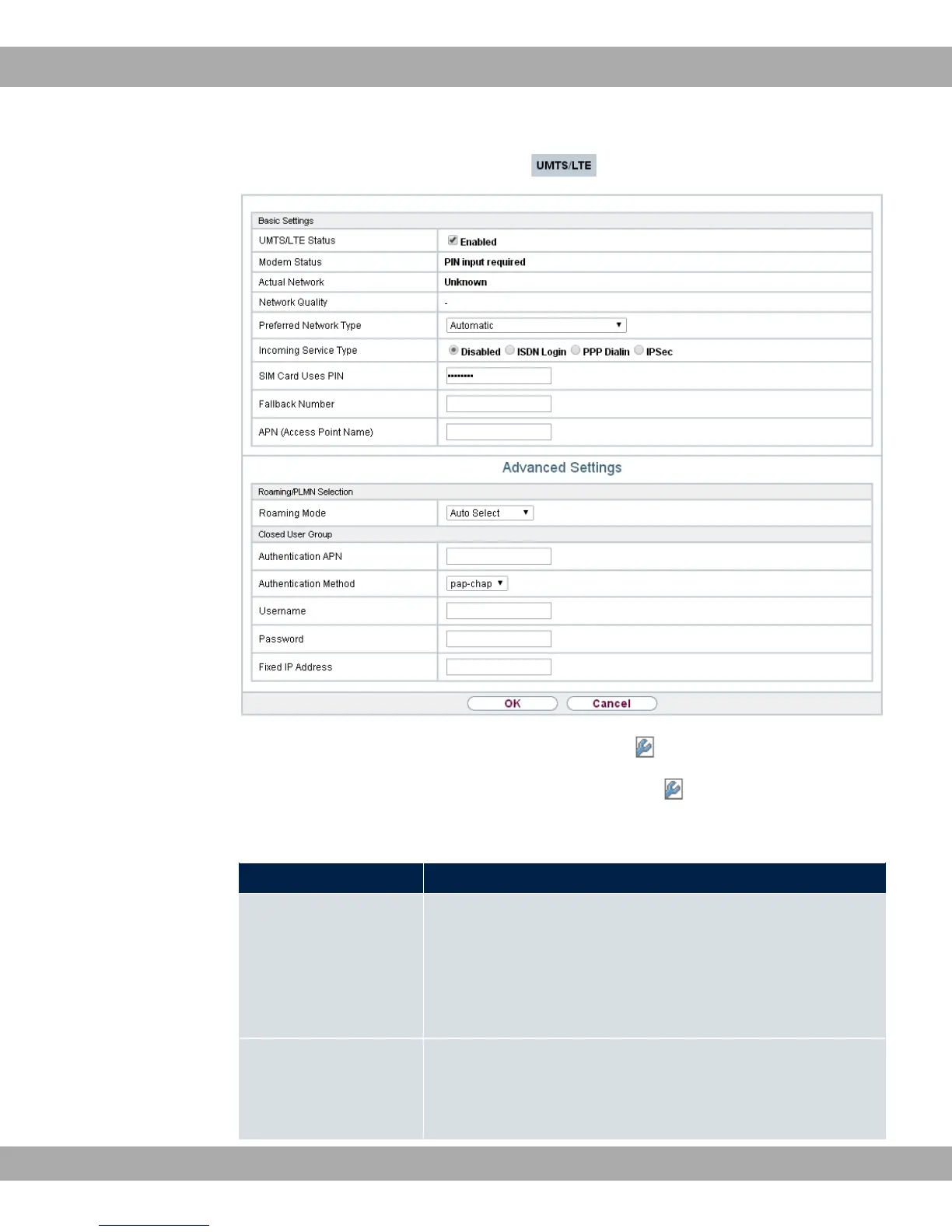
Fig. 50: Physical Interfaces->UMTS/LTE->UMTS/LTE->
The menu Physical Interfaces->UMTS/LTE->UMTS/LTE-> consists of the following
fields:
Fields in the Basic Settings menu.
Field Description
UMTS/LTE Status Select whether the chosen UMTS/LTE modem should be en-
abled or disabled.
The function is enabled with "1.
The function is enabled by default.
Modem Status Only for UMTS/LTE Status = "1
Shows the status of the UMTS/LTE modem.
bintec elmeg GmbH
8 Physical Interfaces
bintec RS Series 123



 To Next Page