22.7 HotSpot Gateway
22.7.1 HotSpot Gateway
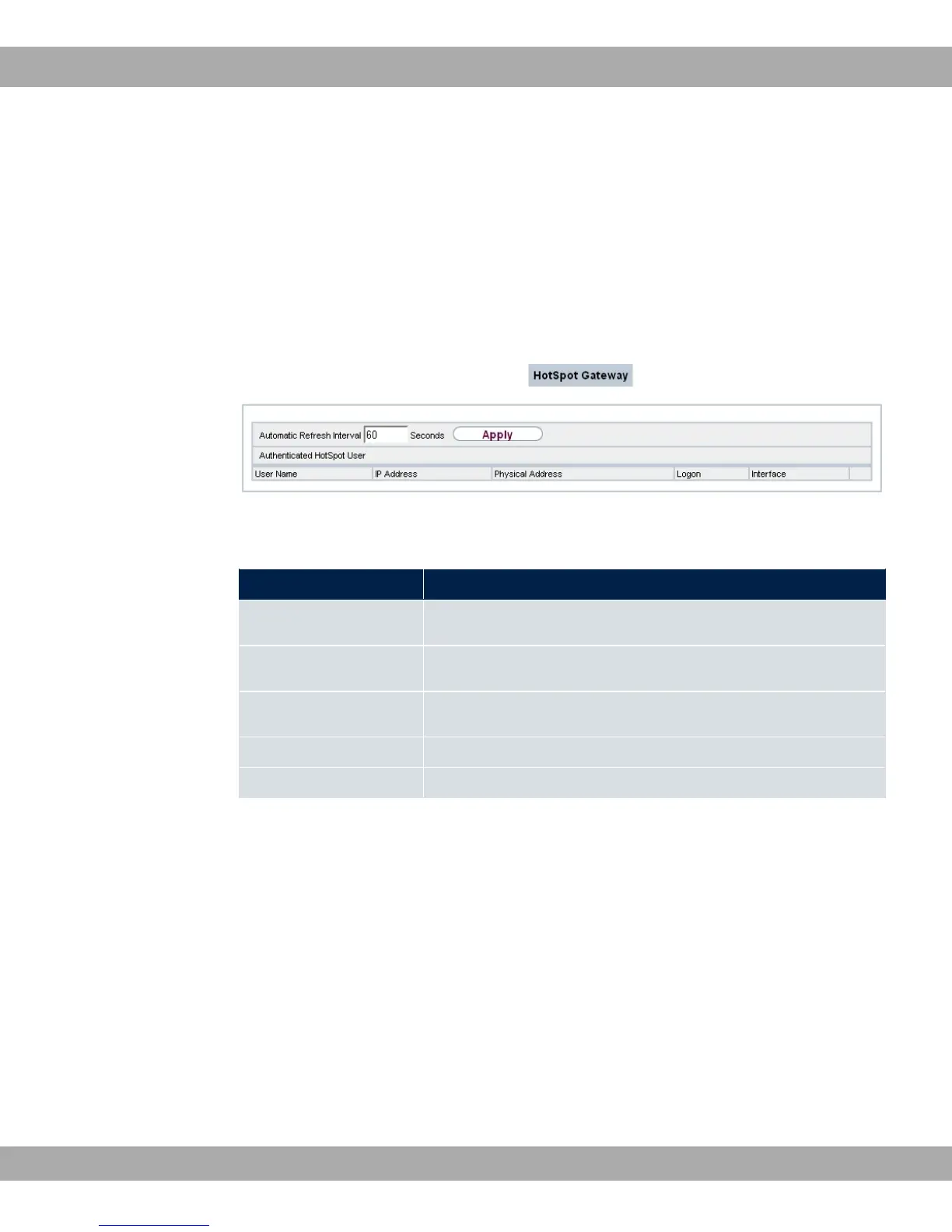
A list of all linked hotspot users is displayed in the Monitoring->HotSpot Gateway->Hot-
Spot Gateway menu.
Fig. 218: Monitoring->HotSpot Gateway->HotSpot Gateway
Values in the HotSpot Gateway list
Field Description
User Name Displays the user's name.
IP Address Shows the IP address of the user.
Physical Address
Shows the physical address of the user.
Logon Displays the time of the notification.
Interface Shows the interface used.
22.8 QoS
In the Monitoring->QoS menu, statistics are displayed for interfaces on which QoS has
been configured.
22.8.1 QoS
A list of all interfaces for which QoS was configured is displayed in the
Monitoring->QoS->QoS menu.
22 Monitoring bintec elmeg GmbH
524 bintec RS Series



 To Next Page