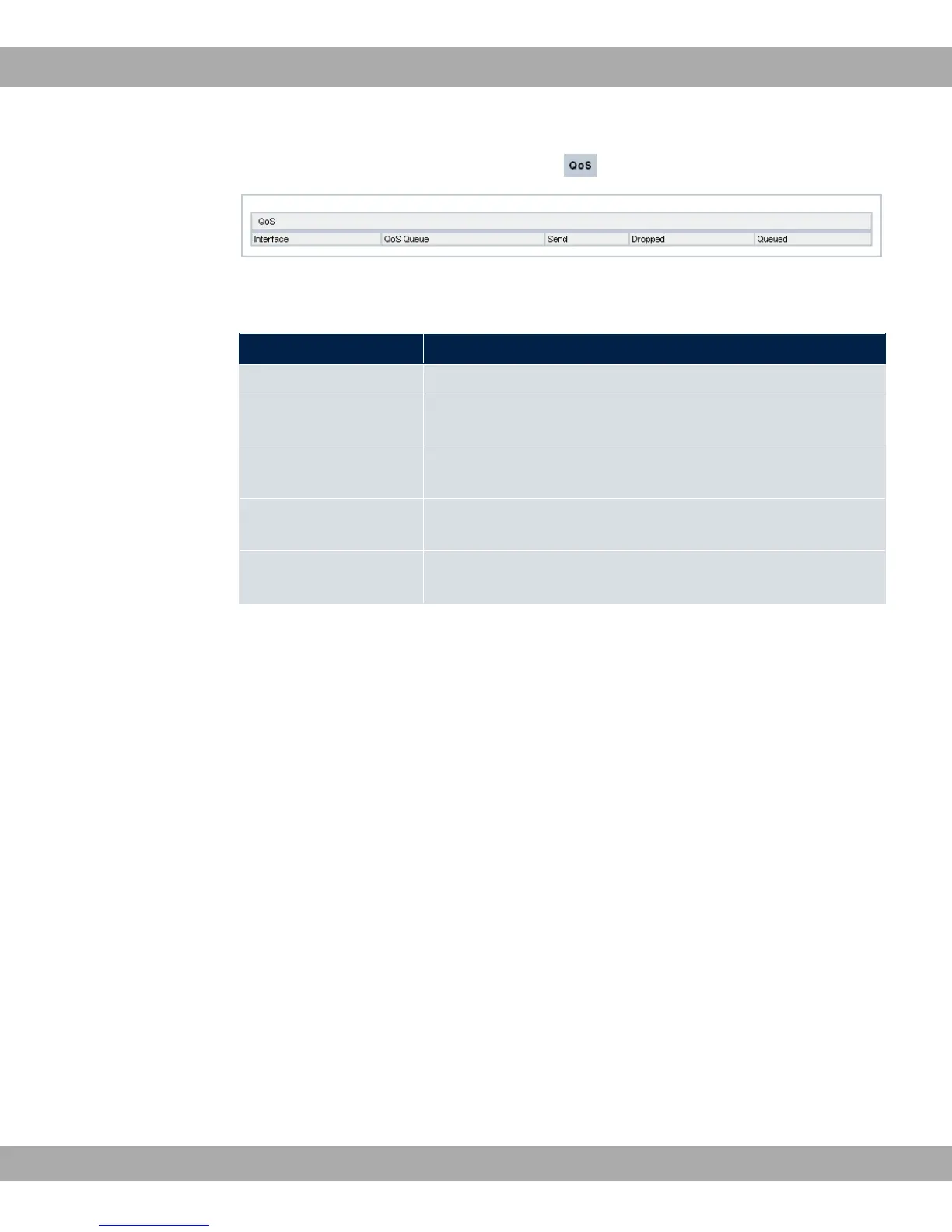
Fig. 219: Monitoring->QoS->QoS
Values in the QoS list
Field Description
Interface Shows the interface for which QoS has been configured.
QoS Queue Shows the QoS queue, which has been configured for this inter-
face.
Send Shows the number of sent packets with the corresponding pack-
et class.
Dropped Shows the number of rejected packets with the corresponding
packet class in case of overloading.
Queued Shows the number of waiting packets with the corresponding
packet class in case of overloading.
bintec elmeg GmbH
22 Monitoring
bintec RS Series 525



 To Next Page